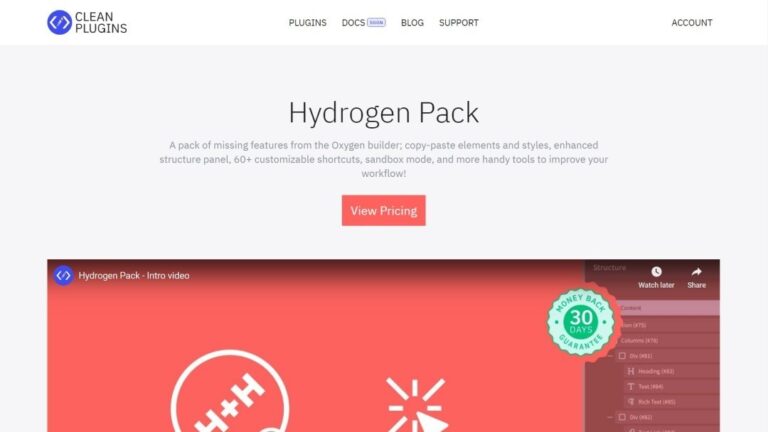
Hydrogen Pack extends Oxygen Builder with tools designed to speed up website development and reduce repetitive actions. Created by Clean Plugins, it focuses on builder usability rather than adding new design elements. Features such as element and style copying, customizable keyboard shortcuts, a right-click context menu, and structure panel improvements help users work more efficiently inside Oxygen.
The plugin is aimed at freelancers, agencies, and developers who spend significant time working in Oxygen Builder. Instead of relying on multiple workarounds, users can perform common actions faster through shortcuts, contextual menus, and interface enhancements. Several Oxygen educators and power users cite these workflow improvements as some of the plugin’s most valuable features.
Hydrogen Pack also includes Sandbox Mode, which allows changes to be reviewed separately from the live site before publishing. This makes it particularly useful for client projects where safe testing and feedback are important.
Key Features
- Copy elements between pages and websites
- Copy and paste styles between elements
- Right-click contextual menu for faster actions
- More than 60 customizable keyboard shortcuts
- Sandbox Mode for isolated site editing
- Adjustable structure panel width settings
- Compact Mode for smaller screens
- Element icons in the structure panel
- Disable Oxygen’s built-in edit locking
- Import and export plugin settings
- Improved the structure panel workflow tools
- Faster navigation inside the Oxygen builder
Hydrogen Pack focuses on making Oxygen Builder faster and more comfortable to use. For developers who work in Oxygen daily, its workflow improvements can save time on nearly every project.