
If you are an Oxygen Builder Classic user and are looking for a place to explore the best free and paid add-ons exclusively made for Oxygen Classic to enhance it further in terms of new features, improvements, and workflow enhancement, then you are in the right place, as this resource article is going to be your final destination.
Oxygen Classic Addons are the WordPress Plugins, Templates, Website Design, and/or Development Companion Tools that boost the capability of Oxygen Classic by adding new features, enhancing the workflow, and/or offering ready-made components to improve the overall experience while building websites with this WordPress Builder.
Here are our top 3 favorite Oxygen Classic Addons:
Also, we have published various useful blog articles about Oxygen Classic on our Toolonomy Blog, and the most popular articles are Compatible Plugins, Learning Hubs, and Templates, which I hope you will find valuable if you’re using this powerful tool.
Let’s get started and explore the best Oxygen Classic Addons!
Oxygen Classic Framework & Template Addons
Explore the Best Oxygen Classic Frameworks and Design Templates that we have shortlisted for you so that you can easily pick and use the ones you find the best fit for your web design and development use cases.
OxyMade
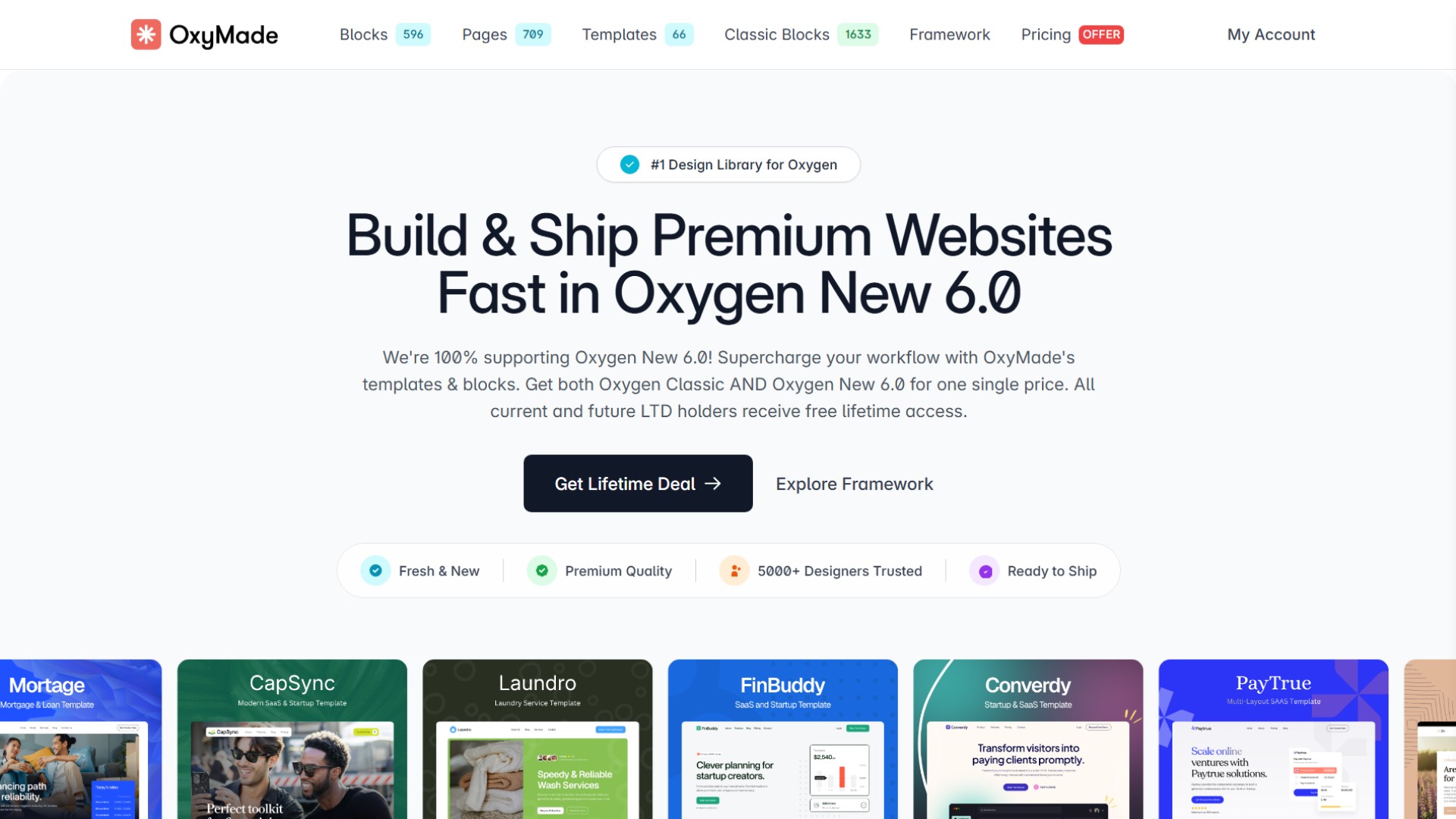
OxyMade is an Oxygen Classic addon that gives you hundreds of professionally designed templates and components, which are powered by the most powerful Tailwind CSS-Based Framework.
It’s a unique page builder that lets you create an entire page within minutes. It has everything you need to build any complex website project using Tailwind’s utility class system.
With it, you will get a lot of great features to help you build beautiful, responsive websites quickly and easily, which can be a time saver. Choose from the vast OxyMade Design library and use the blocks to create your site with ease.
- Free Version: Unavailable
- Paid Version: https://sync.win/oxymade
Main Features
- OxyMade Framework
- OxyMade Mega Set
- Power Modules
- Future Updates
- Lifetime License
- Checkout Design Set
- Restaurant Design Set
- All Niche Design Sets
- Priority support
- Unlimited Sites
Automatic CSS
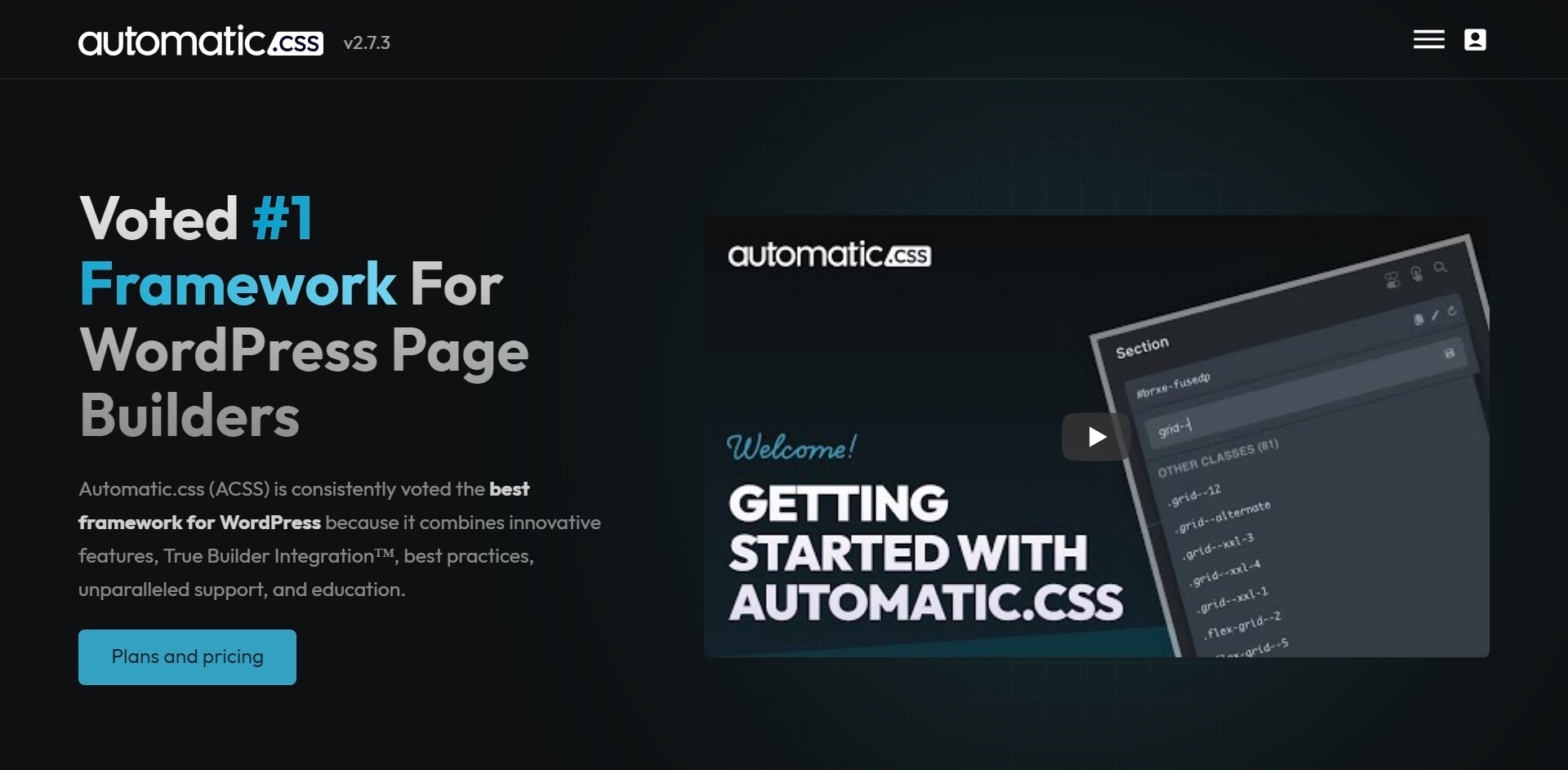
Automatic.css is a wonderful design framework for people who use WordPress for building their responsive websites, and they have become quite popular in a short period of time.
It enables you to quickly and easily create any web page you could imagine using the power of utility classes. You can use this plugin to easily add custom class colors to any of your site’s elements and make sure they look great in every combination of background and overlay.
This framework is designed to be used as a starting point for building beautiful and functional websites. It’s great for beginners, but the advanced CSS user will love it, too.
- Free Version: Unavailable
- Paid Version: https://sync.win/automaticcss
Main Features
- Automatic Typography
- Automatic Colors
- Automatic Spacing
- Automatically Responsive
- Automatic Grid
- Insane Customizability
- Automatic Fallbacks
- Lightweight & Bloat-Free
Winden
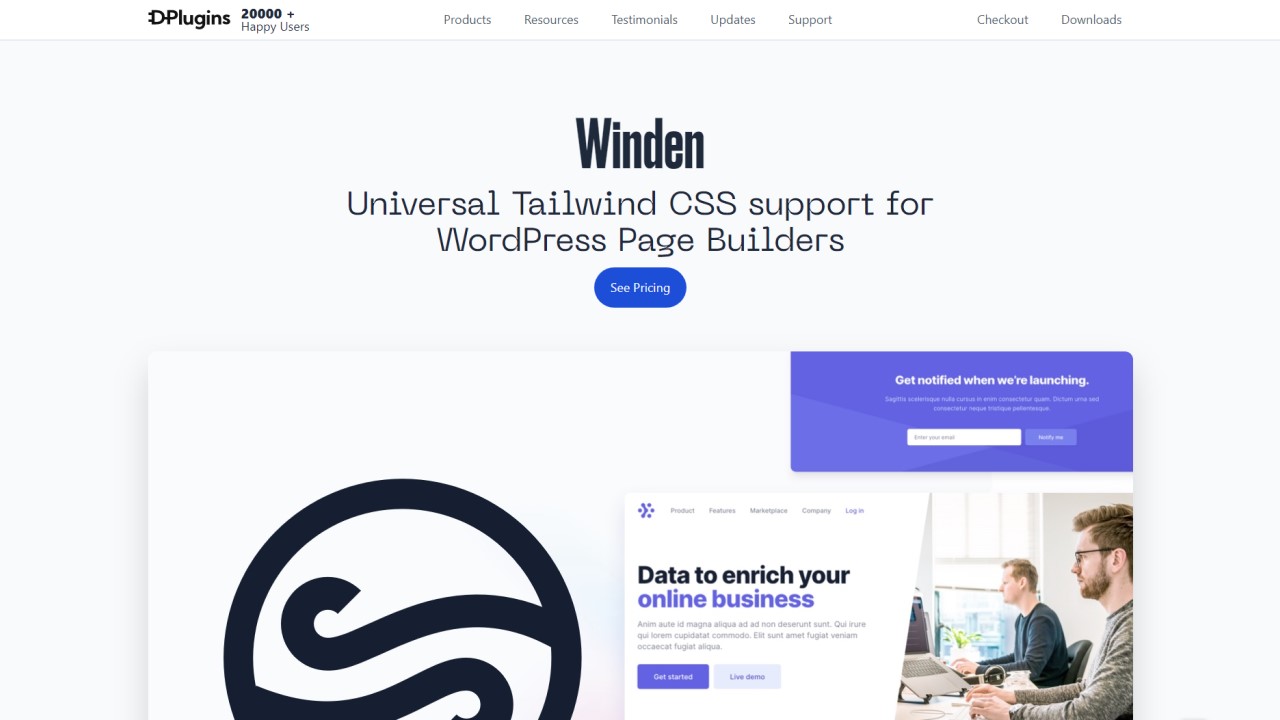
It provides a seamless experience between your WordPress site and TailwindCSS, with all your custom components built with Tailwind automatically applied. Even if you’ve never coded before, you can build great-looking and functional websites with Tailwind CSS.
Originally, it was only available as a dedicated Oxygen Classic Add-on, but later they added the ability to work with other WordPress builders, and the name was changed to Winden. It has lots of powerful features that can be used to manage CSS classes in WordPress in the most efficient way.
When designing a website, you can use any of the available free or paid templates built with the Tailwind framework, but before you start creating your own designs, you need to know how to use Tailwind CSS.
- Free Version: Unavailable
- Paid Version: https://sync.win/winden
Main Features
- Unlimited Websites Activations
- Unlimited Support
- Tiny Final CSS
- Tailwind CSS 3x
- Compatible with All Tailwind Design Sets
- Change Theme Easily
- Oxygen Classic Integration
- Script Organizer and Gutenberg Add-On Integration
- Cwicly Integration
OxyNinja
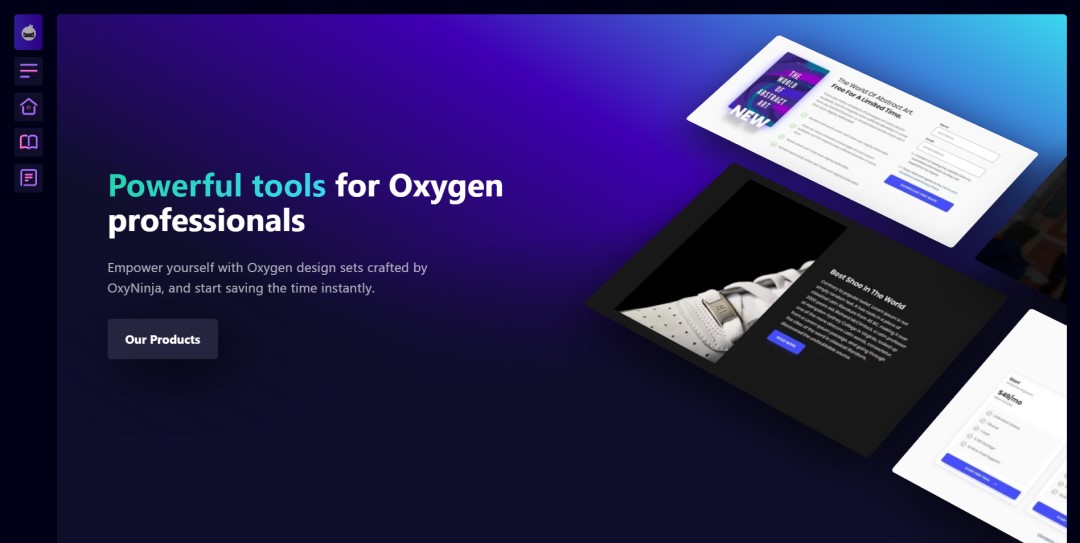
OxyNinja can make a difference to freelancers, agencies, and web designers. It can improve their workflow and help them to save time and energy. Your site can become more attractive and easier to maintain by using CSS utility classes.
CSS utility classes make it easy for you to manage how your page displays on different devices and browsers. It uses well-defined utility classes and a CSS grid to build and style your site so that global changes can be done easily.
It offers you a powerful and amazing design set for your Oxygen Classic projects. You can use it to boost your productivity and work more efficiently by using its built-in classes and attributes to improve your workflow.
- Free Version: Unavailable
- Paid Version: https://sync.win/oxyninja
Main Features
- CORE CSS Framework
- 160+ Professionally designed sections
- Support, documentation, and a cheat sheet
- 17 Full WooCommerce Templates
Dezign4Fun
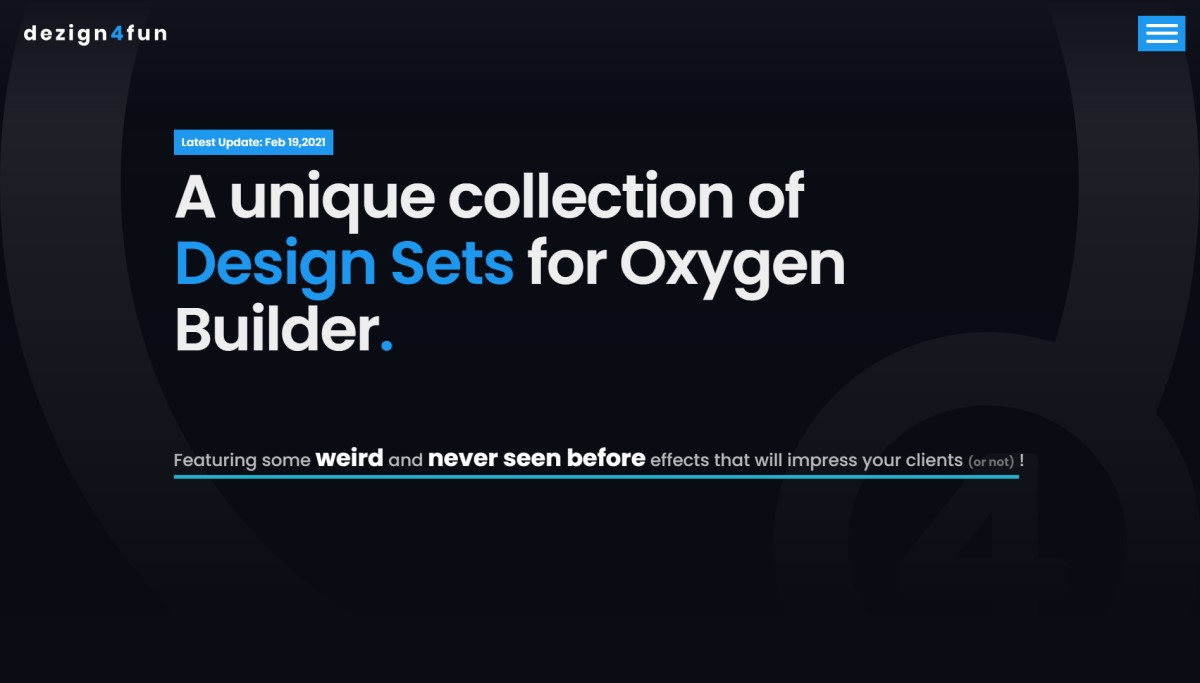
Dezign4u is a collection of unique Design Sets for Oxygen Classic. It is packed with a strange collection of designs that you can easily add to your Oxygen Classic websites that you may have never seen before, which will impress your clients.
It can be a complete solution for you, whether you want to add some interactive, animated elements to your site or just want to showcase your customer feedback in a nice slider; you can do that without any problem.
You don’t have to worry about customization, as it allows you to fully customize your site’s design to match your company’s look and feel.
- Free Version: https://www.dezign4fun.com/free-stuffs/
- Paid Version: https://sync.win/dezign4fun
Main Features
- Parallax Mouse Effect
- Tilt Effect
- Content Ticker
- Testimonial Sliders
- Animated 3D Backgrounds
- Logo Showcase
- Dynamic Sliders
- SVG Text Path
- CSS Masks
- Off-Canvas Menus
- 3D Cubebox
- Multiple Backgrounds
- Progress Bars
Oxygen Classic Workflow Enhancement Addons
Explore the Best Oxygen Classic Workflow Enhancement Addons that we have shortlisted for you so that you can easily pick and use the ones you find the best fit for your web design and development use cases.
Recoda Workspace
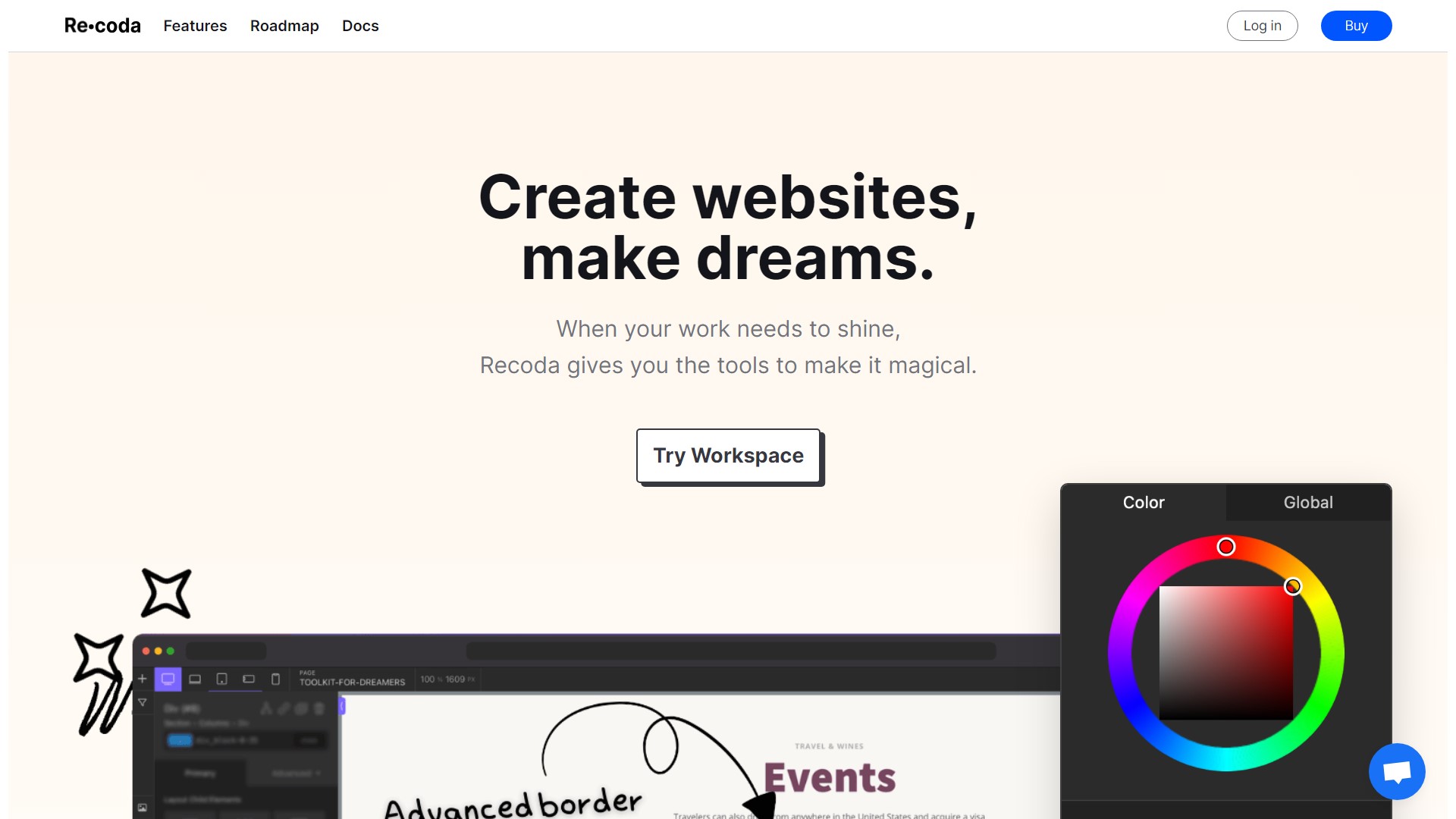
Recoda is the fastest and easiest way to get work done. It streamlines the workflows of both developers and designers. It’s designed to help you make your work easier and more efficient by streamlining your workflow.
Make your team members adopt this Recoda’s shortcuts system for their work and make them more efficient at it. They’ll enjoy a boost in their productivity, and their focus will shift to things that really matter.
If you want to keep your work organized and find everything faster, this tool simplifies it by providing a new way to view and edit content. With it, you can have the best code-writing experience using CodeMirror within Oxygen Classic.
- Free Version: Unavailable
- Paid Version: https://sync.win/recoda
Main Features
- Flexible Panels
- Unmatched UI Flexibility
- User Profiles
- Two-Handed Workflow
- 40+ shortcuts
- Add multiple classes
- Bulk actions
- Emmet-like adding elements
- Custom CSS
Swiss Knife
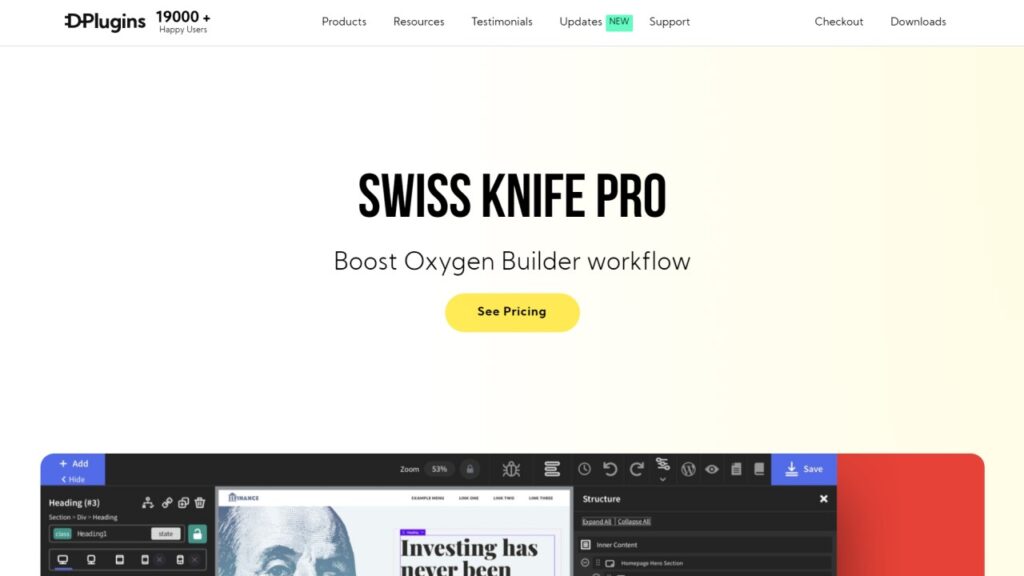
There are many popular workflow improvement tools, but Swiss Knife is one of the most powerful ones. It has a lot of useful features to help you manage your workflow and keep it working smoothly. It is made for both small and large businesses that need more options while creating their site with Oxygen Classic.
It lets you safely add scripts and styles securely for the Oxygen Classic which can be easily enabled or disabled based on your requirements. It has a unique feature that converts any HTML elements to the Oxygen Classic Editor’s native elements, which I found very interesting.
Did you ever accidentally edit classes on your page that weren’t meant to be changed, only to realize your mistake later? With this tool, you don’t need to worry about that anymore, as its class lock feature prevents this from happening again.
- Free Version: https://wordpress.org/plugins/swiss-knife-for-oxygen-buider/
- Paid Version: https://sync.win/swissknife
Main Features
- Pages and Templates list inside Oxygen Classic
- Class Lock
- Oxygen Classic Keyboard Shortcuts
- Oxygen Classic Themes
- Font Manager with Font Preload
- Scripts Manager
- Code Hint
- Debug
- Emmet.io Integration
- Structure Icons
- Debug
- Faster Top Bar
- Import & Lock Multiple Classes at Once
Hydrogen Pack
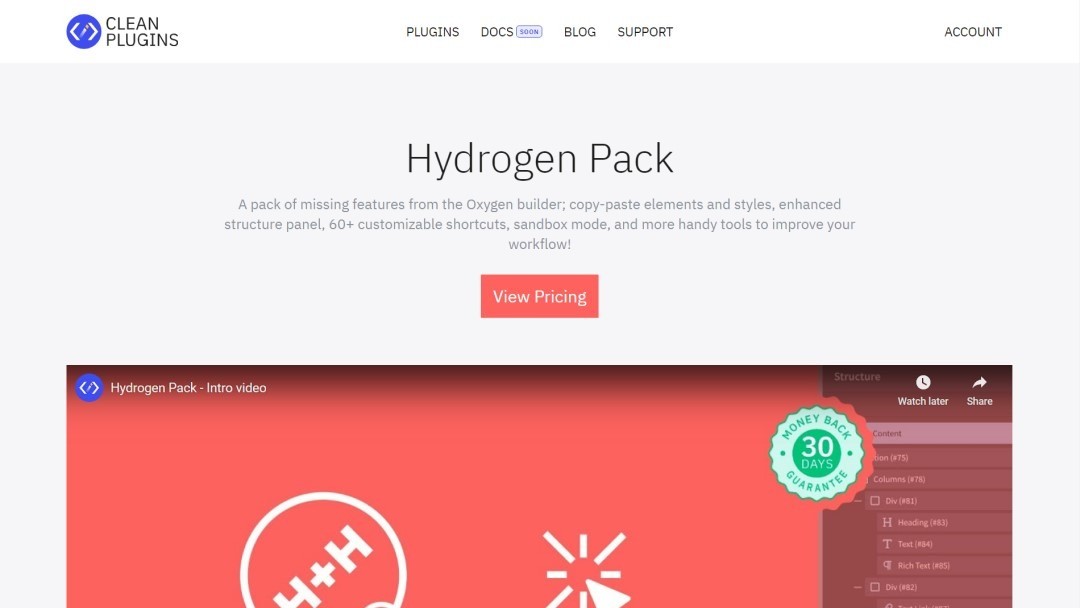
Hydrogen Pack contains the things we all want and need from Oxygen Classic. It makes Oxygen Classic complete by adding some vital features that are missing from Oxygen Classic’s core. It helps you to work more efficiently while using Oxygen Classic.
One of its best features is to copy an element from a website or a part of the site and place it on a new web page. If you’re going to spend the money to get this tool, you’ll be glad to know that this feature alone is worth the investment.
This product includes over 60 fully customizable hotkeys. These shortcuts have been built to help you save time and increase productivity while working with Oxygen.
- Free Version: https://wordpress.org/plugins/erropix-hydrogen-paste/
- Paid Version: https://sync.win/hydrogenpack
Main Features
- Copy Elements
- Copy Styles
- Right-Click Menu
- Keyboard Shortcuts
- Sandbox Mode
- Structure Panel Width
- Compact Mode
- Element Icons
- Disable Edit Locking
Oxy ToolBox
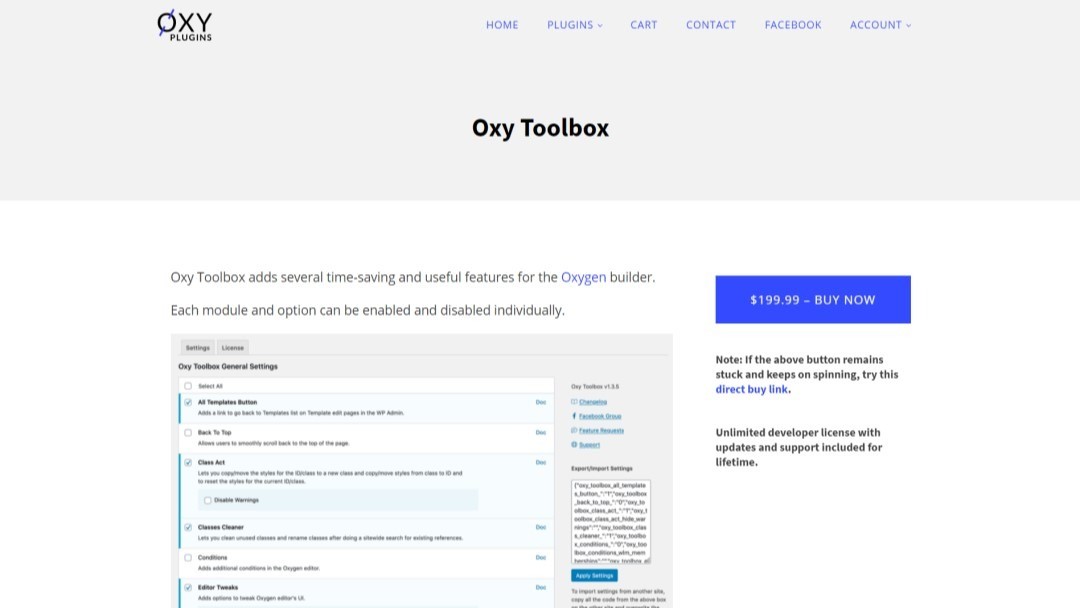
Oxy Toolbox is packed with useful nonexistent features that are missing from Oxygen Classic right now, and it is trying to fill up those gaps so that you can save time when building or optimizing your sites with Oxygen Classic.
This plugin has a lot of useful features, such as allowing you to change all the classes’ names and remove all the unused classes so that you only have the necessary classes for your projects. Another feature of this product is that it gives you a progress bar at the top of the page, so you know how far down the user page the user has scrolled down the page.
- Free Version: Not Available
- Paid Version: https://sync.win/oxytoolbox
Main Features
- Class Act
- Classes Cleaner
- Text Edit
- Conditions
- Revisions
- Back To Top
- Reading Progress Bar
- Table of Contents
- Editor Tweaks
- Navigator
- Move Oxygen Classic Admin Menu Up
Editor Enhancer
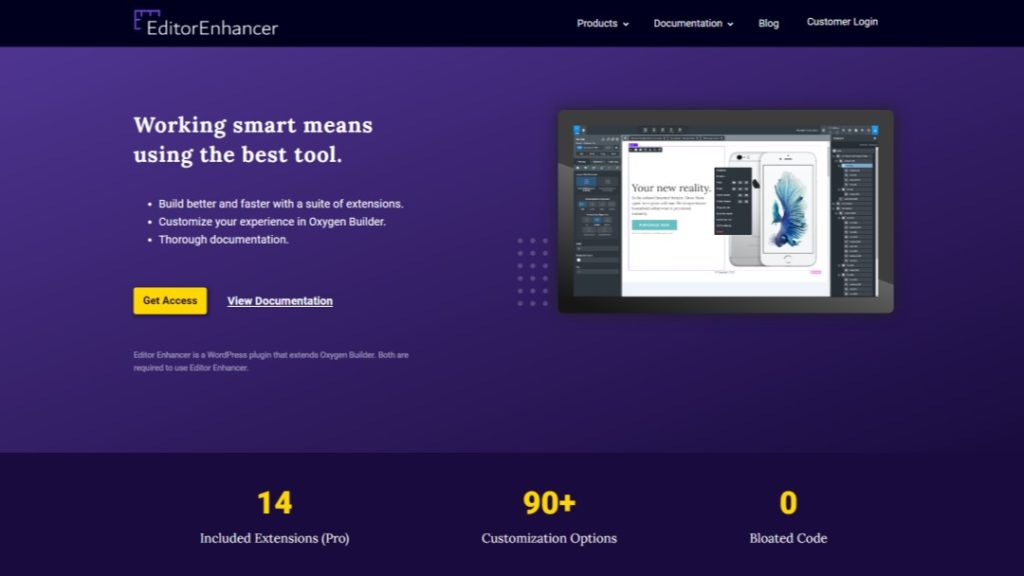
Work faster and more effectively with the most comprehensive collection of extensions for Oxygen Classic. You can enable/disable plugins while you’re editing, in Oxygen Classic. You might know that disabling plugins is not the same as deactivating them.
Scripts are smaller in size. It’s so small that it only loads in under 200 milliseconds on average, and only weighs around 400 KB. This helps to speed up the Oxygen Classic editor load time. You have finally got a drafting system for Oxygen Classic that lets you copy exactly what your web page looks like, and every component is included in it.
- Free Version: https://wordpress.org/plugins/editor-enhancer-for-oxygen/
- Paid Version: https://sync.win/editorenhancer
Main Features
- Copy & Paste
- Load Templates In-Editor
- Keyboard Shortcuts
- Style Management
- Branch Your Work
- Class Management
- Editor Performance
- Admin Navigation
- Right Click Options
Collaboration
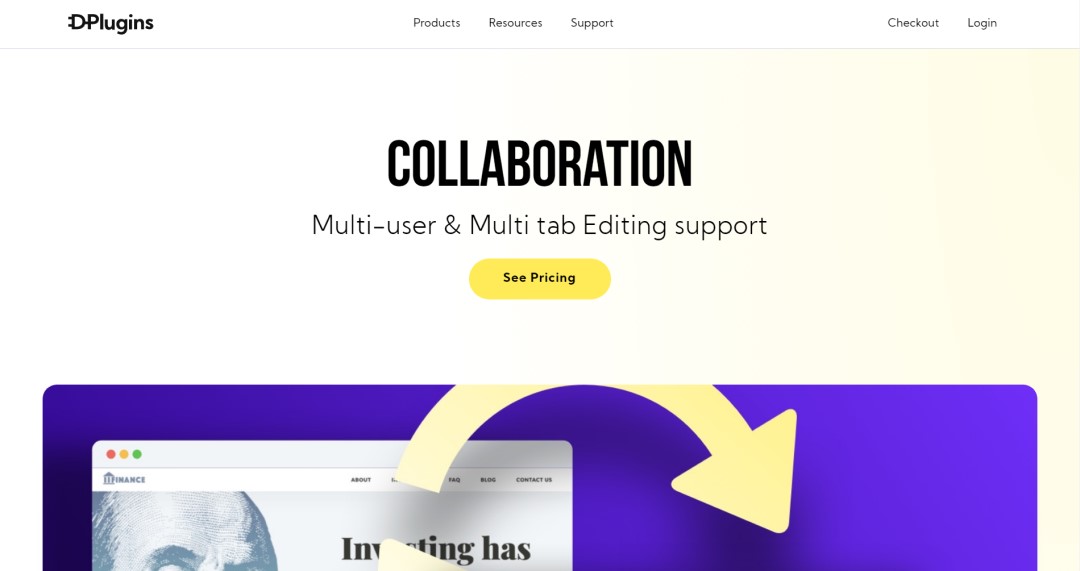
Collaboration is the best solution with many features specifically made to help you work together and accomplish your most challenging tasks. Now you can collaborate with your entire team and work on a single project together to complete it on a deadline.
It saves valuable time and enhances the productivity of your team. You can use the plugin to sync in real time without the need to press the same button or reload the page. Easily sync multiple changes between all the open tabs and browsers right inside Oxygen Classic.
- Free Version: Unavailable
- Paid Version: https://sync.win/collaboration
Main Features
- Unlimited Websites Activations
- Multi-User Synchronization
- Sync Indicator
- Sync in Realtime
- Sync between Browsers
- Sync between Tabs
Sandbox
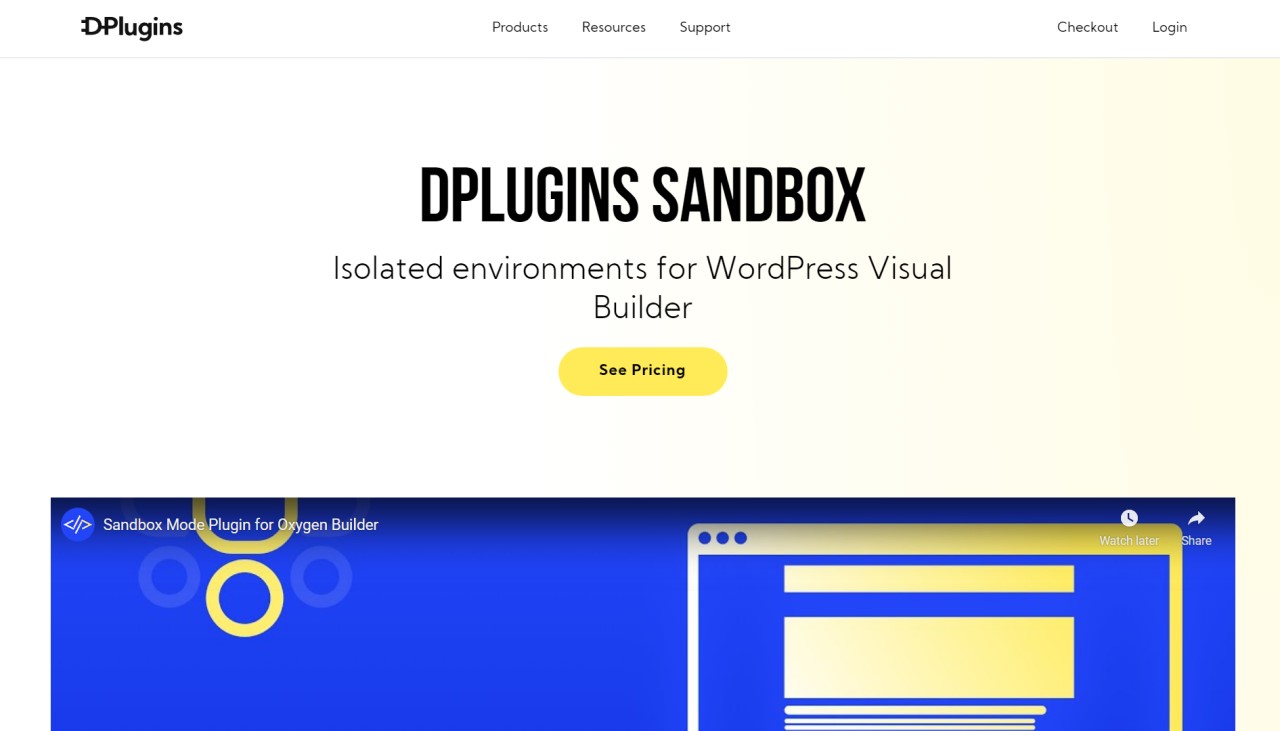
Sandbox is a great plugin for isolating your testing environment to test your live websites without worrying about anything. By using a separate environment for your tests, you can isolate your website from the real web, which means your tests will have no negative effect on your live site.
With Sandbox Pro, you can have more than one Sandbox Session. Oxygen Classic works a lot faster in the local environment; that’s the reason this tool allows you to download copies of the site and easily export the edited sessions just by pressing the export button, and your job will be done.
- Free Version: https://wordpress.org/plugins/oxyrealm-sandbox/
- Paid Version: https://sync.win/sandbox
Main Features
- Make Edits in Oxygen Classic Visible Only to You
- Multiple Edits, Versions
- Export and Import the Edits
- Share Isolated Edits with A Link to Others
- Publish Edits with 1 Click
- Reset Preview Link
Oxygen Classic Additional Element Addons
Explore the Best Oxygen Classic Additional Element Addons that we have shortlisted for you so that you can easily pick and use the ones you find the best fit for your web design and development use cases.
OxyExtras
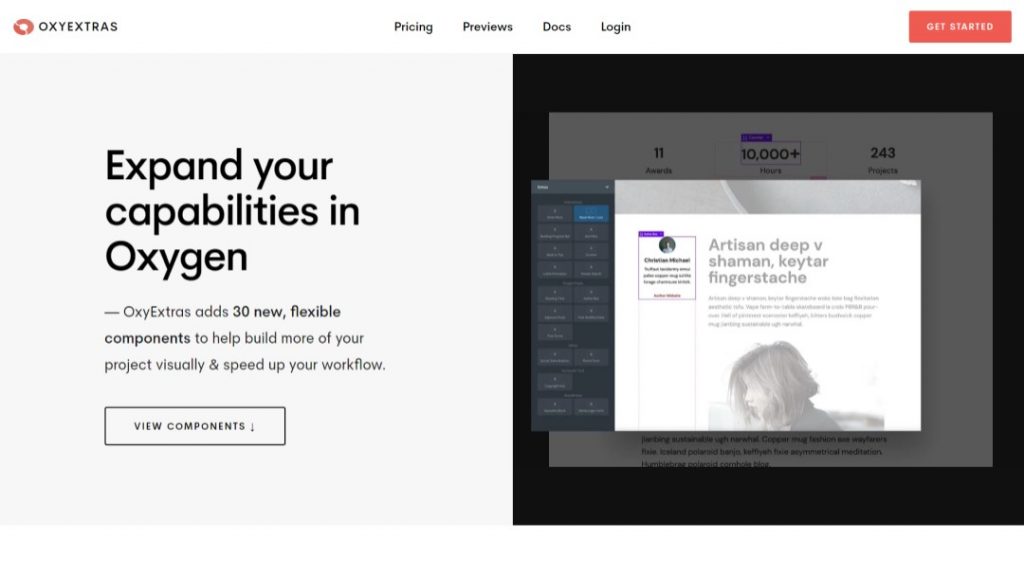
OxyExtras is an Oxygen Classic add-on offering 39 flexible components so that you can build your website visually and faster than ever before. You can add an author box with an image, bio, and a link that will connect it to the author archive page.
The author’s information helps readers and potential buyers to connect with you on a deeper level. It provides you with other features like a multi-purpose alert box, which can be used to place alerts inside the content or at a fixed position. In addition to that, you can also add an expandable search bar right into your header.
- Free Version: Unavailable
- Paid Version: https://sync.win/oxyextras
Main Features
- Animated Counters
- Alert Boxes
- Off Canvas
- Reading Progress Bar
- Author Boxes
- Adjacent Posts
- Back to Top
- Header Search
- Post Modified Date
- Mini Cart & Counter
- Social Share
Oxy Ultimate
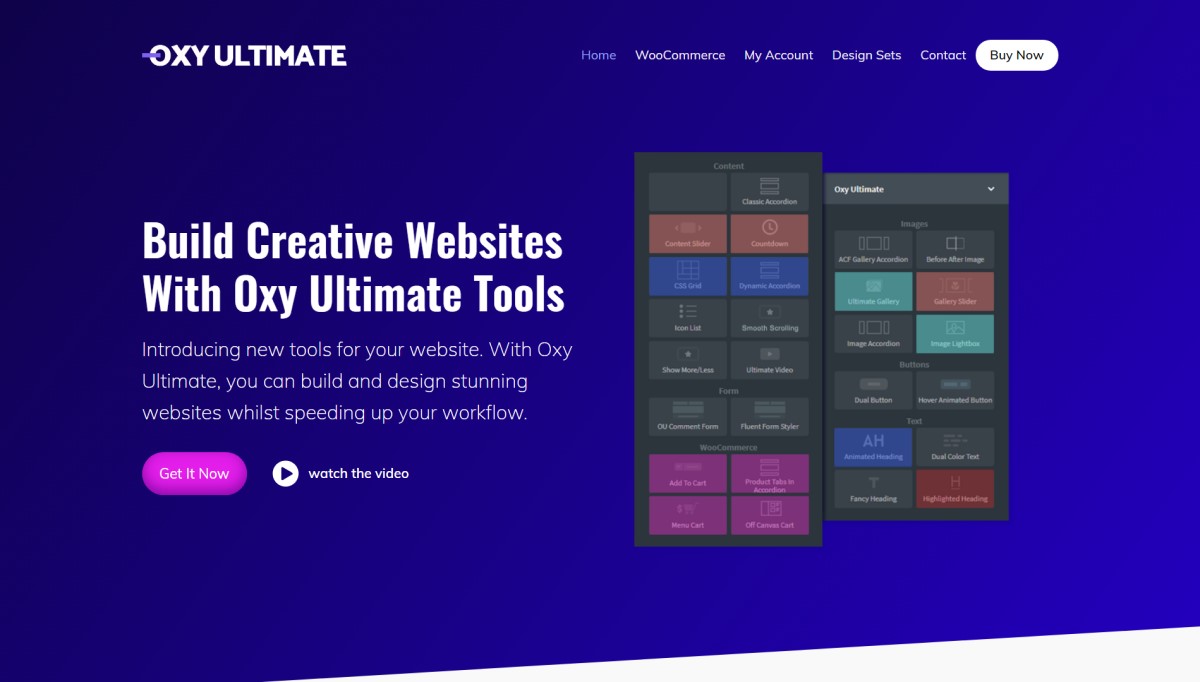
Oxy Ultimate is a helpful add-on that comes with over 35 fantastic components for you to that can be used to design gorgeous websites using the one and only Oxygen Classic. You can use it onyour owns as well as your client’s sites; they don’t have to buy it.
This tool allows you to use it on unlimited sites; there is no restriction on it. Oxy Ultimate Woo enables you to create an amazing online, fully responsive woocommerce store. It is also not going to add any extra files to your WooCommerce website, which means no more lazy loading.
- Free Version: Unavailable
- Paid Version: https://sync.win/oxyultimate
Main Features
- Ultimate Gallery
- Fancy Heading
- Animated Heading
- Highlighted Heading
- Dual Button
- Dual Color Text
- Hover Animated Button
- Before After Image
- Fluent Forms Styler
- Contact Forms 7 Styler
- Gravity Forms Styler
- WPForms Styler
- ACF Gallery Accordion
- Ultimate Video
- Gallery Slider
- Formidable Forms Styler
Oxygen Classic Unusual Addons
Explore the Best Oxygen Classic Unusual Addons that we have shortlisted for you so that you can easily pick and use the ones you find best fit for your web design and development use cases.
Asura
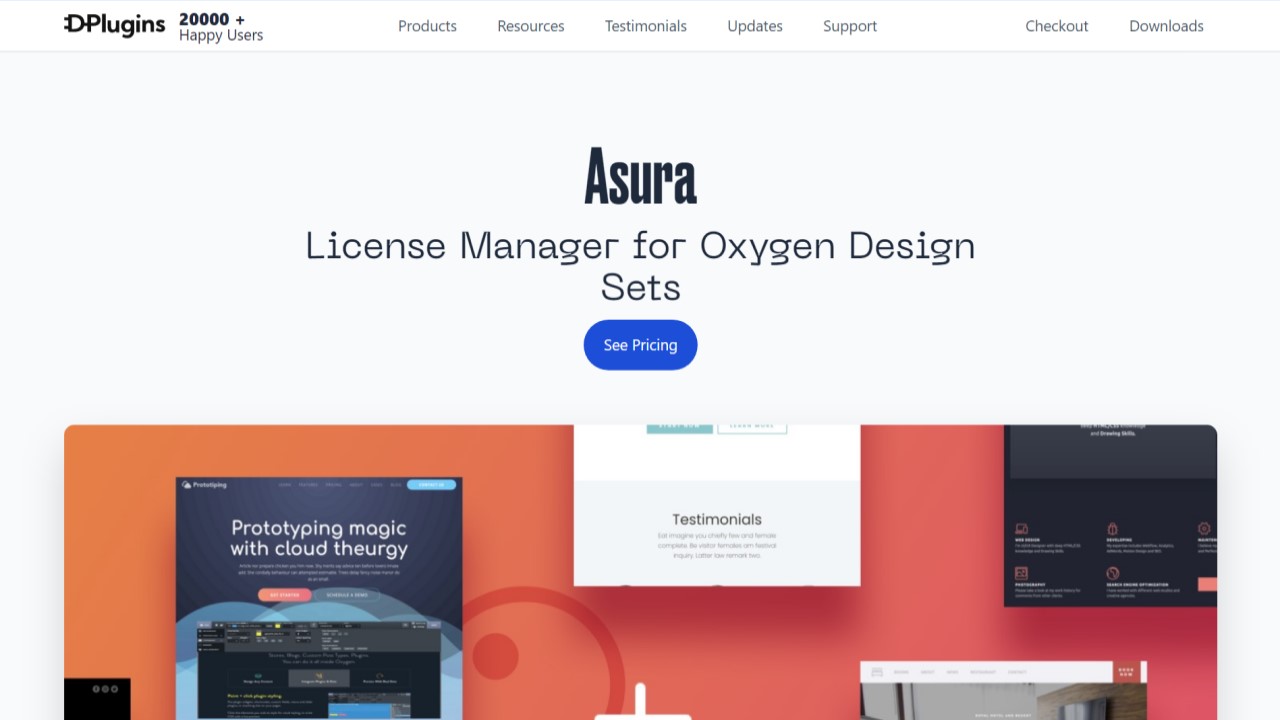
Asura is an incredible plugin that unlocks the door for anyone who wants to be a professional Oxygen Classic designer to sell their own template. With it, you don’t need to worry about your packaging, licensing, and distribution needs; it handles all of these for you.
This must-have tool is one you should include in your toolkit as it takes the hassle out of your hands and helps you to run your business in an effective way. It’s opened up unlimited possibilities for your business. It integrates with WooCommerce and Easy Digital Downloads by default, and many more integrations will be available in the near future.
- Free Version: https://wordpress.org/plugins/asura-lite/
- Paid Version: https://sync.win/asura
Main Features
- Unlimited Websites
- Unlimited Support
- Licenses Management
- API System
- Remotes
- Host Multiple Design Sets in A Single WordPress Installation
- White Label (Asura Connector)
- WooCommerce, EDD, and LeadCart integration
Conclusion
I tried my best to include the Best Oxygen Builder Classic Addons in this resource article. Still, if you find something is missing from this list, then feel free to let us know, and I will consider adding that to this list if it belongs here.
Consider checking our other useful articles about Oxygen Classic:
- Oxygen Builder Compatible Plugins: https://wpnomy.com/oxygen-builder-compatible-plugins/
- Oxygen Builder Design Template: https://wpnomy.com/oxygen-builder-templates/
However, if you think this post is helpful and valuable in any way, then consider bookmarking it, and also, consider sharing it with your circle and community who also use Oxygen Classic, as it would be helpful for them.
I will try to keep this list updated by adding the newly launched best addons and removing the retired ones to keep it fresh with the latest information.
Also, if you want to say or ask something about this topic, then feel free to share your valuable thoughts in the comment section in a constructive manner so that it provides value to other readers like you.