
The best Bricks Builder addons in 2026 are Automatic CSS (best design governance framework), Advanced Themer (best workflow productivity tool), and Bricksforge (best animation and forms toolkit).
If you want strong free options, Bricksable and Bricks Navigator are the two most useful zero-cost installs in the ecosystem.
And if you are building WooCommerce stores on Bricks, BricksUltimate is the only addon you need to evaluate first.
Building with Bricks and also looking for pre-built design templates? Check our dedicated article on Bricks Builder Templates for a full breakdown of every layout library and template kit.
Quick Summary
- There are four categories to understand: CSS frameworks (ACSS, CoreFramework, Winden, Fancy Framework), workflow tools (Advanced Themer, Swiss Knife Bricks, Bricks Navigator), element and animation libraries (Bricksforge, BricksExtras, BricksUltimate, and others), and AI and bridge tools (Bricksfusion, GutenBricks).
- The professional agency stack in 2026 has largely converged on a “Core Four”: ACSS, Advanced Themer, Bricksforge, and BricksExtras. Most other addons are specialized additions on top of that foundation.
- Free options are genuinely useful. Bricksable, Bricks Navigator, and Fancy Framework all offer real value at zero cost before you spend anything.
- Pricing ranges from free to $699 lifetime. Annual plans for most core tools sit between $59 and $149. Lifetime deals exist across the board and are worth evaluating for agencies.
- The performance standard in this ecosystem is non-negotiable: the best addons use Vanilla JavaScript and conditional script loading, preserving Bricks’ baseline of ~15KB page weight.
How We Evaluate
Every addon in this article is assessed against the same five criteria.
- Frontend performance: Does it load scripts conditionally, or does it push all assets on every page?
- Genuine workflow value: Does it save measurable time, or does it add complexity in exchange for features you rarely use?
- Active maintenance: Is it updated regularly and compatible with the current Bricks version?
- Pricing vs. practical value: Is the cost justified for real-world agency or freelance use across multiple projects?
- Support and documentation quality: When something breaks mid-project, how fast and how useful is the response?
Add-ons I have personally used on client projects at SyncWin are noted explicitly.
All other entries are based on documented research, community consensus, official changelogs, and product pages verified in April 2026.
Comparison Table
| Addon | Type | Free Version | Starting Price | Best For | Rating |
|---|---|---|---|---|---|
| Automatic CSS | CSS Framework | No | $79/yr | Design system governance | ⭐ 5/5 |
| Advanced Themer | Workflow | No | $59/yr | Productivity + class mgmt | ⭐ 5/5 |
| Bricksforge | Animation + Forms | No | Visit site | GSAP animations + pro forms | ⭐ 5/5 |
| BricksExtras | Element Library | No | $79/yr | Functional + accessible elements | ⭐ 5/5 |
| Frames | Template System | No | $79/yr | Wireframe-to-build pipeline | ⭐ 4.5/5 |
| BricksUltimate | WooCommerce | No | $49 LTD | Full WooCommerce toolkit | ⭐ 4.5/5 |
| CoreFramework | CSS Framework | Partial | €119 (Bricks addon) | Custom CSS variable UI | ⭐ 4.5/5 |
| Winden | CSS Framework | No | $19/yr | Tailwind CSS in Bricks | ⭐ 4/5 |
| Swiss Knife Bricks | Workflow | No | $19/yr | Developer utilities | ⭐ 4/5 |
| Piotnet Bricks | Element + Custom | No | $49/yr | Custom widget building | ⭐ 4/5 |
| Dynamic Toolbox | Dynamic Data | No | €39/yr | Membership + directories | ⭐ 4/5 |
| Bricksfusion | AI + Workflow | No | Visit site | AI-assisted development | ⭐ 4/5 |
| GutenBricks | Bridge / Handoff | No | Premium | Bricks + Gutenberg handoff | ⭐ 4/5 |
| Max Addons | Element Library | Yes (11 elements) | Free / $59/yr Pro | Freemium element library | ⭐ 4/5 |
| Bricksable | Element Library | Yes (20+ elements) | Free / $29/yr Pro | Budget-friendly extras | ⭐ 4/5 |
| Bricksmotion | Animation Library | No | $97/yr | Ready-made GSAP components | ⭐ 4/5 |
| Next Bricks | Element Library | No | €259 LTD | Boutique design agencies | ⭐ 3.5/5 |
| Bricks Ultra | Element Library | No | $59/yr | Landing page elements | ⭐ 3.5/5 |
| Fancy Animations | Animation | No | $89 LTD | Lightweight scroll effects | ⭐ 3.5/5 |
| Fancy Framework | CSS Framework | Yes (fully free) | Free | Zero-bloat CSS variables | ⭐ 3.5/5 |
| Bricks Navigator | Workflow | Yes (fully free) | Free | Admin navigation speed | ⭐ 3.5/5 |
| Bricks Widget Creator | Workflow | No | Paid | Custom element building | ⭐ 3.5/5 |
What Are Bricks Builder Addons?
Bricks Builder addons are third-party WordPress plugins, CSS frameworks, template systems, and developer utilities that extend the native capabilities of Bricks Builder.
They add new elements, automate design decisions, improve workflow efficiency inside the editor, or introduce specialized functionality, like cinematic animations, WooCommerce store building, or AI-assisted development that Bricks does not provide natively.
By 2026, the addon ecosystem around Bricks has matured from simple widget packs into a modular infrastructure layer.
Agencies no longer ship “vanilla Bricks” builds. Instead, they maintain a curated stack of addons that governs design decisions, accelerates the build process, and extends functionality for specialized project types.
Our Top 3 Picks
- Automatic CSS: Best CSS framework and design governance system for professional Bricks builds
- Advanced Themer: Best workflow productivity addon with the highest day-to-day ROI
- Bricksforge: Best all-in-one toolkit for high-end animations and complex forms
1. Automatic CSS (ACSS)
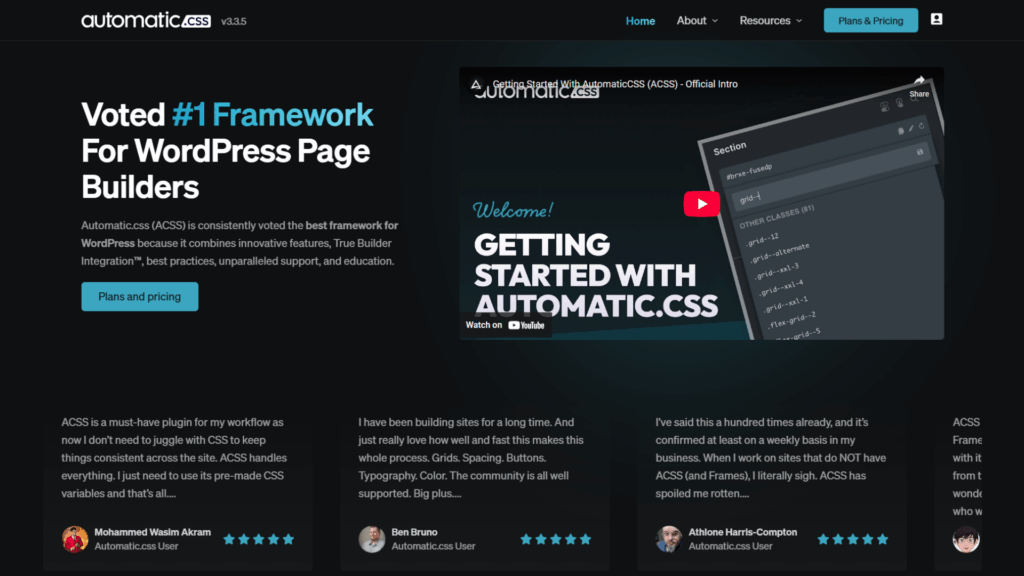
Automatic CSS is a CSS design governance framework for Bricks Builder that automates fluid typography, responsive spacing, and color scale generation using CSS clamp(), mathematical utility classes, and a centralized control dashboard.
After adopting ACSS on client projects at SyncWin, the most immediate and consistent improvement was build speed.
Decisions that previously required manual breakpoint-by-breakpoint adjustment of font sizes, spacing scales, and color tints become automated once the framework is configured.
The result is not just faster builds, but cleaner, more maintainable code that holds up across project handoffs.
Status: Active – market-leading CSS framework for Bricks as of 2026.
Key Features
- Fluid typography using CSS
clamp()across all breakpoints automatically - Responsive spacing with mathematically consistent margin, padding, and gap values
- Automatic color scale generation from brand primaries
- Utility class governance that enforces DRY (Don’t Repeat Yourself) principles
- Deep integration with Frames, Advanced Themer, and the broader Bricks ecosystem
- Requires disabling class chaining in Bricks for clean CSS output
Pros
- Eliminates manual spacing and typography work once configured
- Design consistency across pages becomes structural, not reliant on discipline
- Build speed gains are measurable and consistent across project types
- Large, active community with extensive documentation and video resources
Cons
- Initial configuration has a real learning curve, especially for developers new to CSS methodologies
- The Agency Lite plan (15 sites) sits between the Freelancer and Agency tiers pricing jumps can feel uneven
- Pairing with Frames requires an additional license investment
Pricing
| Plan | Annual Price | Site Limit |
|---|---|---|
| Freelancer | $79/yr | 3 Sites |
| Agency Lite | $99/yr | 15 Sites |
| Agency | $149/yr | Unlimited |
| Lifetime | $399 one-time | Unlimited |
Version & Maintenance
- Current version: 4.x
- Bricks compatibility: Current – updated with Bricks core releases
- Update frequency: Regular – driven by Bricks’ core updates and community feedback
Automatic CSS FAQs
Who should use ACSS?
Professional developers and agencies that build multiple client sites per year want a mathematical design system that enforces consistency automatically. If you build more than two or three projects annually, the time savings justify the cost within the first project.
Does ACSS require Bricks Builder specifically?
No. ACSS works with other builders, including Oxygen, Breakdance, and GeneratePress. The Bricks integration is the most mature and widely used, but the framework is not Bricks-exclusive.
Is ACSS worth it for beginners?
It depends on your goal. If you are learning Bricks casually, ACSS adds complexity too early. If you plan to build client sites professionally, learning ACSS from the start will save you from unlearning bad habits later.
Does ACSS work with Frames?
Yes, and this is the most productive pairing in the ecosystem. Frames is built on ACSS and requires an active ACSS license to function correctly. Both are sold separately.
Can you use ACSS on client sites you hand off?
Yes. The license covers your installation. Client sites built with ACSS do not require the client to hold their own ACSS license after handoff.
2. Advanced Themer
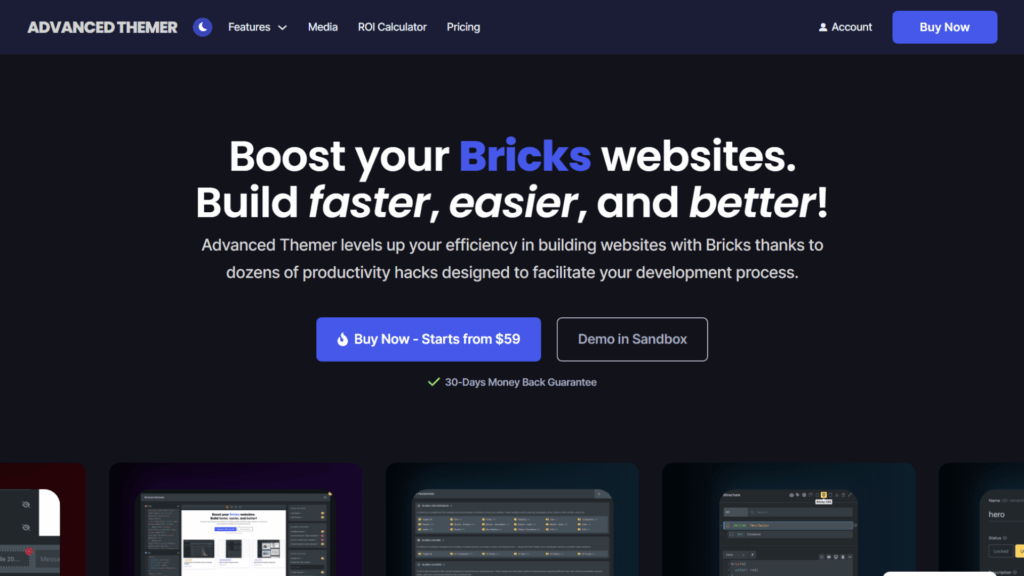
Advanced Themer is a workflow optimization suite for Bricks Builder with 176+ individual features focused on reducing click debt, improving class management, and giving agencies editorial control over the builder experience after client handoff.
Community surveys from the Bricks ecosystem consistently report 20–25% faster build times after adopting Advanced Themer’s class management and variable import tools.
That figure is consistent with what developers report in the official Facebook group and Discord.
Status: Active – the dominant workflow addon for professional Bricks developers in 2026.
Key Features
- 176+ workflow features, all individually documented and filterable in the official docs
- Structure Menu for fast DOM navigation in complex builds
- Shortcut System for frequently used editor actions
- Strict Editor View: lock down styling options before client handoff
- Grid Modal: visual drag-and-drop CSS Grid layout builder
- AI-assisted class naming and variable import
- Built on Vanilla JS – zero frontend performance impact
Pros
- The Strict Editor View alone justifies the cost for agencies doing regular handoffs
- Productivity gains are measurable, not theoretical
- Documentation covers all 176+ features individually, with filters, and finding what you need is easy
- Vanilla JS means it adds nothing to the frontend page weight
Cons
- Feature breadth means there is a discovery phase, and you will not use all 176 features on day one
- No free trial or free tier to evaluate before purchasing
Pricing
| Plan | Price | Sites | Guarantee |
|---|---|---|---|
| 1 License | $59/yr | 1 Site | 30-Day Money Back |
| 5 Licenses | $99/yr | 5 Sites | 30-Day Money Back |
| Unlimited | $149/yr | Unlimited | 30-Day Money Back |
| Lifetime | $369 one-time | Unlimited | 30-Day Money Back |
Version & Maintenance
- Current version: Latest – actively maintained
- Bricks compatibility: Current – updated with Bricks core releases
- Update frequency: Regular, community-feedback-driven
Advanced Themer FAQs
Who should use Advanced Themer?
Any professional Bricks developer or agency building multiple client sites. The Strict Editor View and class management tools are particularly valuable for teams that hand sites off to clients post-launch.
Does Advanced Themer slow down the frontend?
No. It is built entirely on Vanilla JavaScript and operates only in the backend/builder. There is zero frontend impact on page load speed.
Is Advanced Themer compatible with ACSS?
Yes, it is one of the closest integrations in the ecosystem. Advanced Themer’s variable import tools are designed specifically around ACSS workflows.
Does Advanced Themer replace Bricksforge?
No. They solve different problems. Advanced Themer optimizes the builder workflow and editor experience. Bricksforge handles frontend animations and complex forms. Most professional developers use both.
What is the Strict Editor View?
It is a feature that lets you lock specific styling panels and options within the Bricks editor before handing a site to a client. This prevents clients from accidentally breaking your design system after handoff.
3. Bricksforge
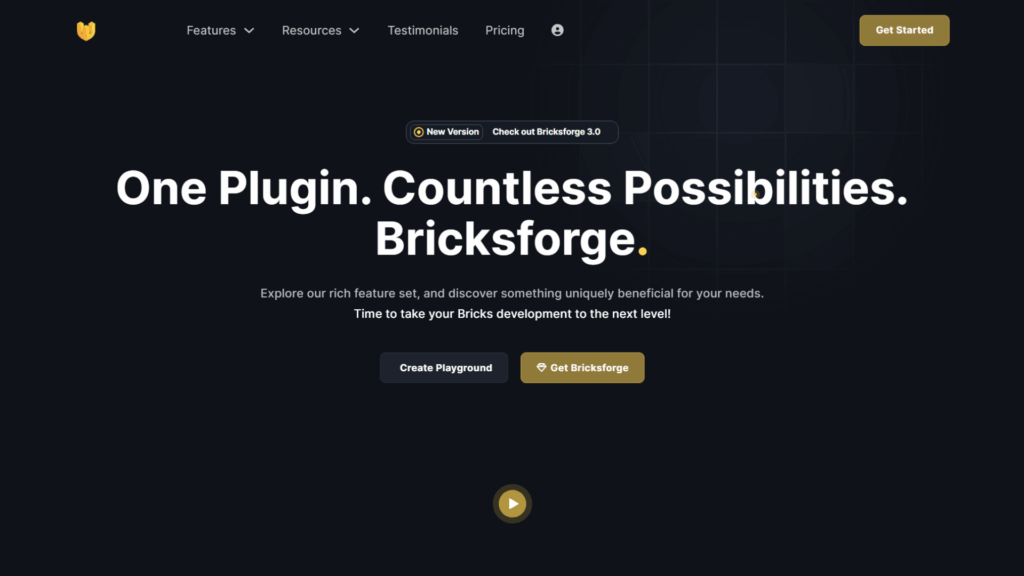
Bricksforge is an animation, forms, and workflow toolkit for Bricks Builder built around a visual GreenSock Animation Platform (GSAP) timeline editor, a Node Editor for complex interaction logic, and a Pro Forms element with multi-step, calculation, and conditional logic support.
The GSAP timeline UI is the cleanest visual implementation of GSAP available in any WordPress page builder. Frame-perfect animations without code.
The Pro Forms element is notable enough to be treated as a standalone product; it handles quote generators, booking flows, and conditional multi-step forms directly inside the Bricks editor using native Nestable elements.
Bricksforge loads only what is activated per project and relies on Vanilla JS throughout.
PageSpeed scores of 90–99 are documented regularly in the community, even on heavily animated sites.
Status: Active – the standard animation and complex forms toolkit for professional Bricks builds in 2026.
Key Features
- Visual GSAP timeline UI for frame-perfect animations without code
- Node Editor for complex interaction and logic flows
- Pro Forms with multi-step layouts, field calculations, and conditional logic
- API Query Builder for fetching and looping external data
- Bricksforge Terminal for quick command-line-style edits inside the builder
- AI Assistant for in-builder guidance
- Modular loading: only activated features load on the frontend
Pros
- Best GSAP implementation in the Bricks ecosystem, no other tool comes close at this level of visual control
- Pro Forms covers use cases (quote calculators, booking systems) that would otherwise require dedicated plugins
- Modular architecture means no dead weight on pages that do not use specific features
- Comprehensive Academy documentation and active Discord community
Cons
- GSAP timelines have a real learning curve, even with the visual UI, not suitable for beginners
- Pro Forms, while powerful, require time investment to build complex multi-step flows correctly
Pricing
Visit bricksforge.io for current pricing. Plans vary by site count and include annual and lifetime options.
Version & Maintenance
- Current version: Latest – actively maintained
- Bricks compatibility: Current
- Update frequency: Regular, driven by GSAP updates and Bricks core releases
Bricksforge FAQs
Who should use Bricksforge?
Professional developers and agencies whose client work requires high-end animations, complex interactive forms, or dynamic data integration. Overkill for simple brochure sites; essential for studios delivering high-motion builds.
Does Bricksforge require GSAP knowledge?
Familiarity with GSAP concepts helps, but the visual timeline UI reduces the amount of raw GSAP knowledge required. Complete beginners will still face a learning curve on complex animations.
Can Bricksforge Pro Forms replace a dedicated form plugin?
For most use cases, yes. The multi-step logic, field calculations, and Bricks Nestable integration make it a genuine alternative to standalone form plugins. Very complex CRM integrations may still require a dedicated solution.
Does Bricksforge affect the frontend page speed?
No, if used correctly. Its modular loading architecture ensures only features activated for a specific project load on the frontend. Pages that do not use animations or forms carry no Bricksforge overhead.
Is Bricksforge compatible with Advanced Themer?
Yes. Most professional Bricks developers use both in the same stack, Advanced Themer for editor workflow and Bricksforge for frontend interactions and forms.
4. BricksExtras
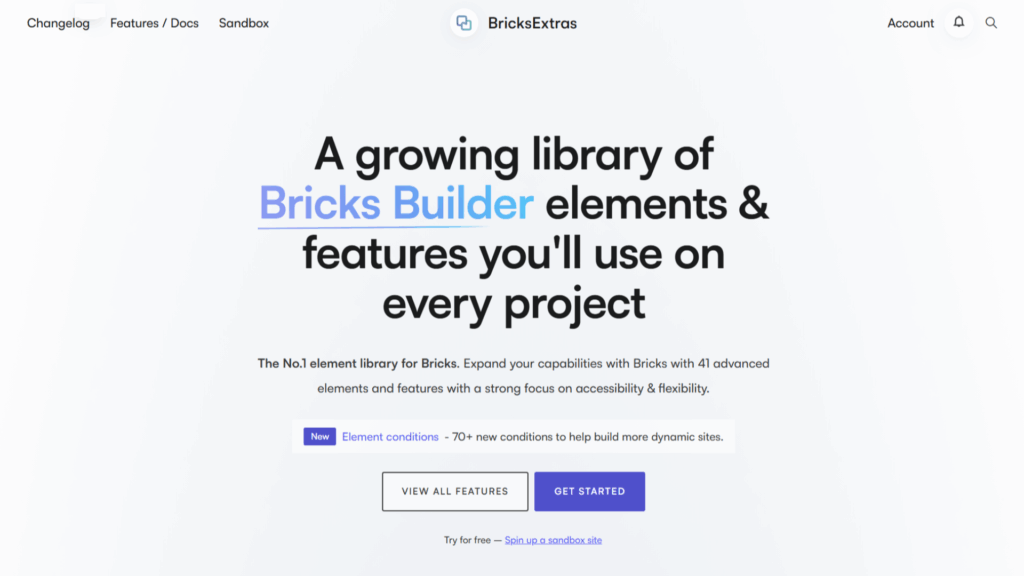
BricksExtras is a premium Bricks Builder element library with 70+ custom, nestable components focused on filling functional gaps in the native Bricks library, accessibility-first UI patterns, dynamic data elements, AJAX search, and interactive components designed to work correctly inside Bricks’ modern component and query loop system.
The “Component-Aware” architecture is BricksExtras’ primary differentiator.
Every element is built for Bricks’ component and query loop system, meaning AJAX filtering, dynamic search, and complex data loops behave as expected without workarounds.
Accessibility compliance, ARIA labels, and keyboard navigation are built into every component as a standard, not as an afterthought.
The Facebook community and developer documentation quality are consistently cited as standout strengths by the Bricks community.
Status: Active – the leading functional element library for professional Bricks builds in 2026.
Key Features
- 70+ custom nestable elements
- Panorama Viewer, custom Audio/Video Player, QR Code Generator
- AJAX search and dynamic filtering are compatible with Bricks query loops
- Full keyboard navigation and ARIA compliance built into all components
- VueJS backend elements for fast editor rendering
- Detailed developer documentation with JavaScript events and functions
Pros
- Fills real functional gaps in native Bricks rather than duplicating existing features
- Accessibility compliance is non-negotiable for enterprise and public sector builds
- Developer documentation is among the most detailed in the entire Bricks ecosystem
- Unlimited sites on both plans make agency licensing simple
Cons
- No free version – you cannot evaluate individual elements before purchasing
- Narrower scope than all-in-one element packs; it solves functional problems, not visual variety needs
Pricing
| Plan | Price | Sites |
|---|---|---|
| Agency | $79/yr (20% renewal discount) | Unlimited |
| Lifetime | $229 one-time | Unlimited |
Version & Maintenance
- Current version: Latest – actively maintained
- Bricks compatibility: Current
- Update frequency: Regular – tied to Bricks core updates and community feature requests
BricksExtras FAQs
Who should use BricksExtras?
Developers and agencies building complex, data-driven, or accessibility-sensitive sites. Particularly important for enterprise clients, public sector projects, or any build where WCAG compliance is a requirement.
Is BricksExtras only for advanced developers?
No. The elements work like standard Bricks elements in the editor. The advanced capabilities (AJAX filtering, dynamic data loops) become relevant as project complexity increases, but they do not make basic usage difficult.
Does BricksExtras overlap with BricksUltimate?
Partially. BricksExtras focuses on functional, accessible elements for content and data-driven sites. BricksUltimate focuses on WooCommerce store-specific elements. For WooCommerce projects, both are worth considering together.
Is the $79/yr unlimited license the best value option?
For agencies using it across multiple client sites, yes. The 20% renewal discount reduces the effective annual cost over time. The $229 lifetime plan becomes a better value after approximately three years of active use.
5. Frames
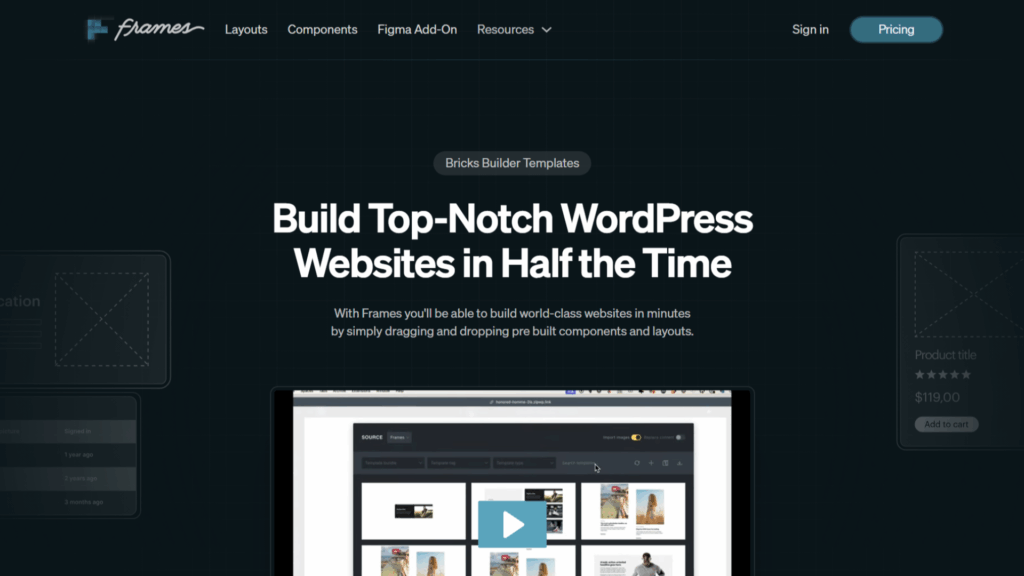
Frames is a wireframing and structural template system for Bricks Builder built entirely on Automatic CSS, providing 100+ pre-built page layouts and 100+ accessible UI components organized with BEM class structure and semantic HTML.
Frames repositions the wireframing phase of a project from a cost center into a productive build step.
Instead of wireframing in Figma and then rebuilding in Bricks, the wireframe is built in Bricks using Frames layouts, and by the time it is client-approved, a substantial portion of the development work is already complete.
The team behind Frames claims 6–8x faster wireframing compared to traditional tools. Independent community reports support this being in the right range.
Status: Active – the leading wireframe and structural development system for ACSS users in 2026.
Key Features
- 100+ core page layouts and 100+ modular UI components
- 100% BEM-organized class structure throughout
- Accessibility-first: ARIA attributes pre-configured on every imported layout
- Full ACSS integration; spacing, typography, and color are all governed by the framework
- Bricks Remote Templates API support for direct editor access
- Designed for the wireframing-to-development workflow
Pros
- Transforms wireframing from a Figma overhead into a billable Bricks build step
- Accessibility and semantic HTML compliance are structural, not patched in afterward
- BEM structure makes the final output maintainable and easy to hand off
- Scales cleanly across agency projects of any complexity
Cons
- Requires an active ACSS license; frames without ACSS is not functional
- Not practical for developers who do not use a wireframing workflow
- Overkill for simple, low-scope freelance projects where structural overhead is not justified
Pricing
| Plan | Price | Sites |
|---|---|---|
| Freelancer | $79/yr | 3 Sites |
| Agency | $99/yr | 15 Sites |
| Lifetime | $399 one-time | 100 Sites |
Version & Maintenance
- Current version: Latest – actively maintained
- Bricks compatibility: Current – updated with ACSS and Bricks releases
- Update frequency: Regular, driven by ACSS version updates and accessibility protocol revisions
Frames FAQs
Who should use Frames?
Agencies and freelancers already using ACSS who want to make the wireframing phase faster and more financially productive. Not suitable for developers who do not use ACSS or who skip a wireframing step in their workflow.
Does Frames require ACSS to work?
Yes. ACSS is a hard dependency; Frames is built entirely on the ACSS utility class and spacing system. Using Frames without ACSS is not supported, and the output will not behave as intended.
Is Frames a template library or a development system?
It is a development system. The layouts are intentionally unstyled wireframe-grade structures, not finished visual designs. The purpose is to establish correct DOM structure, accessibility, and spacing, not to provide ready-made visuals.
Can Frames be used on client sites after handoff?
Yes. The client does not need their own Frames license post-handoff. The license covers your installation as the developer.
6. BricksUltimate
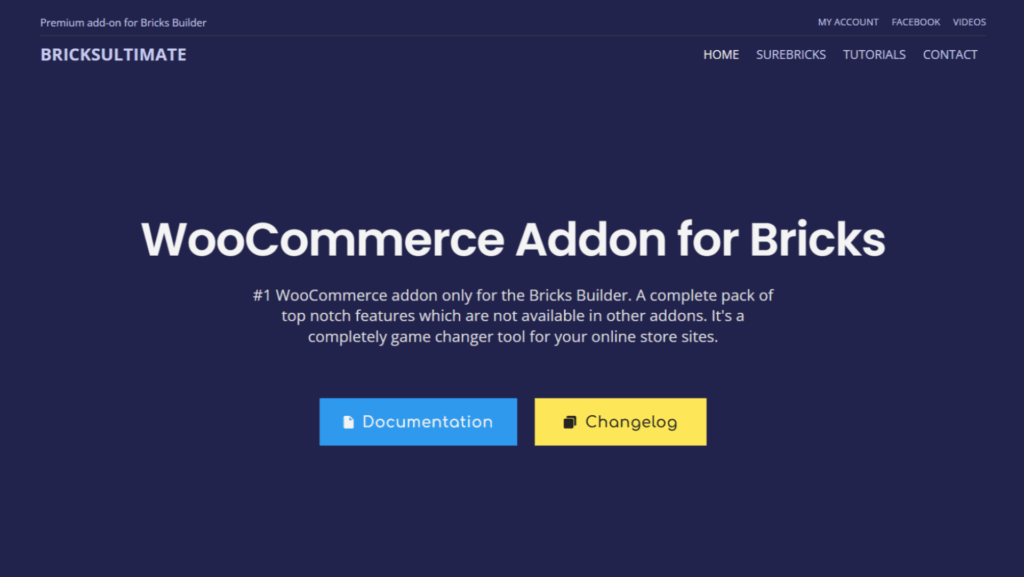
BricksUltimate is the most comprehensive WooCommerce extension toolkit for Bricks Builder, offering 35+ general elements, 32+ WooCommerce-specific elements, and 28+ query loop providers in a single lifetime-licensed package.
No other addon in the ecosystem covers the WooCommerce journey end-to-end the way BricksUltimate does.
The Checkout Builder, Mini Cart Builder, Shipping Calculators, and Order Bump elements allow a developer to redesign the entire store experience, product pages, cart, checkout, and post-purchase without leaving the Bricks editor and without writing template PHP files.
Status: Active – the definitive WooCommerce toolkit for Bricks in 2026.
Key Features
- 35+ general elements: AJAX Popups, Comparison Tables, Form Stylers, and more
- 32+ WooCommerce elements: Checkout Builder, Mini Cart Builder, Product Swatches, Buy Now Buttons, Linked Variations, Order Bumps
- 28+ query loop providers: Best Selling Products, Related Products, Customer Orders, and more
- White-label branding options for agency deployments
- AJAX Popup Builder for cart and user interaction flows
Pros
- The only addon that covers the complete WooCommerce build pipeline in Bricks
- 28+ query loop providers cover store use cases, no other addon addresses
- Lifetime pricing eliminates recurring per-project subscription overhead
- White-label support is a practical, useful agency feature
Cons
- No value if WooCommerce is not in your project scope, the general elements alone do not justify the cost
Pricing
| Plan | Price | Sites |
|---|---|---|
| Single Domain | $49 LTD | 1 Site |
| 3 Domains | $99 LTD | 3 Sites |
| 10 Domains | $199 LTD | 10 Sites |
| Unlimited Agency | $699 LTD | Unlimited |
Version & Maintenance
- Current version: Latest – actively maintained
- Bricks compatibility: Current – updated with Bricks and WooCommerce releases
- Update frequency: Regular, driven by WooCommerce core updates
BricksUltimate FAQs
Who should use BricksUltimate?
Agencies and freelancers who regularly build WooCommerce stores on Bricks. If eCommerce is a significant part of your project mix, the lifetime pricing makes this one of the best single purchases in the ecosystem.
Does BricksUltimate replace WooCommerce page builder plugins like CartFlows?
For most store builds, yes. The Checkout Builder and Order Bump elements cover the core conversion optimization features CartFlows is typically used for, without adding another plugin to the stack.
Can BricksUltimate be used for non-WooCommerce projects?
Yes, the 35+ general elements (AJAX Popups, Comparison Tables, Form Stylers) are useful on any site. But the majority of the value is in the WooCommerce-specific elements and query loop providers.
Is the Unlimited Agency plan worth it at $699?
For agencies actively building 4+ WooCommerce stores per year, the math works quickly. A single mid-range WooCommerce project covers the cost. If you build fewer stores, the 10-domain plan at $199 is more appropriate.
7. CoreFramework
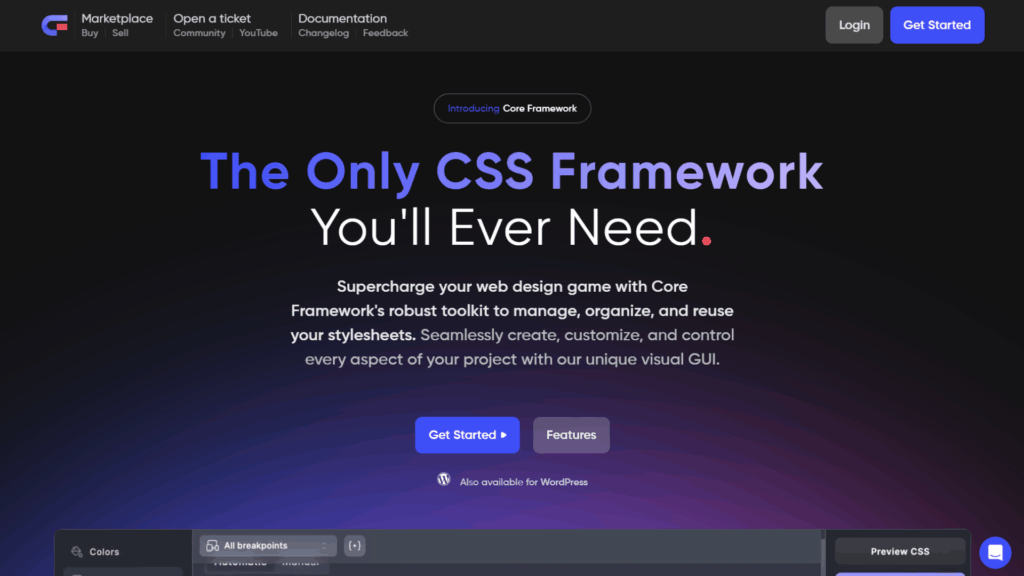
CoreFramework is a CSS variable management system and utility class generator for Bricks Builder that lets you build your own framework through a visual interface, without being locked into a specific naming convention or methodology.
Where ACSS imposes a defined methodology, CoreFramework gives you the controls and lets you define your own standards.
Developers who find ACSS too opinionated will find CoreFramework’s modular, “bring your own rules” approach more comfortable.
The Bricks-specific integration addon (€119) syncs custom variables directly into Bricks’ auto-suggest fields and right-click modal in the editor.
Status: Active – the primary alternative to ACSS for developers who want a framework-agnostic approach.
Key Features
- Visual CSS variable manager with right-click modal UI in the Bricks editor
- Auto-generate color shades and transparencies from brand colors
- Mathematically generated size scales for spacing and typography
- Real-time dark mode toggling for variable previews during design
- Modular architecture: remove entire modules to minimize final stylesheet size
- Direct integration with Bricks Builder auto-suggest fields via the premium Bricks addon
Pros
- More flexible than ACSS for developers who want to define their own CSS methodology
- Visual interface makes CSS variables accessible even for developers less comfortable with raw CSS
- Dark mode variable management is well-implemented
- Smaller final stylesheet possible due to module removal capability
Cons
- The Bricks integration is a separate purchase (€119) on top of the base CoreFramework product
- Smaller community than ACSS, fewer shared workflows, tutorials, and third-party integrations
- Requires more upfront architectural decisions than adopting a pre-built system like ACSS
Pricing
CoreFramework base is available with a free tier. The dedicated Bricks Builder integration addon is €119 as a one-time purchase. Check coreframework.com for current plan details.
Version & Maintenance
- Current version: Latest – actively maintained
- Bricks compatibility: Current
- Update frequency: Regular
CoreFramework FAQs
Who should use CoreFramework?
Developers who find ACSS too opinionated or who want to define their own CSS naming standards and design token architecture. “Framework architects” at the agency level, rather than developers looking for a ready-built system to adopt.
Do I need CoreFramework and ACSS?
In most cases, no, they solve overlapping problems. Most developers commit to one or the other. Running both in the same project requires careful specificity management and is not recommended for beginners.
Is the Bricks integration addon mandatory?
No, but it is the feature that makes CoreFramework practical inside the Bricks editor. Without it, you lose the auto-suggest integration and right-click modal, which are the primary workflow benefits of the tool.
8. Winden
Winden is a Tailwind CSS integration for Bricks Builder that compiles utility classes directly in the browser, eliminating the need for a local Node.js environment or NPM build process.
It is recommended specifically for client projects where the development team or the client’s existing developer is already entrenched in Tailwind.
For that use case, it delivers exactly what it promises: Tailwind inside Bricks without a local build setup.
For developers not already in the Tailwind ecosystem, it adds complexity rather than removing it, and ACSS remains the stronger default choice.
The Winden scanning engine is particularly well-built: it scans both CSS and the WordPress database (including Bricks layouts) to compile only the classes actually present in the project. Final CSS output typically stays under 10–20kB.
Status: Active – the primary Tailwind CSS solution for Bricks Builder in 2026.
Key Features
- In-browser Tailwind CSS compilation, no Node.js or NPM required
- Database scanning to capture all utility classes used in Bricks layouts
- Final CSS output typically under 10–20kB (only used classes compiled)
- Tailwind CSS 3.x support
- Compatible with Tailwind design kit ecosystems (Daisy UI, Flowbite)
- Plugin support via Skypack Dev
Pros
- Removes the local build process barrier for Tailwind development inside Bricks
- Tiny CSS output benefits page speed significantly
- Works seamlessly with existing Tailwind component libraries
- Very accessible entry pricing ($19/yr single domain)
Cons
- No practical value for developers who are not already in the Tailwind ecosystem
- Tailwind’s utility-class methodology requires a separate learning investment if you are new to it
Pricing
| Plan | Yearly | Lifetime | Domains |
|---|---|---|---|
| Single | $19/yr | $29 LTD | 1 Domain |
| Agency | $49/yr | $89 LTD | 5 Domains |
| Developer | $79/yr | $119 LTD | 199 Domains |
Version & Maintenance
- Current version: Latest – actively maintained
- Bricks compatibility: Current
- Update frequency: Regular, tied to Tailwind CSS releases
Winden FAQs
Who should use Winden?
Developers who are already proficient with Tailwind CSS and want to bring that workflow into Bricks Builder without setting up a local Node.js environment. Not recommended for developers who have not used Tailwind before or who are already using ACSS.
Can Winden and ACSS be used together on the same project?
Technically possible but not recommended. Both systems generate utility classes and manage CSS variables in overlapping ways. Running both creates specificity conflicts and an unnecessarily complex stylesheet. Choose one or the other.
Why does the CSS stay so small with Winden?
Because Winden only compiles Tailwind classes that are actually used in the project. It scans both your stylesheet and the WordPress database (Bricks layouts included) to produce a minimal final output, rather than shipping the full Tailwind CSS library.
Is Winden’s $19/yr single license limiting?
For freelancers managing individual client sites, yes, the single domain restriction means a new purchase per client. The Developer plan at $79/yr (199 domains) or $119 lifetime is far more practical for agency use.
9. Swiss Knife Bricks
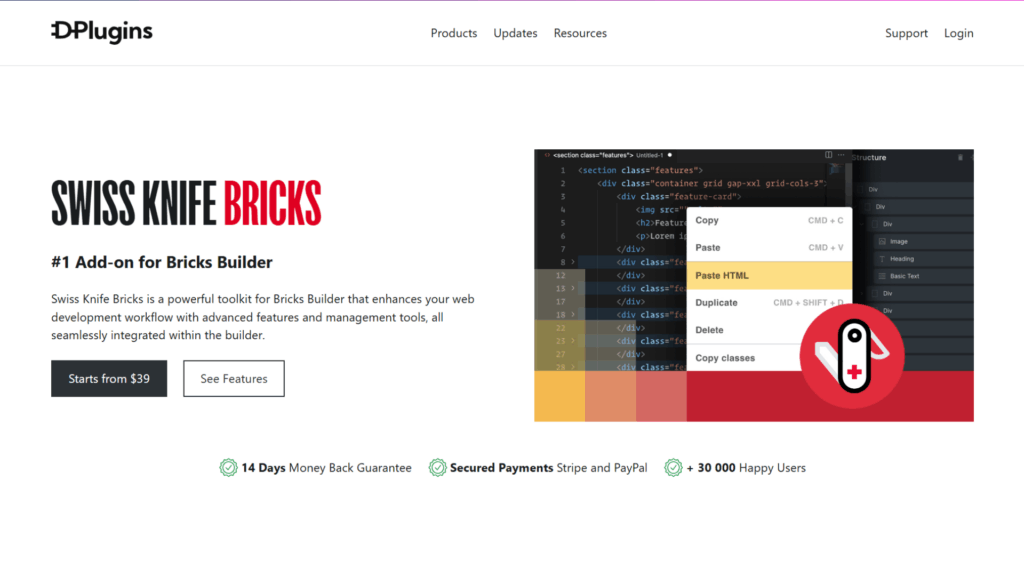
Swiss Knife Bricks is a developer utility toolkit for Bricks Builder focused on precise performance controls and practical quality-of-life improvements, most notably a Scripts Manager for conditional script loading, a Plain Classes mode, and the “Paste HTML as Bricks” converter.
The Scripts Manager is the standout feature: it allows conditional loading of JavaScript and CSS by specific page, post type, or user role, directly inside the builder interface.
For performance-focused builds where third-party script management is critical, this is a tool with a direct impact.
Status: Active – a useful utility toolkit, though some features have been adopted into Bricks’ core over time.
Key Features
- Scripts Manager: conditionally load JS/CSS by page, post type, or user role
- Plain Classes mode: strips unnecessary UI elements for a cleaner editing experience
- Paste HTML as Bricks: converts raw HTML into native Bricks elements
- Additional keyboard shortcuts and UX micro-improvements throughout the editor
Pros
- Scripts Manager offers a level of per-page performance control not available natively
- Very affordable entry point at $19/yr
- “Paste HTML as Bricks” is a genuine time-saver when working with external HTML sources
Cons
- Several features (including the HTML paste capability) have since been adopted into Bricks core, gradually narrowing its differentiation
- Narrower in scope than Advanced Themer, it solves specific problems rather than broadly enhancing the workflow
- Best used as a complement to Advanced Themer, not a replacement
Pricing
| Plan | Yearly | Lifetime | Domains |
|---|---|---|---|
| Single | $19/yr | $29 | 1 Domain |
| Agency | $49/yr | $89 | 5 Domains |
| Developer | $79/yr | $119 | 199 Domains |
Version & Maintenance
- Current version: Latest – actively maintained
- Bricks compatibility: Current
- Update frequency: Regular
Swiss Knife Bricks FAQs
Who should use Swiss Knife Bricks?
Performance-focused developers who need granular, per-page script and style loading control, and developers who regularly work with externally generated HTML that needs converting to a native Bricks structure.
Does Swiss Knife Bricks replace Advanced Themer?
No. They serve different purposes. Swiss Knife focuses on specific developer utilities (script management, HTML conversion). Advanced Themer focuses on broad builder workflow enhancement. Most developers who use one find value in both.
Is the Scripts Manager still relevant with modern Bricks versions?
Yes. While Bricks has improved native performance capabilities, the per-page conditional loading granularity of Swiss Knife’s Scripts Manager still exceeds what Bricks provides natively as of 2026.
10. Piotnet Bricks
Piotnet Bricks is a Bricks Builder extension toolkit best known for its Bricks Element Creator, which allows developers to build fully custom widgets with minimal coding through a visual interface with live preview.
The Element Creator is its primary differentiator.
Instead of being constrained to a fixed widget library, you define your own elements, set their controls, and deploy them across projects.
The Conditional Visibility engine also exceeds native Bricks capabilities for complex logic involving user roles and post meta values.
Status: Active – the most practical custom element building solution in the Bricks ecosystem.
Key Features
- Bricks Element Creator: build custom widgets via a visual interface, minimal code required
- Conditional Visibility: complex logic by user role, post meta, custom fields, and more
- Flex Slider, Table of Contents, Marquee Logo Wall, 3D Flip Cards
- Image Comparison, Hotspot, Tooltip elements
- Form Conditional Logic, Calculations, and Abandonment Tracking
- Scroll Animations, Advanced Tabs, and Instagram Feed integration
Pros
- Element Creator is a genuine differentiator; no other addon at this price point offers custom widget building
- Conditional Visibility logic is more granular than the native Bricks implementation
- 100-site lifetime plan at $119 is one of the most competitive pricing structures in the ecosystem
Cons
- The feature set is broad but less deep in any single area than specialized tools (Bricksforge for forms/animations, BricksExtras for functional elements)
- Some individual elements (slider, animations) are also available in more specialized, better-developed tools
Pricing
| Plan | Price | Sites |
|---|---|---|
| 1 Site Annual | $49/yr | 1 Site |
| 5 Sites Annual | $99/yr | 5 Sites |
| 1000 Sites Annual | $219/yr | 1000 Sites |
| 100 Sites Lifetime | $119 LTD | 100 Sites |
Version & Maintenance
- Current version: Latest – actively maintained
- Bricks compatibility: Current
- Update frequency: Regular
Piotnet Bricks FAQs
Who should use Piotnet Bricks?
Developers who regularly need to build bespoke custom elements for client projects, rather than working within a fixed library. The Element Creator is the specific reason to choose Piotnet over alternatives.
Is the 100-site lifetime plan at $119 the best value option?
For agencies building custom elements across multiple client sites, yes, it is one of the strongest value-to-cost ratios in the entire ecosystem. Compare it against Bricks Widget Creator, which solves a similar problem, before purchasing.
Does Piotnet Bricks overlap with Bricksforge?
Partially. Both include forms and animations. Bricksforge is significantly more powerful in both areas. If your primary need is advanced forms or GSAP animations, Bricksforge is the better choice. If your primary need is custom widget creation, Piotnet is the right tool.
11. Dynamic Toolbox for Bricks
Dynamic Toolbox is a niche Bricks Builder extension built specifically for membership platforms, directory sites, and data-driven templates, offering ACF Flexible Content elements, frontend form submission tools, a Favorites system, and dynamic map and chart integrations.
This is a specialized tool that solves problems that no general element library addresses.
Version 1.1.3 maintains full compatibility with Bricks 2.3.
If you do not build membership or directory sites, this has almost no value for your stack.
Status: Active – niche but well-maintained for its specific use case.
Key Features
- ACF Flexible Content elements for complex data layout templates
- Frontend form submission (user-generated content workflows)
- Favorites/Save system for membership and community platforms
- Dynamic Maps: Google Maps and OpenStreetMap integration
- Charts rendered from custom post meta values
- Bricks 2.3+ compatibility confirmed
Pros
- Solves high-complexity membership and directory problems in a single, focused package
- Competitive pricing for the specialized value delivered
- Regularly updated and compatible with current Bricks releases
Cons
- Near-zero value outside of membership, community, or directory site contexts
- Smaller community and documentation footprint than broader element libraries
Pricing
| Plan | Price |
|---|---|
| Annual | €39/yr |
| Lifetime | €149 one-time |
Version & Maintenance
- Current version: 1.1.3
- Bricks compatibility: Bricks 2.3+
- Update frequency: Regular – tracked against Bricks core releases
Dynamic Toolbox FAQs
Who should use Dynamic Toolbox?
Developers who specialize in membership platforms, community sites, or directory builds. If this describes your regular project type, Dynamic Toolbox is one of the best targeted investments in the ecosystem at this price point.
Does Dynamic Toolbox work with ACF?
Yes – ACF Flexible Content integration is a core feature. It is designed to extend and display ACF data structures inside Bricks templates.
Can Dynamic Toolbox replace a dedicated membership plugin?
No. It extends Bricks’ display and frontend form capabilities for membership-oriented sites but still requires a backend membership plugin (like MemberPress, Paid Memberships Pro, etc.) to handle authentication and access control.
12. Bricksfusion
Bricksfusion is an AI-assisted workflow and design ecosystem for Bricks Builder that includes an in-builder Studio module for AI-generated text and CSS, a Section Vault for organizing Bricks JSON, and a dedicated MCP Canvas for Claude Desktop integration.
The MCP Canvas for Claude Desktop is the most forward-looking feature in the current Bricks ecosystem.
It allows Claude AI to read and modify Bricks Builder pages directly from a local desktop environment, a meaningful step toward AI-native web development workflows.
The per-client API key assignment is also a thoughtful, practical agency feature.
Status: Active – the most advanced AI integration in the Bricks ecosystem as of 2026.
Key Features
- Studio module: AI text, section, and CSS generation inside the Bricks editor
- CSS AI for curated hover animations and glow effects (no external API calls required)
- Section Vault for organizing and reusing Bricks JSON from any source
- MCP Canvas for Claude Desktop: Claude AI reads and modifies Bricks pages directly
- Separate AI provider API keys are assignable per client site
- Framework-aware CSS generation
Pros
- MCP Canvas integration has no equivalent elsewhere in the Bricks ecosystem
- Section Vault solves a real, underserved organizational problem for developers managing large component libraries
- Per-client API key assignment is a practical operational feature for agencies managing AI costs
Cons
- AI-assisted workflows require a meaningful shift in how you approach builds; it is not plug-and-play
- Value is directly tied to how invested you are in AI-assisted development; limited utility for developers who are not exploring this area
Pricing
Visit bricksfusion.io for current pricing and plan details.
Version & Maintenance
- Current version: Studio v1.2.2
- Bricks compatibility: Current
- Update frequency: Active development
Bricksfusion FAQs
Who should use Bricksfusion?
Developers and agencies actively experimenting with AI-assisted build workflows, particularly those using Claude Desktop in their existing toolchain. Early adopters who want to be ahead of where this ecosystem is heading.
What is the MCP Canvas for Claude Desktop?
It is an integration that allows the Claude AI (via Claude Desktop with MCP support) to directly read the structure of a Bricks page and make edits to it, without manually exporting JSON or copy-pasting between tools.
Is Bricksfusion stable enough for client production sites?
Studio v1.2.2 is production-tested, but AI-assisted development tools carry inherent variability. It is best treated as a workflow accelerator in experienced hands rather than an autonomous build tool for client-critical projects.
13. GutenBricks
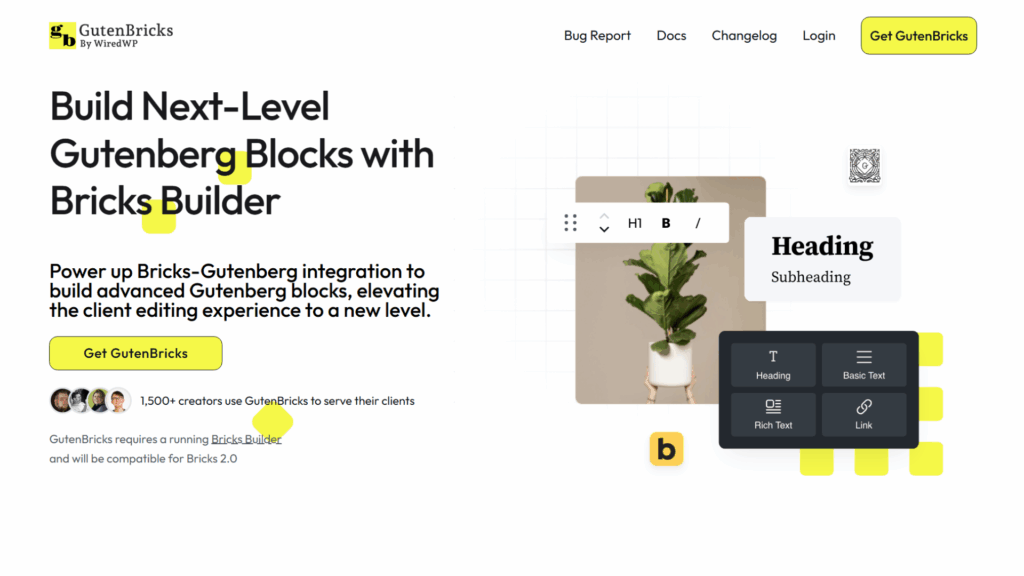
GutenBricks is a bridge plugin that registers Bricks-designed elements as native Gutenberg blocks, allowing developers to build in Bricks and hand over content editing to clients through the standard WordPress block editor.
Version 1.1.24 introduced InnerBlock support and improved rendering performance inside the block editor.
The client gets the interface they know; the frontend output remains Bricks-rendered with clean, high-performance code.
Status: Active – a practical client handoff solution for agencies whose clients prefer native WordPress editing.
Key Features
- Register Bricks elements as native Gutenberg blocks
- Clients edit content in the block editor; frontend output is Bricks-rendered
- InnerBlock support for flexible content structures (v1.1.24)
- Improved block editor rendering performance (v1.1.24)
Pros
- Solves client handoff friction without compromising frontend quality
- Clients use a familiar interface without any Bricks access or knowledge
- InnerBlock support expands available content structure types
Cons
- Requires planning upfront, you need to deliberately design what becomes a Gutenberg block
- Adds structural complexity to the build process in exchange for client convenience
Pricing
Premium. Visit the GutenBricks product page for current rates.
Version & Maintenance
- Current version: 1.1.24
- Bricks compatibility: Current
- Update frequency: Regular
GutenBricks FAQs
Who should use GutenBricks?
Agencies that build in Bricks but need to hand over content management to non-technical clients who are comfortable, or specifically request the native WordPress block editor.
Does GutenBricks compromise the frontend performance of Bricks?
No. The frontend output is still rendered by Bricks. GutenBricks only affects how content is edited in the WordPress admin; the performance characteristics of the Bricks output are unchanged.
Is GutenBricks compatible with Bricks’ component system?
Yes. It is designed to work with Bricks’ native component architecture, and the InnerBlock support added in v1.1.24 expands the types of structured content you can expose to clients via Gutenberg.
14. Max Addons for Bricks
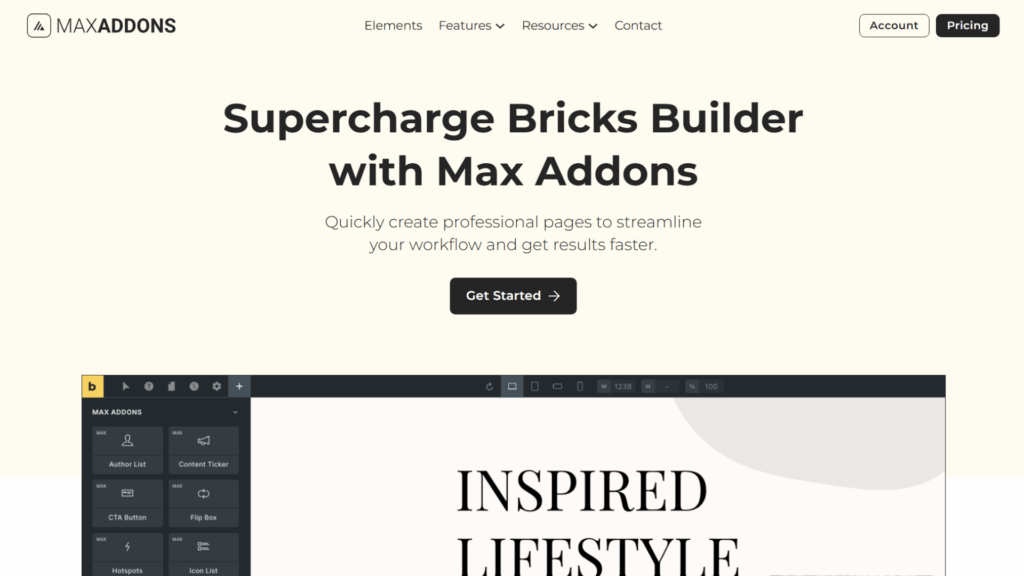
Max Addons for Bricks is a freemium Bricks Builder element library with a free WordPress repository version offering 11 elements (including a Modal module and Form Stylers) and a Pro version expanding to 30+ elements, including Lottie Animations, Image Hotspots, Content Toggle, and Video (both added in v1.7.0).
With 1,000+ active installs on the free version alone, Max Addons has found a solid footing in the Bricks ecosystem.
The April 2026 v1.7.0 update delivered new elements alongside meaningful security enhancements.
Status: Active – the leading freemium element library in the Bricks ecosystem.
Key Features
- Free tier: 11 elements, including Modal, Form Stylers, and core UI components
- Pro: 30+ elements including Lottie Animations, Image Hotspots, Unfold, Content Toggle, Video
- Granular element enables/disables controls for performance management
- White Label branding (Pro)
- WooCommerce-compatible elements in the Pro tier
Pros
- The free version is genuinely useful for basic to mid-complexity builds
- Freemium model allows evaluation before any financial commitment
- v1.7.0 delivered both new elements and security improvements, active, responsible development
- Granular loading controls help maintain clean performance
Cons
- Pro pricing ($59/yr single site) is less competitive than BricksExtras at $79/yr unlimited
- The $289 lifetime unlimited faces strong competition from BricksUltimate for WooCommerce-heavy workflows
Pricing
| Plan | Price | Sites |
|---|---|---|
| Free | Free | Unlimited (WP.org) |
| Pro Single | $59/yr | 1 Site |
| Pro Unlimited Lifetime | $289 LTD | Unlimited |
Version & Maintenance
- Current version: v1.7.0 (April 2026)
- Bricks compatibility: Current
- Update frequency: Active – new elements and security releases in 2026
Max Addons FAQs
Who should use Max Addons?
Developers who want to evaluate a capable element library before committing financially, or those who primarily need a solid set of free elements for client builds with moderate complexity.
Is the free version worth installing?
Yes, 11 elements including a Modal module at zero cost is a practical starting point for any Bricks site. Install it, use what you need, and upgrade if Pro elements become relevant to your work.
How does Max Addons compare to BricksExtras?
Max Addons focuses on visual UI elements across a wide range. BricksExtras focuses on functional, accessibility-first components with deep query loop compatibility. For enterprise or data-driven builds, BricksExtras is the stronger choice. For general visual variety, Max Addons Pro is competitive.
15. Bricksable
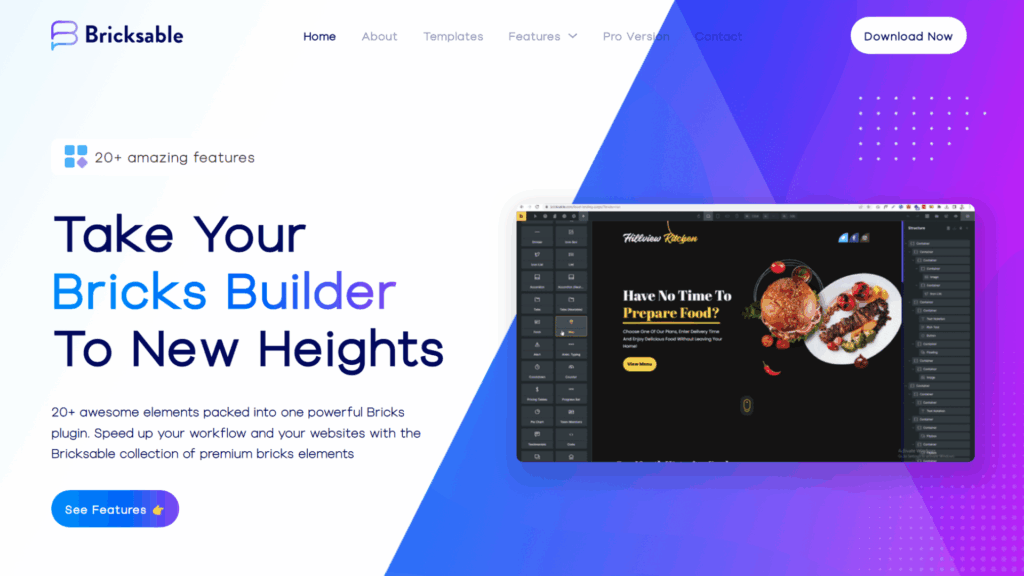
Bricksable is a free Bricks Builder element library offering 20+ modern components, Flipboxes, Text Notation, Tilt Images, and more, with a perfect 5/5 rating and 3,000+ active installations as of 2025.
At no cost, Bricksable is one of the easiest installs to justify on any Bricks project.
The Pro version ($29/yr) adds premium templates and advanced element variants for developers who need more.
Status: Active, the best free element library in the Bricks ecosystem.
Key Features
- 20+ free elements, including Flipboxes, Text Notation, Tilt Images, and Image Comparison
- 5/5 community rating with 3,000+ active installs
- Pro adds premium templates and advanced element variants at $29/yr
Pros
- Zero cost for 20+ useful elements, no evaluation barrier
- Highest community rating of any free Bricks element plugin
- $29/yr Pro upgrade is the lowest barrier-to-entry premium option in the ecosystem
Cons
- Smaller library than paid alternatives
- Update cadence is slower than premium plugins, and less aggressive new feature development
Pricing
| Plan | Price |
|---|---|
| Free | Free (WordPress.org) |
| Pro | $29/yr |
Version & Maintenance
- Current version: Latest
- Bricks compatibility: Current
- Update frequency: Moderate
Bricksable FAQs
Who should use Bricksable?
Every Bricks developer. The free version has no meaningful downside: 20+ elements, 5/5 rating, and zero cost. Install it on every Bricks site.
Does Bricksable conflict with Max Addons or BricksExtras?
No. Bricks element libraries do not conflict with each other as long as element slugs do not clash. Running Bricksable alongside other element libraries is standard practice.
Is the $29/yr Pro version worth it?
For freelancers on a tight budget who want premium templates and advanced element variants, yes, at $29/yr, it is the most accessible paid upgrade in the ecosystem.
16. Bricksmotion
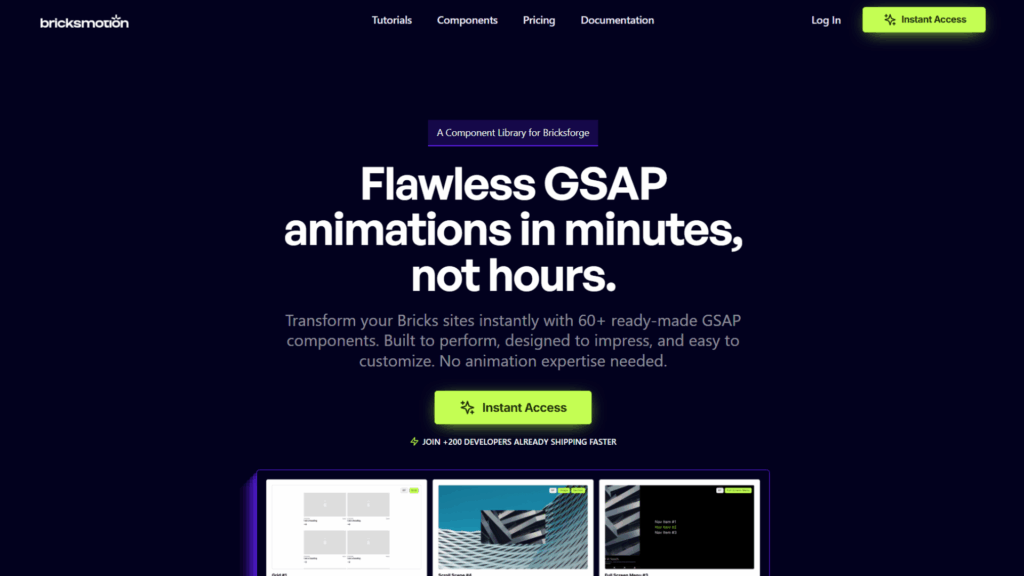
Bricksmotion is a subscription-based library of GSAP-powered, ready-to-use animation components designed for Bricks Builder and Bricksforge.
It targets developers who need professional motion effects without spending hours building timelines from scratch.
Think of it as the Frames equivalent for animations, pre-built, professional-grade components ready to customize and deploy rather than build from zero.
Status: Active – a useful companion to Bricksforge for animation-heavy projects.
Key Features
- Pre-built GSAP animation components designed for Bricksforge
- Ready-to-ship motion without timeline configuration
- Regular additions to the component library via active subscription
- Designed for developers who need high-end motion without deep GSAP expertise
Pros
- Significant time savings for developers who regularly deliver complex animations
- Professionally produced output without requiring GSAP timeline expertise
- Growing component library with active development
Cons
- Requires Bricksforge to function, adds another subscription layer to your stack
- Less flexible than building directly in Bricksforge for bespoke, client-specific animation requirements
Pricing
$97/yr subscription.
Version & Maintenance
- Current version: Latest
- Bricks compatibility: Current (via Bricksforge)
- Update frequency: Regular – new components added consistently
Bricksmotion FAQs
Who should use Bricksmotion?
Developers already using Bricksforge who regularly deliver animation-heavy client sites and want a library of ready-made GSAP components rather than building each animation from a blank timeline.
Is Bricksmotion worth $97/yr on top of a Bricksforge license?
If you deliver 4+ animation-heavy projects per year, the time savings justify the cost. If animations are occasional rather than consistent across your client work, building directly in Bricksforge is more cost-effective.
Can Bricksmotion be used without Bricksforge?
No. Bricksmotion components are built specifically for the Bricksforge environment. An active Bricksforge license is a hard dependency.
17. Next Bricks
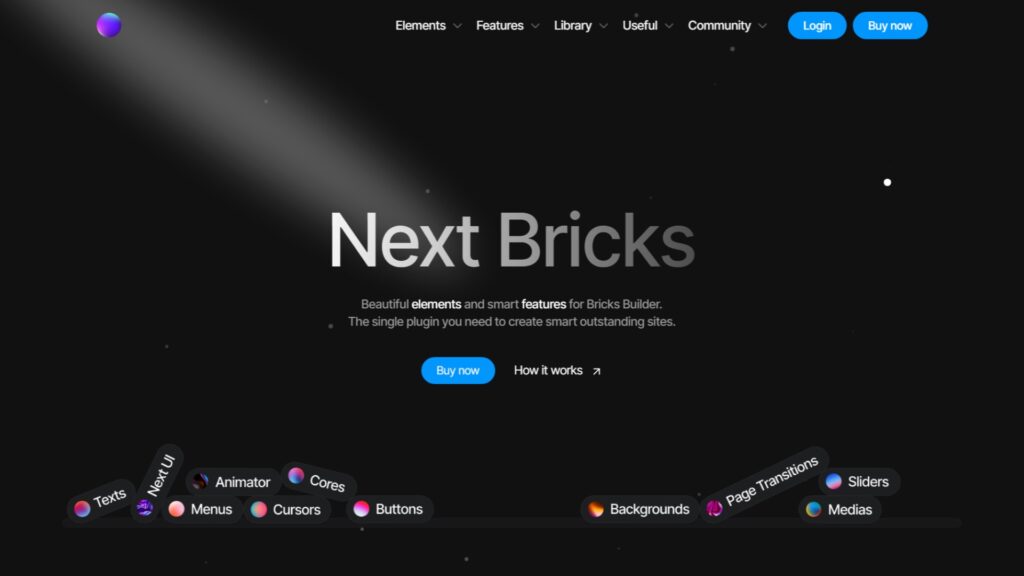
Next Bricks is a boutique design element library for Bricks Builder, offering 50+ unique, opinionated components, FlipFlop Button v3, Interactive Lines, Exchange Title v3, Sticky Footer, and Video Tabs (added in v2.3, April 2026), sold as a single lifetime unlimited deal.
It is positioned at design-forward agencies that want a library with a distinct visual identity.
The elements are intentionally more opinionated than what you find in broader libraries like BricksExtras or Max Addons.
Status: Active – v2.3 released April 2026 with new interactive elements.
Key Features
- 50+ unique elements unavailable in other addons
- FlipFlop Button v3, Interactive Lines, Exchange Title v3
- v2.3 (April 2026): Sticky Footer and Video Tabs added
- Lifetime unlimited pricing, no recurring subscription
Pros
- Genuinely unique elements not available in any other Bricks addon
- Actively developed, v2.3 shipped April 2026
- One-time lifetime pricing removes recurring cost overhead
Cons
- Opinionated design style, elements suit specific visual directions, and may not fit all client brands
- €259 upfront is a meaningful investment for elements you may use selectively
Pricing
€259 lifetime unlimited.
Version & Maintenance
- Current version: v2.3 (April 2026)
- Bricks compatibility: Current
- Update frequency: Active, regular releases in 2026
Next Bricks FAQs
Who should use Next Bricks?
Boutique agencies and designers who build visually distinctive sites and want a design library that stands apart from the standard Bricks element aesthetic.
Does Next Bricks overlap with BricksExtras or BricksUltimate?
Minimal overlap. Next Bricks focuses on unique visual/interactive design elements. BricksExtras focuses on functional accessibility-first components. BricksUltimate focuses on WooCommerce. They serve different purposes in the stack.
Is the €259 lifetime pricing competitive?
For agencies building design-forward sites consistently, yes, the lifetime structure means no recurring cost and ongoing access to new elements. If you are evaluating it for occasional use, the cost-to-use ratio may be harder to justify.
18. Bricks Ultra
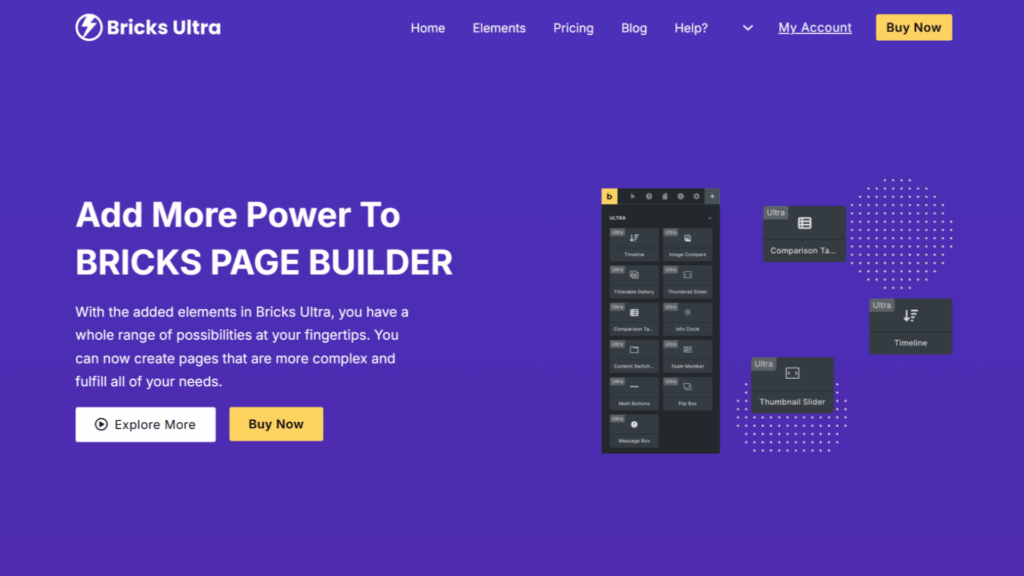
Bricks Ultra is a premium Bricks Builder element library offering 25+ nestable elements focused on landing pages, including entrance animations and interactive layout components.
A solid mid-tier library for developers who build landing pages frequently and need more interactive flexibility than native Bricks or free element libraries provide.
Status: Active – a specialized landing page element library.
Key Features
- 25+ nestable elements with a landing page focus
- Entrance animation elements
- Interactive layout components
- Designed specifically for high-impact landing pages and campaign builds
Pros
- Nestable element focus suits complex landing page layout requirements
- $59/yr is reasonable for the element count and specialization
Cons
- Narrower scope than BricksExtras or BricksUltimate, not a primary stack item
- Some overlap with native Bricks capabilities in recent v2.x updates
Pricing
$59/yr.
Version & Maintenance
- Current version: Latest
- Bricks compatibility: Current
- Update frequency: Regular
Bricks Ultra FAQs
Who should use Bricks Ultra?
Landing page specialists and developers whose client work involves frequent high-conversion campaign pages requiring interactive, nestable layout components beyond what native Bricks provides.
Does Bricks Ultra replace BricksExtras?
No. They solve different problems. BricksExtras focuses on functional, accessible components for content sites. Bricks Ultra focuses on interactive visual elements for landing pages. They can coexist in the same stack.
19. Fancy Animations
Fancy Animations is a lightweight on-scroll animation system for Bricks Builder that delivers entrance effects and background parallax via CSS classes, without requiring a JavaScript animation framework.
For projects where simple scroll-triggered effects are sufficient and GSAP overhead is not justified, this is a practical, cost-effective option.
Status: Active – a niche but useful lightweight alternative to GSAP-based animation tools.
Key Features
- On-scroll entrance animations applied via CSS classes
- Background parallax effects
- No GSAP or heavy JavaScript dependency
- One-time lifetime purchase
Pros
- $89 lifetime is a low-cost, permanent addition to your toolkit
- Zero heavy animation framework overhead
- Simple enough for developers at any experience level
Cons
- Limited to scroll-triggered effects, cannot replace Bricksforge for complex timelines or interaction-driven animations
- Not suitable for cinematic or motion-design-level animation requirements
Pricing
$89 lifetime.
Version & Maintenance
- Current version: Latest
- Bricks compatibility: Current
- Update frequency: Moderate
Fancy Animations FAQs
Who should use Fancy Animations?
Freelancers and developers who need simple scroll-triggered entrance effects and parallax without the cost or complexity of a full GSAP integration.
Does Fancy Animations work alongside Bricksforge?
Yes. They serve different animation tiers. Fancy Animations handles lightweight CSS-based scroll effects; Bricksforge handles GSAP timeline animations. Using both in the same project for different levels of animation complexity is a practical approach.
20. Fancy Framework
Fancy Framework is a free, zero-plugin CSS variable system for Bricks Builder that uses native Bricks theme settings and JSON imports to establish fluid typography and spacing scales without adding any additional plugins.
The right starting point for developers exploring CSS design systems before committing to a paid framework. Fully native to Bricks, it will not conflict with future core updates.
Status: Active – the best free CSS framework option for Bricks.
Key Features
- Fully free with no paid tiers
- Zero additional plugins required, uses native Bricks settings and JSON imports
- Fluid typography and spacing via CSS custom properties
- No external dependencies or potential for framework update conflicts
Pros
- Completely free and 100% native to Bricks
- A practical learning tool for understanding design system principles before investing in ACSS or CoreFramework
- Zero conflict risk with Bricks updates
Cons
- No visual management UI, you work directly with JSON and Bricks settings
- Significantly less capable than ACSS or CoreFramework for multi-client agency workflows
- No dedicated support channel
Pricing
Free. No paid tier.
Version & Maintenance
- Current version: Latest
- Bricks compatibility: Current (native — no plugin dependency)
- Update frequency: Moderate
Fancy Framework FAQs
Who should use Fancy Framework?
Beginners learning CSS design systems, or developers who need a lightweight variable foundation for simple projects without the cost or complexity of a paid framework.
Is Fancy Framework a long-term solution?
For most professional workflows, no. It is a starting point and learning tool. Agencies and active freelancers will outgrow it quickly and move to ACSS or CoreFramework for multi-client use.
21. Bricks Navigator
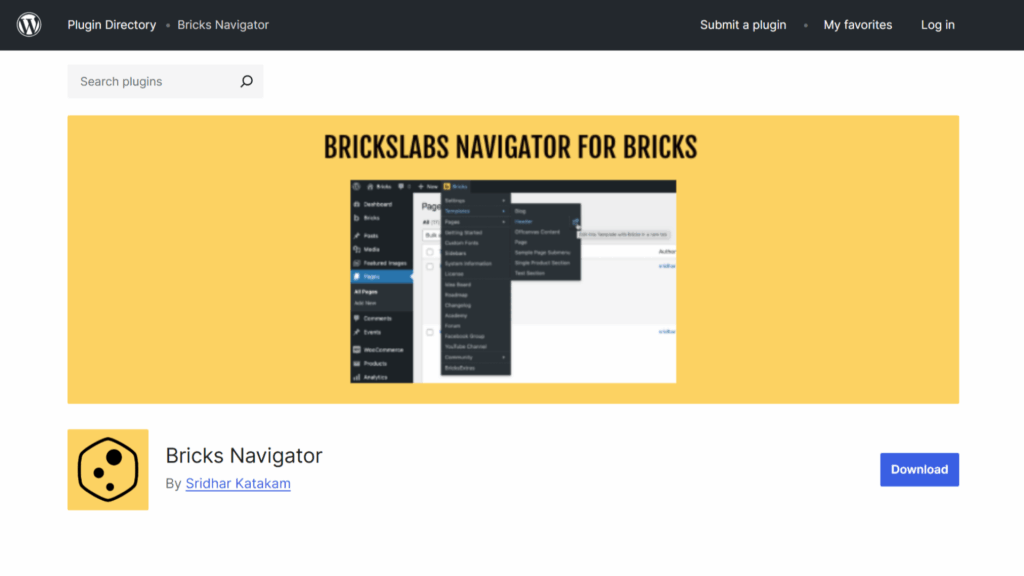
Bricks Navigator is a free WordPress plugin by BricksLabs that adds a dedicated menu to the WordPress admin bar, giving you one-click access to all Bricks templates and pages from anywhere in the dashboard.
It solves one specific, consistently annoying problem: the number of clicks required to jump between Bricks templates in a large project. Install it once, and the friction disappears.
Status: Active – maintained by BricksLabs, a trusted name in the Bricks community.
Key Features
- Dedicated admin bar menu for all Bricks templates and pages
- Quick-edit links directly from the admin bar
- Open templates in new tabs from the navigation menu
- Customizable menu to hide unused items
Pros
- Completely free with no paid upsell
- Developed by BricksLabs, a reliable, community-trusted source
- Meaningful time savings on projects with many templates
Cons
- Single-purpose: it does one thing and nothing more
- No premium tier means no advanced features will ever be added
Pricing
Free. No paid version.
Version & Maintenance
- Current version: Latest
- Bricks compatibility: Current
- Update frequency: Moderate – maintained as Bricks’ core evolves
Bricks Navigator FAQs
Who should use Bricks Navigator?
Every Bricks Builder user. It is free and lightweight, making every multi-template project measurably faster to navigate. There is no meaningful reason not to install it.
Does Bricks Navigator affect frontend performance?
No. It is purely an admin-side tool and has zero frontend impact.
22. Bricks Widget Creator
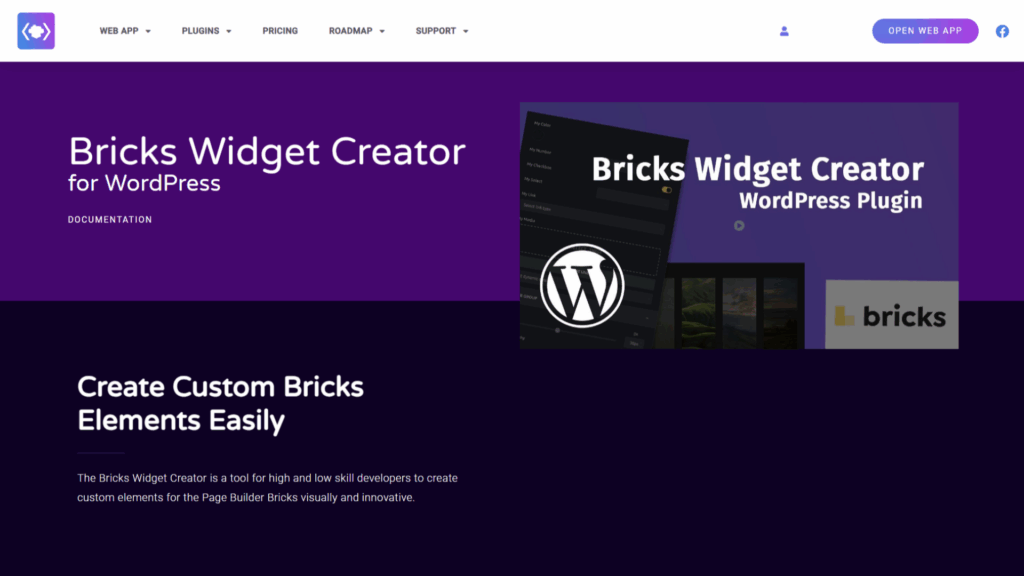
Bricks Widget Creator is a visual, low-code custom element builder for Bricks with a Codepen-style live preview interface, template library, conditional logic, For Loop support, and Import/Export functionality for moving custom elements between projects.
It overlaps with Piotnet Bricks’ Element Creator in purpose but differentiates through its live-preview-first interface and dedicated Theme Mode and Plugin Creator for proper code decoupling and deployment.
Status: Active – a viable custom element building option, though Piotnet’s 100-site lifetime plan is a strong competitive reference point.
Key Features
- Visual element builder with Codepen-style live preview
- Template library for element starting points
- Conditional logic (if/else) and For Loops for dynamic elements
- Syntax error detection
- Theme Mode and Plugin Creator for decoupled, production-ready deployment
- Import/Export for reusing elements across projects
Pros
- The live preview interface makes custom element building more visual and accessible
- Theme Mode allows proper decoupling of custom elements from the plugin
- Import/Export is practically useful for agencies maintaining a shared element library
Cons
- Compare directly against Piotnet Bricks’ Element Creator before purchasing, similar capability, different pricing structures
- Smaller community footprint compared to Piotnet Bricks
Pricing
Visit the Bricks Widget Creator product page for current pricing.
Version & Maintenance
- Current version: Latest
- Bricks compatibility: Current
- Update frequency: Regular
Bricks Widget Creator FAQs
Who should use the Bricks Widget Creator?
Developers who want a visual, live-preview-first approach to building custom Bricks elements. Compare it against Piotnet Bricks’ Element Creator on current pricing before deciding; they solve the same core problem.
What is Theme Mode in Bricks Widget Creator?
Theme Mode allows you to deploy your custom-built elements as a standalone WordPress theme rather than keeping them tied to the Bricks Widget Creator plugin. This decouples the element from the plugin dependency on client sites.
FAQs: Bricks Builder Addons
What are Bricks Builder addons?
Bricks Builder addons are third-party plugins, CSS frameworks, template systems, and developer utilities that extend native Bricks functionality.
They add elements, automate design decisions, improve the builder workflow, or introduce specialized capabilities, like WooCommerce store building, GSAP animations, or AI-assisted development, that Bricks does not provide out of the box.
What is the most important Bricks Builder addon to buy first?
Automatic CSS. It establishes the design system foundation that makes everything else you build faster and more maintainable.
Once ACSS is in place, Advanced Themer is the most practical second purchase for workflow efficiency. These two form the baseline professional stack before adding anything else.
What is the professional Bricks stack in 2026?
The “Core Four” that most agencies have converged on is: Automatic CSS (design governance), Advanced Themer (workflow efficiency), Bricksforge (animations and complex forms), and BricksExtras (functional, accessible elements).
Frames are added by developers who wireframe in Bricks, and BricksUltimate joins the stack for any WooCommerce project.
Are there free Bricks Builder addons worth using?
Yes. Bricksable (20+ elements, 5/5 rating) and Bricks Navigator are both zero-cost installs worth having on every Bricks site.
Max Addons also offers a capable free tier with 11 elements.
Fancy Framework is the best free starting point if you want a CSS variable system without a paid framework.
What is the difference between BricksExtras and BricksUltimate?
BricksExtras focuses on functional, accessibility-first components for content and data-driven sites, AJAX search, dynamic filtering, and query loop compatibility.
BricksUltimate focuses on WooCommerce specifically, with 32+ store elements and 28+ query loop providers covering the entire eCommerce journey.
They serve different project types, and both can coexist in the same stack for WooCommerce builds.
Which addon is best for WooCommerce stores on Bricks?
BricksUltimate.
No other addon covers the complete WooCommerce build pipeline, Checkout Builder, Mini Cart Builder, Order Bumps, Product Swatches, and Shipping Calculators, in a single package.
The lifetime pricing makes it one of the best value investments in the ecosystem for WooCommerce-focused developers.
Can Bricks Builder addons slow down my website?
They can, if chosen without consideration for performance.
The leading addons, Bricksforge, Advanced Themer, and BricksExtras, are built on Vanilla JavaScript and load scripts conditionally, only on pages where specific elements are active.
Bricks’ baseline page weight is approximately 15KB of scripts.
A properly configured addon stack can maintain performance in the 90-99 PageSpeed range.
The key is choosing addons that follow conditional loading principles.
Do I need both ACSS and Frames?
If you use ACSS and run a wireframing step in your workflow, yes, the combination is one of the most productive build systems available for Bricks.
If you skip wireframing or work on lower-complexity projects, ACSS alone is sufficient, and Frames is optional.
Is Bricks Builder itself free?
Bricks Builder is a premium WordPress theme with a one-time purchase model.
The addons listed in this article are separate purchases.
For a full breakdown of Bricks Builder itself, read our Bricks Builder Review.
How often should I update my Bricks addons?
Whenever compatibility updates for a new Bricks core version are released, update immediately.
Most serious issues in the Bricks ecosystem, broken elements, editor errors, and style conflicts are caused by running outdated addon versions against a newer Bricks release.
Treat addon updates as part of your regular site maintenance cycle, not an optional task.
What Should You Install First?
If you are new to the Bricks addon ecosystem, the practical sequence is:
- Automatic CSS: Establish your design system foundation before building anything serious
- Advanced Themer: Optimize your daily builder workflow once you are comfortable with ACSS
- Bricksable: Install the free elements library on every project immediately
- Bricks Navigator: Free, takes two minutes to install, saves time on every project
- Bricksforge: Add this when your projects require high-end animations or complex forms
- BricksExtras: Add this when your projects require accessible, functional components beyond the native library
- BricksUltimate: Add this the moment WooCommerce enters your project scope
Everything else in this list is a specialized addition you evaluate when a specific project requires it.
Got questions about any of these addons or how to build a stack for your specific workflow? Let me know in the comments below, I read every one.