
The best Bricks Builder templates in 2026 are Frames (best structural system for agencies), Brixies (best for volume and variety), and Bricksfusion (best for multi-framework workflows with AI-powered section generation).
If you want a free starting point, Renmoe Library and Bricks Design Set, the largest free wireframe library in the ecosystem, are the strongest no-cost options available.
And if you are building eCommerce, service, or portfolio sites for clients, take a look at Bricks Blueprints, our own production-grade template kit built here at WPnomy.
Quick Summary
- There are three categories to understand: structural development systems (Frames, Brixies, Bricksfusion), visual design libraries (Bricksmaven, FancyBricks, Varneo, Bricks Library), and starter foundations (Bricks Boilerplate, Built-in Templates).
- Most premium libraries now work best with ACSS or the Core Framework. Several, including Bricksfusion, BricksTemplate, and Bricks Boilerplate, work without any CSS framework dependency.
- Free options are genuinely strong in 2026. Renmoe Library, Bricks Design Set, and the free tiers of BricksPlus and Bricksmaven are all worth your time before spending anything.
- Pricing ranges from free to $699 lifetime. The practical sweet spot for most freelancers sits between $69 and $199 one-time.
- Remote Template Access is now the standard import method across most libraries. You connect a URL in Bricks settings, and the library appears directly inside your editor.
How We Evaluate
Every template library in this article is assessed against the same five criteria.
- First, code quality: Are the HTML semantics correct, are BEM classes used correctly, and is accessibility built in?
- Second, framework compatibility: Does it require ACSS, Core Framework, or work with vanilla Bricks?
- Third, real-world usability: Can you ship client sites without spending hours unstyling?
- Fourth, update frequency: Is the library actively maintained and growing?
- Fifth, value for money: Does the pricing make sense for the work it eliminates?
Comparison Table
| Template | Framework | Pricing | Free Option | Best For | Library Size |
|---|---|---|---|---|---|
| Frames | ACSS (required) | $69/yr – $399 LTD | No | Agency wireframing | 100+ layouts, 100+ components |
| Brixies | Optional (ACSS/Core/Vanilla) | Paid subscription | No | High-volume variety | 800+ layouts, 400+ components |
| Bricksfusion | Vanilla / ACSS / Core / AT | €119/yr – €279 LTD | No | All-in-one toolkit with AI | 316 wireframes, 120 design presets |
| Bricks Blueprints | ACSS | $69.99 one-time | No | eCommerce, services, portfolios | 3 full production kits |
| Varneo | ACSS / Core / Vanilla | $30/mo – $199 LTD | No | Minimal-aesthetic, SEO-semantic | Premium blocks |
| BricksPlus | Vanilla / ACSS / Core (separate) | $59/yr – $179 LTD per version | Limited free tier | Multi-framework teams | 120+ packs, 500+ sections |
| Bricksmaven | ACSS / Core / Vanilla | $199/yr – $599 LTD | Yes (104 templates) | Premium corporate & portfolio | ~500 components |
| Bricks Boilerplate | None required | One-time | No | Structural project foundation | Starter kit |
| Renmoe Library | None required | Free | Fully free | Beginners, rapid prototyping | Headers, footers, menus, heroes |
| BricksTemplate | Vanilla / BEM | $45 LTD – $99 LTD | 34 free layouts | Budget freelancers | 221 layouts, 294 wireframes |
| FancyBricks | Vanilla / ACSS | $99/yr | No | Motion-driven marketing sites | 170+ (FB 1.0), 70+ (FB 2.0) |
| Bricks Awesome | None | Promotional LTDs | No | Simple modern sections | 300+ sections |
| Bricks Design Set | None | Free (donations) | Fully free | Community layouts | Community-driven |
| Bricks Library | Motion.Page plugin needed | $249/yr – $699 LTD | No | Motion-heavy premium projects | Premium packs |
| Bricks Built-in Templates | None | Included with Bricks | Yes | Complete beginners | Growing |
Introduction of Builder Templates
Bricks Builder templates are pre-built collections of page layouts, sections, and UI components designed specifically for Bricks Builder on WordPress.
They include everything from full-website templates to individual blocks like heroes, footers, and contact forms, all importable directly into your editor.
The key difference from generic WordPress themes is that these are builder-native.
Every element is structured inside Bricks’ own system, giving you full control over code output, class organization, and dynamic data.
In 2026, most professional libraries go further; they are not just visual starting points but structured development systems that handle the first 50 to 80% of a build before you write a single custom line.
Our Top 3 Picks
- Frames: Best structural system for agency-grade builds
- Brixies: Best for volume, variety, and rapid deployment
- Bricksfusion: Best for multi-framework workflows and AI-powered section building
Frames
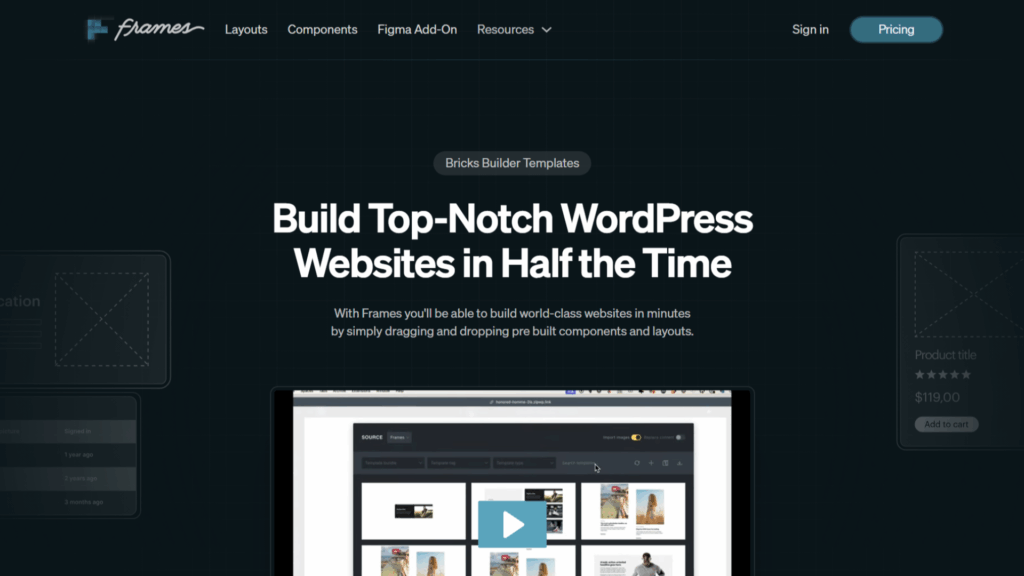
Frames is a professional development system for Bricks Builder, built on top of Automatic CSS (ACSS).
It functions as a wireframing and structural framework, not a visual design kit, giving you mathematically precise spacing, typography, and component architecture pre-configured from the moment you import a layout.
Status: Active – Market leader in the wireframing framework category as of 2026.
Key Features
- 100+ core layouts and 100+ modular components
- Accessibility-first DOM output with ARIA attributes pre-configured on every imported layout
- Deep ACSS integration with BEM-organized class structure
- Compatible with Bricks’ Remote Templates API for direct editor access
- Designed for the Figma-to-Bricks design-to-build workflow
Pros
- Eliminates 50 to 80% of structural development work on every project
- Accessibility and SEO compliance are built in, not patched on afterward
- Scales cleanly across agency projects of any size and complexity
- Meaningful increase to project margins over time
Cons
- Requires an active ACSS license (additional cost on top of Frames)
- Figma access is a paid add-on, not included in the base license
- Not a good fit for developers who do not use a wireframing workflow
- Overkill for simple, low-scope freelance projects
Pricing
| License | Price | Sites Covered |
|---|---|---|
| Starter | $69 / year | 3 websites |
| Professional | $99 / year | 15 websites |
| Lifetime (LTD) | $399 one-time | 100 websites |
Framework & Compatibility
| CSS Framework | Supported |
|---|---|
| Automatic CSS (ACSS) | Required |
| Core Framework | No |
| Vanilla Bricks | No |
| Gutenberg / Other builders | No |
Library Size & Updates
- Current count: 100+ core layouts, 100+ modular components
- Growth since 2022: Significant expansion with accessibility-first rebuild of all components
- Update frequency: Regular – driven by Bricks core updates and ACSS version releases
Frames FAQs
Who should use Frames?
Agencies and freelancers already using ACSS who build professional, performance-sensitive client sites and want a structural system that removes decision fatigue from every project.
Does Frames require Automatic CSS to work?
Yes, ACSS is required. Frames is built on top of the ACSS framework and its mathematical spacing and typography system. You need an active ACSS license to use Frames properly. If you are not already using ACSS, factor that cost into your decision.
Can Frames be used on unlimited websites?
No. The Starter tier covers 3 websites per year, the Professional tier covers 15, and the Lifetime deal covers up to 100 websites with a one-time payment. There is no unlimited-site tier.
Is Frames free or paid?
Paid only. There is no free version or free trial. The entry point is $69 per year for the Starter plan, covering 3 sites.
Does Frames work without a CSS framework?
No. Frames is designed exclusively around ACSS. Using it without ACSS is not supported, and the output will not behave as intended. Framework dependency is the most important compatibility check before purchasing.
Does Frames include a Figma file?
Figma access is available but as a paid add-on, not included in the base Frames license. If Figma integration is important to your workflow, budget for this separately.
How often is Frames updated?
Regularly, updates are tied to both Bricks Builder core releases and ACSS version updates. The accessibility protocol refresh since 2022 has been the most significant structural update to the library.
What type of websites is Frames best for?
Agency builds performance-critical client sites and any project where accessibility compliance and clean code structure are non-negotiable requirements. Not recommended for simple brochure sites where the structural overhead is not justified.
Brixies
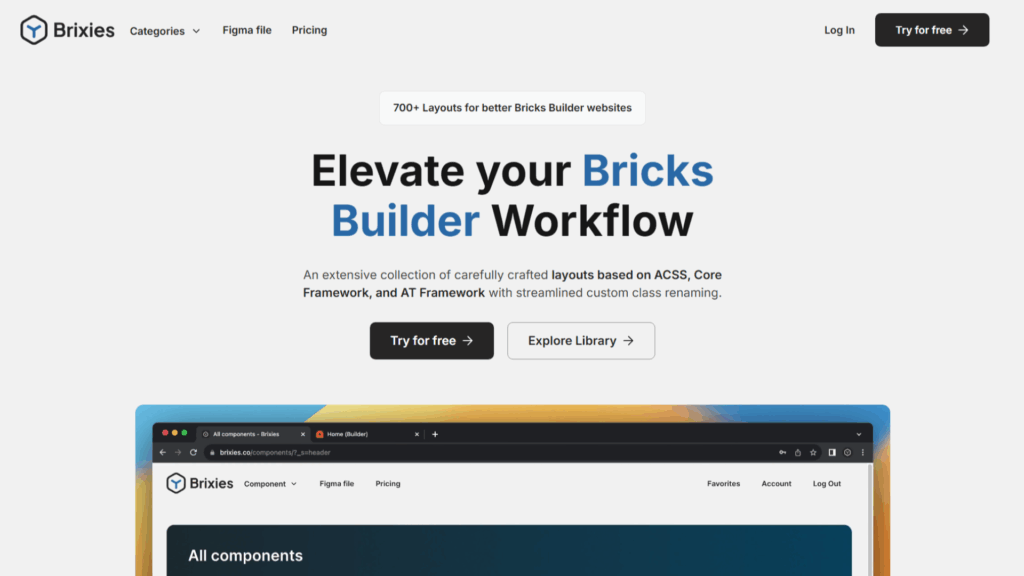
Brixies is a cloud-based template library for Bricks Builder, offering 800+ layouts and 400+ components.
The defining feature is its proprietary BEM Class Editor, where you customize and rename classes inside the Brixies cloud dashboard before the component even touches your WordPress installation, keeping your database lean and your builds clean.
Status: Active – one of the most actively growing libraries in the ecosystem as of 2026.
Key Features
- 800+ modern layouts and 400+ atomic components
- Cloud-based BEM Class Editor for pre-import class customization
- Figma files included for all layouts
- Copy-paste cloud workflow (no JSON imports, no database bloat)
- Advanced filtering system for niche-specific blocks (fintech, fashion, etc.)
Pros
- Largest and most visually diverse library in the ecosystem
- Framework-flexible, works with vanilla Bricks, ACSS, and custom BEM setups
- Cloud workflow means you always have the latest version of every layout
- Double the template count since 2022, with consistent quality maintained
Cons
- No remote template integration directly inside the Bricks editor (you work from the Brixies dashboard, not inside WordPress)
- The library size can feel overwhelming without a defined personal workflow
- No free tier, you commit to a paid subscription before testing
Pricing
Current pricing is subscription-based. Check sync.win/brixies for the latest plan options, as Brixies has updated its tier structure since 2022.
Framework & Compatibility
| CSS Framework | Supported |
|---|---|
| Automatic CSS (ACSS) | Yes (optional) |
| Core Framework | Yes (optional) |
| Vanilla Bricks | Yes |
| Gutenberg / Other builders | No |
Library Size & Updates
- Current count: 800+ layouts, 400+ components
- Growth since 2022: The library has more than doubled from its original size
- Update frequency: Regular additions, niche-specific blocks added consistently
Brixies FAQs
Who should use Brixies?
Developers building diverse client sites at volume who want a cloud-sync workflow, maximum visual variety, and the ability to customize class naming before a component hits their site.
Does Brixies require Automatic CSS to work?
No. ACSS is optional but supported. Brixies works with vanilla Bricks, ACSS, and custom BEM setups. This framework’s flexibility is one of its core advantages over libraries that mandate a specific CSS framework.
Can Brixies be used on unlimited websites?
Check the current plan terms at sync.win/brixies, as license tiers have been updated since 2022. The subscription model generally allows use across multiple client projects, depending on the plan selected.
Is Brixies free or paid?
Paid only. There is no free tier. Given the library size and the cloud BEM editor, the subscription is well-justified for agencies and active freelancers, but there is no way to evaluate it without paying.
Does Brixies work without a CSS framework?
Yes. Vanilla Bricks is fully supported. You do not need ACSS or Core Framework to use Brixies, which makes it accessible to developers at any stage of their CSS workflow evolution.
Does Brixies include a Figma file?
Yes. Comprehensive Figma files are included for all layouts, supporting a proper design-to-build handoff workflow before anything is imported into WordPress.
How often is Brixies updated?
Regularly. The library has more than doubled in size since 2022, and new niche-specific layouts are added on an ongoing basis. The update cadence is one of the strongest in the ecosystem.
What type of websites is Brixies best for?
Agencies and developers are producing diverse client sites across industries. Particularly strong for projects that need unique, modern visual design with sophisticated CSS and hover effects, where starting from scratch would be inefficient.
Bricksfusion
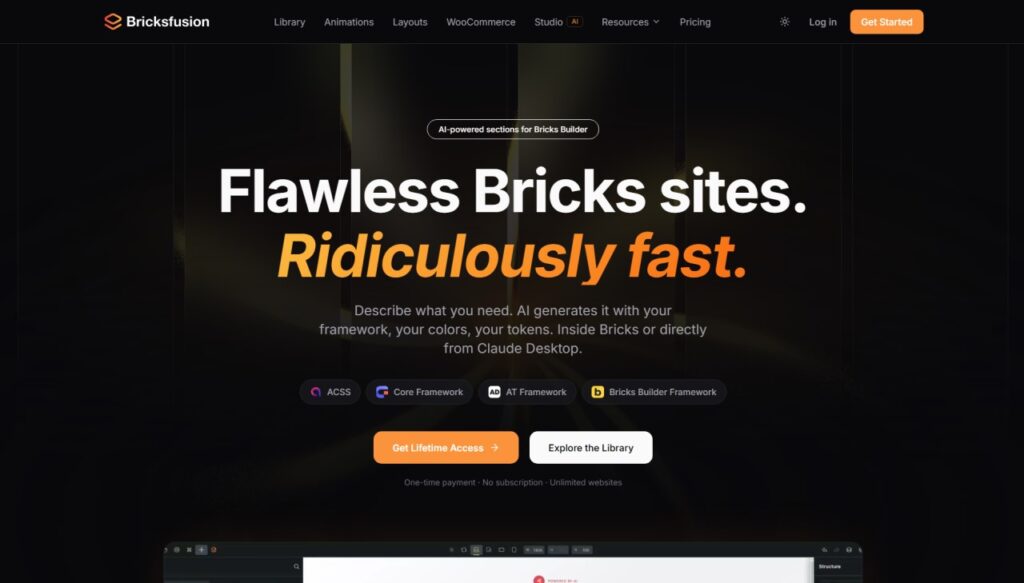
Bricksfusion is the most forward-looking toolkit in the 2026 Bricks ecosystem.
It goes well beyond a standard template library, combining a styled section library, a wireframe library, 80+ animations with page transitions, and, uniquely, an AI-powered section builder called Bricksfusion Studio that generates native Bricks sections from a text description, a wireframe, a screenshot, or raw HTML, directly inside the Bricks editor.
No other template library in this list does this.
The library supports all four major Bricks CSS framework approaches: Vanilla Bricks, ACSS, Core Framework, and AT Framework, making it the most framework-inclusive option currently available.
Status: Active – rapidly growing, among the most feature-rich toolkits in the ecosystem as of early 2026.
Key Features
- 370+ wireframe sections across 21 categories (heroes, pricing, testimonials, FAQs, bento grids, and more)
- 80+ native animation elements with visual controls directly inside the Bricks Builder sidebar
- Automatic framework converter, remaps ACSS, Core Framework, AT Framework, and Vanilla in one click
- Bricksfusion Studio: AI section generator running as a native panel inside Bricks with design system sync
- 11 complete page layouts for end-to-end deployment
- Page transitions and animation showcases
- WooCommerce and SureCart component support
- Copy-paste cloud workflow, no JSON imports, no database bloat
Pros
- The framework converter is genuinely unique; no other library in this list can convert an imported section between frameworks automatically
- AI Studio is native to the editor, not an external tool; the design system syncs automatically, including ACSS, Core Framework, and AT Framework variables
- BYOK (Bring Your Own Key) AI model, use Claude, OpenAI, or others at direct cost with zero markup
- Supports all five major Bricks framework environments: Vanilla, ACSS, Core Framework, AT Framework, Bricks Builder Framework (Design Tokens)
- Library breadth (wireframes + animations + layouts + AI) replaces multiple separate subscriptions
Cons
- Pricing is in EUR (€), not USD; the effective USD cost fluctuates with exchange rates
- AI Studio requires a personal API key from your chosen AI provider, not fully plug-and-play out of the box
- Animations require installing a separate lightweight Bricksfusion plugin on WordPress
Pricing
| Plan | Price | Sites | What’s Included |
|---|---|---|---|
| Essential (Annual) | €119/year | Unlimited | Full library, animations, layouts, wireframes, page transitions |
| LTD + AIFusion (Lifetime) | €279 one-time | Unlimited | Everything in Essential + Bricksfusion Studio (AI), future updates |
Pricing is in EUR. LTD available from January 23, 2026.
Framework & Compatibility
| CSS Framework | Supported |
|---|---|
| Automatic CSS (ACSS) | Yes (full support) |
| Core Framework | Yes (full support) |
| AT Framework | Yes (full support) |
| Bricks Builder Framework (Design Tokens) | Yes (Bricks 2.2+ Style Manager sync) |
| Vanilla Bricks | Yes |
| Automatic framework conversion | Yes (between all supported frameworks) |
Library Size & Updates
- Current count: 370+ wireframe sections, 80+ animations, 11 complete layouts, 21 section categories
- Growth since launch: Library expanded significantly with new section categories and the AI Studio launch
- Update frequency: Regular, new sections and animation showcases added consistently; changelog publicly available at bricksfusion.com
Bricksfusion FAQs
Who should use Bricksfusion?
Developers and agencies who work across multiple CSS frameworks and are tired of maintaining separate library subscriptions per framework. Especially strong for teams that want AI-assisted section generation without leaving the Bricks editor, and for anyone regularly importing sections from different sources who needs automatic framework translation.
Does Bricksfusion require Automatic CSS to work?
No. Bricksfusion supports all five major framework environments: Vanilla Bricks, ACSS, Core Framework, AT Framework, and Bricks Builder’s native Design Tokens (Style Manager from Bricks 2.2+). You choose your framework in the dashboard, and all sections adapt automatically. No single framework is required.
Can Bricksfusion be used on unlimited websites?
Yes. Both the Essential annual plan and the LTD include unlimited websites with no per-site restrictions. This applies to commercial client projects as well. Check current license terms at sync.win/bricksfusion before purchasing for agency deployment.
Is Bricksfusion free or paid?
Paid only. There is no free tier. The entry point is €119/year for the Essential plan, or €279 as a one-time lifetime purchase that also includes Bricksfusion Studio (AI). No free trial is available at the time of writing.
Does Bricksfusion work without a CSS framework?
Yes. Vanilla Bricks (no CSS framework) is one of the five supported environments. The framework converter also allows you to move sections between vanilla and any framework setup if your project requirements change after the initial build.
Does Bricksfusion include a Figma file?
Not as a standard inclusion. Bricksfusion focuses on an in-editor, cloud-based workflow rather than Figma-to-Bricks handoff. The AI Studio generates directly inside Bricks, which removes the need for a separate Figma design step in many workflows.
How often is Bricksfusion updated?
Regularly, a public changelog is maintained at bricksfusion.com. New section categories, animations, and AI Studio capabilities are added on an ongoing basis. The platform is in active development with a public roadmap available.
What type of websites is Bricksfusion best for?
Agency builds across multiple frameworks, developers who regularly import sections from different libraries or past projects, and anyone who wants AI-assisted section generation that is aware of their actual design system. It is also a strong fit for developers currently using multiple separate tools for wireframing, animations, and AI that could be consolidated into one subscription.
Bricks Blueprints
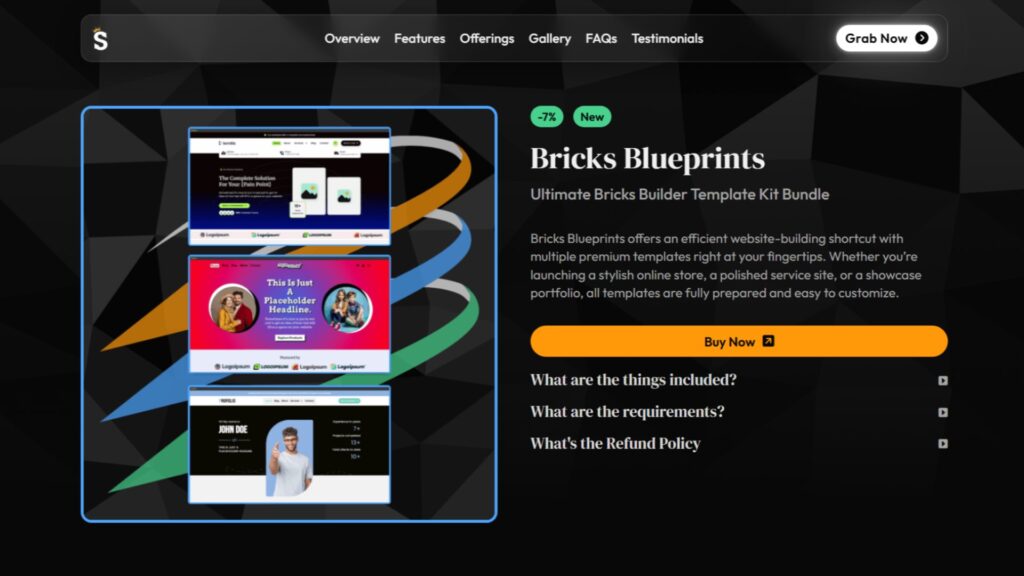
Bricks Blueprints is our own product, built here at WPnomy and SyncWin, so I am stating that upfront.
With that being said, I built it to solve a specific problem I kept running into: most template libraries give you 500 layouts when what you actually need is a few well-built, niche-specific kits that cover the projects that make up 80% of most freelance and agency workloads.
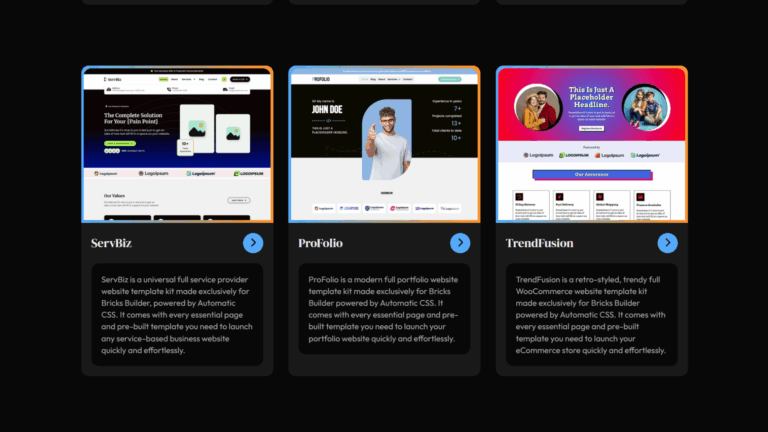
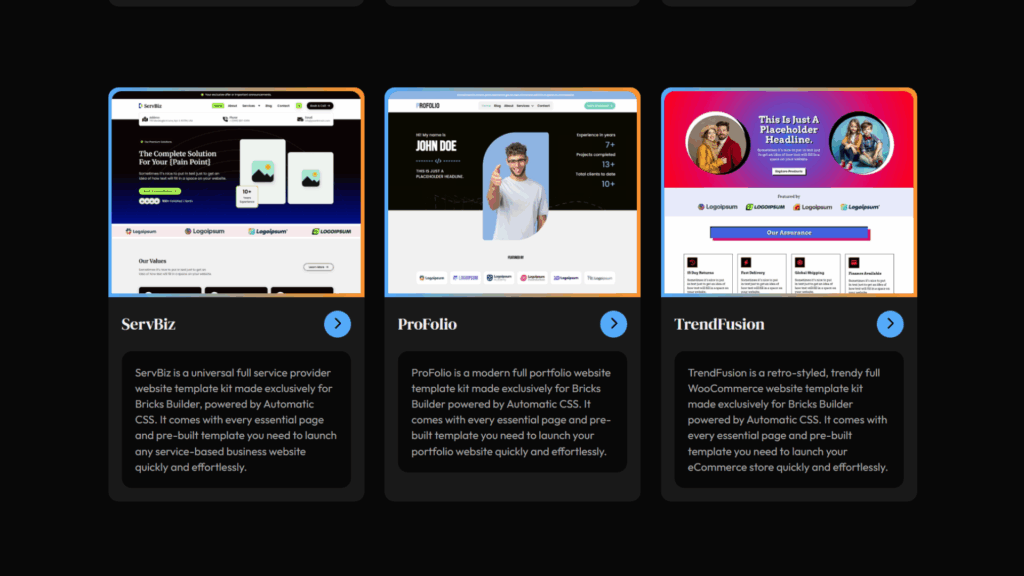
Bricks Blueprints is a bundle of three production-ready template kits built on ACSS, TrendFusion for WooCommerce stores, ServBiz for service-based businesses, and ProFolio for professional portfolios. One purchase, unlimited commercial client sites, $69.99.
Status: Active – maintained and updated by the SyncWin team.
Key Features
- Three full production-ready kits: TrendFusion (WooCommerce), ServBiz (services), ProFolio (portfolios)
- Built on ACSS with BEM-organized class structure and semantic HTML
- Commercial usage license covering unlimited client sites
- All kits designed for real-world project types, not demo content
- Priced for the freelance and small agency market specifically
Pros
- Covers the three most common freelance/agency project types in one purchase
- $69.99 one-time is the most accessible commercial-license kit in this list
- Built to production standard on ACSS, code quality matches the premium tier
- Unlimited client site usage removes the mental overhead of per-site license counting
Cons
- Requires ACSS, not suitable for framework-free or Core Framework workflows
- Smaller scope than volume libraries like Brixies or BricksTemplate by design
- Limited to three niche-specific kits, if your projects fall outside of eCommerce, services, and portfolios, it may not be the right fit
- As our own product, I encourage you to evaluate it against alternatives before deciding
Pricing
| Option | Price | Sites |
|---|---|---|
| Bundle (all 3 kits) | $69.99 one-time | Unlimited commercial |
Framework & Compatibility
| CSS Framework | Supported |
|---|---|
| Automatic CSS (ACSS) | Required |
| Core Framework | No |
| Vanilla Bricks | No |
| WooCommerce | Yes (TrendFusion kit) |
Library Size & Updates
- Current count: 3 full template kits (TrendFusion, ServBiz, ProFolio)
- Growth since launch: Kits updated and expanded based on SyncWin team usage and community feedback
- Update frequency: Regular, maintained in sync with ACSS and Bricks core updates
Bricks Blueprints FAQs
Who should use Bricks Blueprints?
Freelancers and small agencies whose project mix is primarily eCommerce, service businesses, and portfolios, which describes most of us in this industry, who want focused, production-ready ACSS kits at the most accessible commercial license price on the list.
Does Bricks Blueprints require Automatic CSS to work?
Yes. ACSS is required. All three kits are built on the ACSS framework for its mathematical spacing system, responsive logic, and global color management. If you are not already using ACSS, factor that license cost into your decision.
Can Bricks Blueprints be used on unlimited websites?
Yes. The $69.99 one-time purchase includes a commercial usage license covering unlimited client websites. There are no per-site fees or annual renewal requirements.
Is Bricks Blueprints free or paid?
Paid. $69.99 as a one-time purchase for the full three-kit bundle. No free tier, but at this price point, it is the most affordable commercial-grade ACSS template kit in the ecosystem.
Does Bricks Blueprints work without a CSS framework?
No. ACSS is a hard dependency. The kits are built entirely around ACSS variables and spacing logic. They will not function correctly without an active ACSS installation.
Does Bricks Blueprints include a Figma file?
No. The template kits are intended as quick-start layouts within the builder, not as part of a design-to-development Figma workflow.
How often is Bricks Blueprints updated?
Regularly maintained in sync with ACSS updates and Bricks Builder core releases. As a product we use ourselves for client work, keeping it production-current is not optional for us.
What type of websites is Bricks Blueprints best for?
WooCommerce stores (TrendFusion), service-based businesses like agencies, consultancies, and professional services (ServBiz), and professional or creative portfolio sites (ProFolio). If your project fits one of those three categories and you use ACSS, it is a practical, affordable choice.
Varneo
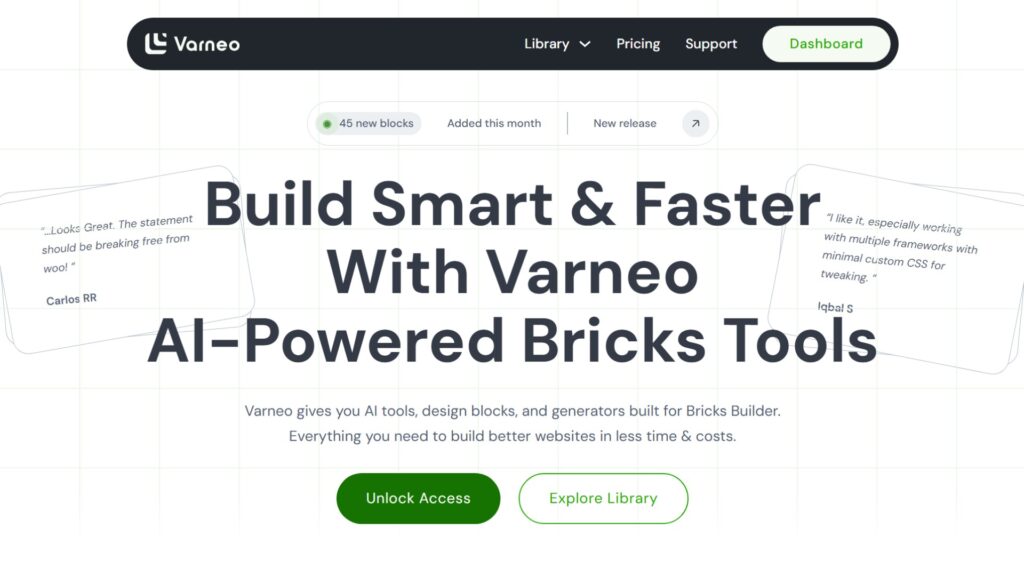
Varneo is a specialized template library with a cult following built around minimal aesthetic design blocks.
Beyond the visuals, it is built on what the creators call “Semantic Intelligence.”
Every block is structured for SEO and accessibility at the code level, not just styled to look good on the surface.
Status: Active – strong niche following, compatible with all three major framework approaches as of 2026.
Key Features
- Minimal-themed, visually distinctive design blocks, unlike anything else in the ecosystem
- “Semantic Intelligence” architecture, SEO, and accessibility structured at the DOM level
- Compatible with ACSS, Core Framework, and Vanilla Bricks
- Full framework flexibility matching BricksPlus in the compatibility range
- Premium blocks available across all pricing tiers
Pros
- Visually unique, stands out significantly from corporate minimalism-heavy competitors
- Clean semantic code underneath the aesthetic, not just a visual novelty
- Broad framework compatibility with no lock-in
- Flexible pricing, including a monthly option for a lower initial commitment
Cons
- Smaller library compared to Brixies or BricksTemplate
- Less brand recognition than established premium options, which can affect client confidence in the toolset
- Monthly pricing at $30/month adds up to $360/year if not switched to an annual or lifetime plan
Pricing
| Option | Price |
|---|---|
| Monthly | $30 / month |
| Annual | $95 / year |
| Lifetime | $119 one-time |
Framework and Compatibility
| CSS Framework | Supported |
|---|---|
| Automatic CSS (ACSS) | Yes |
| Core Framework | Yes |
| Vanilla Bricks | Yes |
| Gutenberg / Other builders | No |
Library Size & Updates
- Current count: Premium block library, not a volume competitor
- Growth since 2022: Consistent expansion with a dedicated niche audience
- Update frequency: Regular
Varneo FAQs
Who Should Use Varneo?
Developers working on creative, personality-driven brands, studios, agencies, cultural organizations, music, fashion, or any client who needs to stand out visually while maintaining clean, semantic code underneath.
Does Varneo require Automatic CSS to work?
No. Varneo supports ACSS, Core Framework, and Vanilla Bricks equally. All three environments are fully supported, giving it the same framework flexibility as BricksPlus without the per-framework pricing structure.
Can Varneo be used on unlimited websites?
Confirm current license terms at sync.win/varneo. Lifetime licenses in this tier typically cover unlimited commercial usage; verify before purchasing for agency deployment.
Is Varneo free or paid?
Paid with a limited free tier. Three pricing options: $30/month, $95/year, or $199 lifetime. The lifetime deal is the best value if you are planning to use it long-term. There is a limited-access free tier.
Does Varneo work without a CSS framework?
Yes. Vanilla Bricks is fully supported alongside ACSS and Core Framework. You do not need any additional tooling to use Varneo’s blocks in a clean, framework-free Bricks installation.
Does Varneo include a Figma file?
Confirm at sync.win/varneo. Design file inclusion is not confirmed as standard at this time; check the current plan documentation before purchasing if Figma workflow integration is important to you.
How often is Varneo updated?
Regularly. The library has grown consistently with a loyal niche community. Update frequency is driven by community requests and design trend direction within its minimalistic aesthetic focus.
What type of websites is Varneo best for?
Creative agencies, cultural brands, portfolio sites, music platforms, independent studios, and any brand identity that benefits from a distinctive minimalistic visual language backed by clean, semantic code structure.
BricksPlus
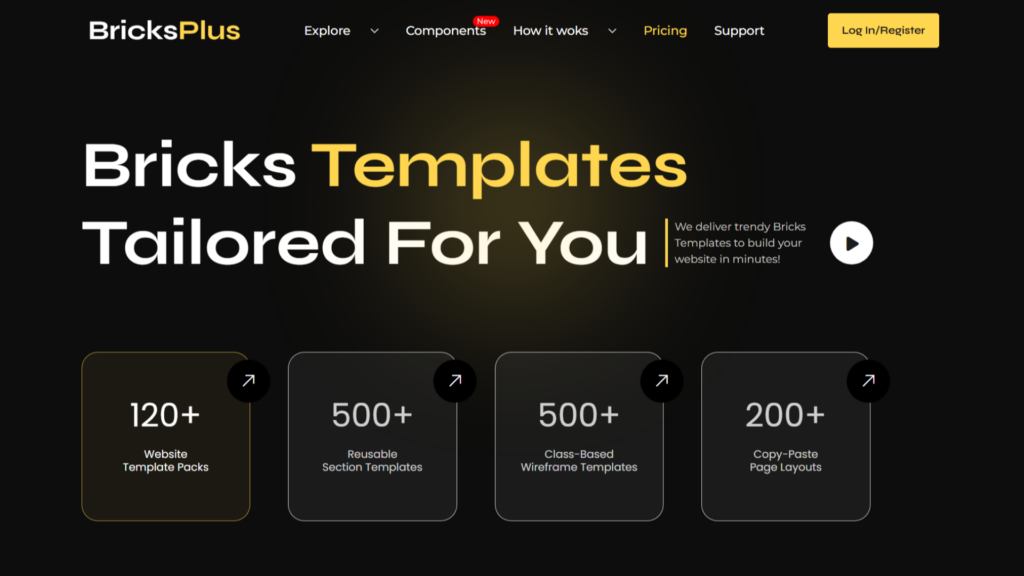
BricksPlus is the most framework-flexible template library in the ecosystem, offering three completely separate versions of its entire library, one for Vanilla Bricks, one for ACSS, and one for Core Framework.
A single subscription supports your entire agency regardless of which CSS approach individual projects require.
Status: Active – recognized as a leading multi-framework template solution in 2026.
Key Features
- 120+ website template packs and 500+ copy-paste section templates
- Three fully independent library versions: Vanilla, ACSS, Core Framework
- Industry-specific template logic pre-configured for niches like architecture, childcare, and eCommerce
- 24/7 premium support included with all plans
- Regular audits of all templates against the latest Bricks core updates
Pros
- One subscription covers three CSS frameworks, ideal for mixed-methodology agencies
- Lifetime deal bundles all three framework versions together at a single price
- Industry-specific templates arrive pre-configured, not just visually styled
- Premium support standard, not an add-on
- Wireframe section library available separately for structural-first workflows
Cons
- Visual design, while solid, is more functional than expressive compared to Bricksmaven or FancyBricks
- No free tier available, you commit to a paid plan before testing the product
Pricing
| Version | Annual | Lifetime |
|---|---|---|
| Vanilla Bricks | $59 | $179 |
| Automatic CSS (ACSS) | $59 | $179 |
| Core Framework | $59 | $179 |
| Wireframe Section | $49 | $149 |
| Full Access Bundle | N/A | $349 |
Framework & Compatibility
| CSS Framework | Supported |
|---|---|
| Automatic CSS (ACSS) | Yes (dedicated version) |
| Core Framework | Yes (dedicated version) |
| Vanilla Bricks | Yes (dedicated version) |
| Gutenberg / Other builders | No |
Library Size & Updates
- Current count: 120+ template packs, 500+ sections
- Growth since 2022: Substantial expansion with the addition of industry-specific logic layers
- Update frequency: Regular, all templates are audited against new Bricks core releases
BricksPlus FAQs
Who should use BricksPlus?
Agencies managing mixed-framework projects who need professional-grade templates that work consistently across ACSS, Core Framework, and vanilla Bricks without maintaining three separate library subscriptions.
Does BricksPlus require Automatic CSS to work?
No. BricksPlus comes in three separate versions: Vanilla Bricks, ACSS, and Core Framework, each fully built for that environment. You purchase the version that matches your stack. No cross-framework dependency exists.
Can BricksPlus be used on unlimited websites?
Check the current license terms at sync.win/bricks-plus. Lifetime licenses typically cover unlimited site usage. Annual plans may have site limits depending on the tier. Confirm before purchasing for agency use.
Is BricksPlus free or paid?
BricksPlus requires a paid plan starting at $59 per year or $179 as a lifetime deal per framework version.
Does BricksPlus work without a CSS framework?
Yes. The Vanilla Bricks version is built specifically for framework-free installations. This is one of the few premium libraries that explicitly supports and maintains a no-framework version at full library quality.
Does BricksPlus include a Figma file?
Check the current plan documentation at sync.win/bricks-plus. Design file inclusion has varied by tier, so confirm this based on the specific version and plan you are purchasing.
How often is BricksPlus updated?
Regularly, with all templates audited against new Bricks Builder core releases. This proactive compatibility maintenance is a notable advantage and reduces the risk of broken layouts after a Bricks update.
What type of websites is BricksPlus best for?
Agencies working across diverse project types that require framework flexibility. Particularly useful when your team works with both ACSS and non-ACSS projects, and you want one library ecosystem that handles both without compromise.
Bricksmaven
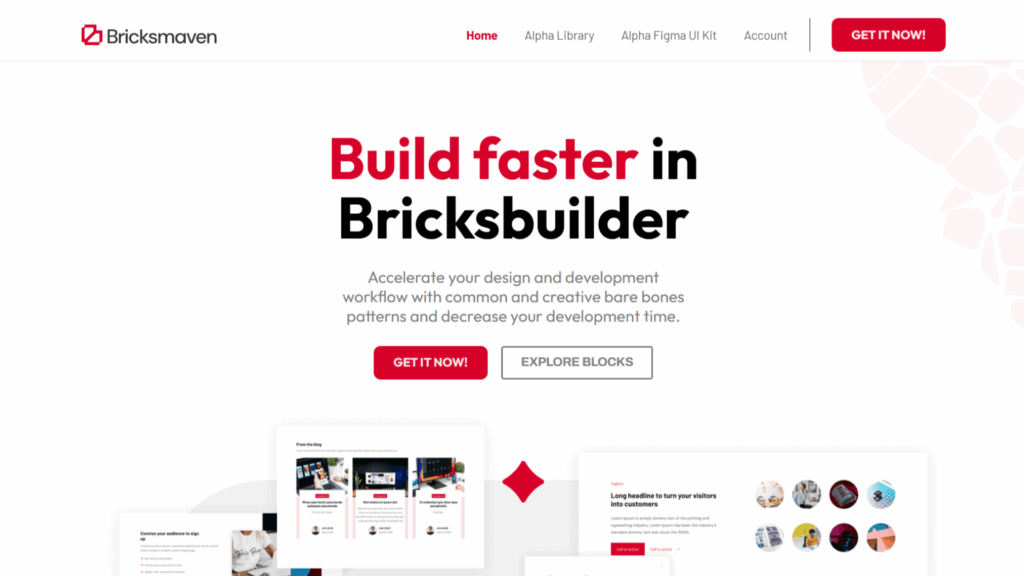
Bricksmaven is a premium component library built around a consistent, designer-approved aesthetic.
With approximately 500 components and a design language that works across corporate, portfolio, and high-end service sites, it is the most visually refined library in the ecosystem, and one of the most expensive.
Status: Active – premium market tier as of 2026.
Key Features
- ~500 components with a universal design language suited for corporate and high-end projects
- Available in three versions: ACSS, Core Framework, and Vanilla
- Components available as remote templates, barebones structures, or framework-dependent kits
- Limited free tier (104 templates) available for evaluation without purchase
- Compatible with all three major Bricks CSS framework approaches
Pros
- Design quality is consistently the most refined in the ecosystem
- Universal aesthetic adapts across industries without looking generic
- Free tier of 104 templates gives you a genuine preview before committing
- Multiple delivery formats (remote, barebones, framework-dependent) fit any existing workflow
Cons
- $599 lifetime is the highest price point in this entire list
- The depth of options (multiple versions and delivery formats) can be confusing for new users
- Annual pricing at $199 is also high relative to comparable libraries
Pricing
| Option | Price |
|---|---|
| Annual | $199 / year |
| Lifetime | $599 one-time |
| Free tier | 104 templates (no purchase required) |
Framework & Compatibility
| CSS Framework | Supported |
|---|---|
| Automatic CSS (ACSS) | Yes |
| Core Framework | Yes |
| Vanilla Bricks | Yes |
| Gutenberg / Other builders | No |
Library Size & Updates
- Current count: ~500 components
- Growth since 2022: Significant. The library has expanded from the initial release with regular additions
- Update frequency: Regular
Bricksmaven FAQs
Who should use Bricksmaven?
Developers building high-end portfolios, premium agency sites, or corporate projects where visual quality directly justifies a higher client price point, and where the $599 license pays for itself within one or two projects.
Does Bricksmaven require Automatic CSS to work?
No. Bricksmaven offers dedicated versions for ACSS, Core Framework, and Vanilla Bricks. ACSS and Core Framework versions deliver the strongest results, but the vanilla version is available for framework-free installations.
Can Bricksmaven be used on unlimited websites?
The lifetime license covers unlimited site usage under a commercial license. Annual license terms should be confirmed at sync.win/bricksmaven before purchasing for agency-scale deployment.
Is Bricksmaven free or paid?
There is a genuine free tier with 104 templates available without purchase. This makes Bricksmaven one of the few premium libraries you can actually evaluate before spending anything. The full library requires a paid license.
Does Bricksmaven work without a CSS framework?
Yes. A Vanilla Bricks version exists. However, the full design system, especially the responsive logic and global styling control, is more complete and reliable when paired with ACSS or Core Framework.
Does Bricksmaven include a Figma file?
Check current plan details at sync.win/bricksmaven. Design file availability varies by license tier, so confirm this based on the specific plan you are purchasing.
How often is Bricksmaven updated?
Regularly. As a premium-priced product, update cadence is a key part of the value proposition. New components are added, and existing ones are maintained against Bricks’ core compatibility.
What type of websites is Bricksmaven best for?
Corporate websites, premium agency portfolios, high-end service businesses, and any project where the client expects polished, refined design, and you need the code quality to match the visual output.
Bricks Boilerplate
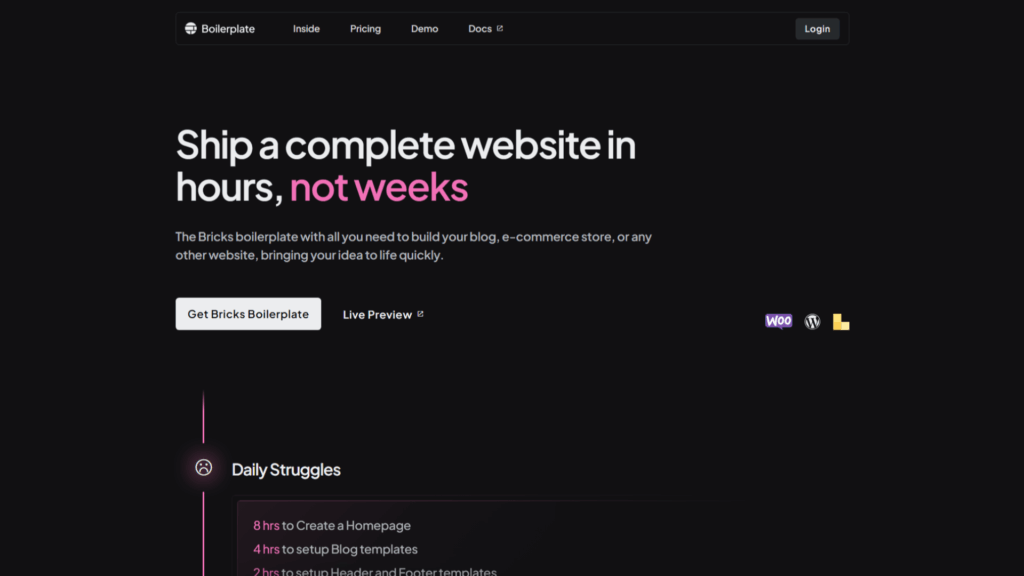
Bricks Boilerplate is a structural starter foundation for Bricks Builder, not a visual design library.
It ships with pre-configured global styles, theme settings, clean blog layouts, WooCommerce templates, and essential UI components, giving you a production-ready base from the very first click of a new project.
Status: Active – frequently used as a project starting point by developers who want a clean, pre-optimized foundation without committing to a full template library.
Key Features
- Pre-configured global styles and theme settings out of the box
- Pre-built blog layouts, WooCommerce pages (product, cart, checkout, account), and essential UI components
- No CSS framework required, built using minimal CSS variables for maximum flexibility
- Pre-installed plugin configurations for ACF, WooCommerce, and a code snippet plugin
- Developer-friendly with useful code snippets and dynamic data pre-mapped
Pros
- No CSS framework dependency, works with your preferred styling approach
- Compresses the initial project setup phase significantly
- WooCommerce-ready from day one, product pages, cart, and checkout are pre-designed
- One-time purchase with unlimited site usage
Cons
- No free trial, you cannot test it before purchasing
- Non-refundable once source file access is granted
- Not a visual design library, you still need to design the site yourself on top of the foundation
- Smaller community compared to framework-backed libraries like Frames
Pricing
One-time payment, unlimited websites. Exact current pricing available at sync.win/bricksboilerplate.
Framework & Compatibility
| CSS Framework | Supported |
|---|---|
| Automatic CSS (ACSS) | Yes (optional) |
| Core Framework | Yes (optional) |
| Vanilla Bricks | Yes — designed for this |
| Gutenberg / Other builders | No |
Library Size & Updates
- Current count: Starter kit, not a volume library
- Growth since 2022: Core template set expanded; WooCommerce coverage strengthened
- Update frequency: Irregular, update-driven by Bricks core changes and WooCommerce compatibility
Bricks Boilerplate FAQs
Who Should Use Bricks Boilerplate?
Developers who want a “pre-built blank canvas”, a clean, SEO-optimized structural foundation that eliminates repetitive project setup without locking you into a specific visual design direction or CSS framework.
Does Bricks Boilerplate require Automatic CSS to work?
No. Bricks Boilerplate is built with minimal CSS variables and requires no CSS framework. It is deliberately framework-agnostic, so you can use it as-is or layer ACSS, Core Framework, or your own system on top.
Can Bricks Boilerplate be used on unlimited websites?
Yes. The one-time payment includes unlimited site usage, which makes it genuinely cost-effective for freelancers and agencies building multiple client sites per year.
Is Bricks Boilerplate free or paid?
Paid only. There is no free tier or free trial. Once you purchase and access the source files, refunds are not available, so review the documentation thoroughly before purchasing.
Does Bricks Boilerplate work without a CSS framework?
Yes. This is a core feature. It is built on minimal CSS variables specifically to avoid framework dependency, which makes it more flexible than most alternatives in the list.
Does Bricks Boilerplate include a Figma file?
Not as a core offering. Bricks Boilerplate is a WordPress-native starter kit rather than a design handoff system. Confirm the current package contents at sync.win/bricks-boilerplate.
How often is Bricks Boilerplate updated?
Updates are irregular and tied primarily to Bricks Builder core changes and WooCommerce compatibility requirements. It is not a high-frequency update library, but it does not need to be, given its starter-kit nature.
What type of websites is Bricks Boilerplate best for?
Any project where you want to skip the repetitive global setup phase. Especially strong for blog-heavy sites and WooCommerce stores, where the pre-built dynamic template structure eliminates hours of foundational configuration work.
Renmoe Library
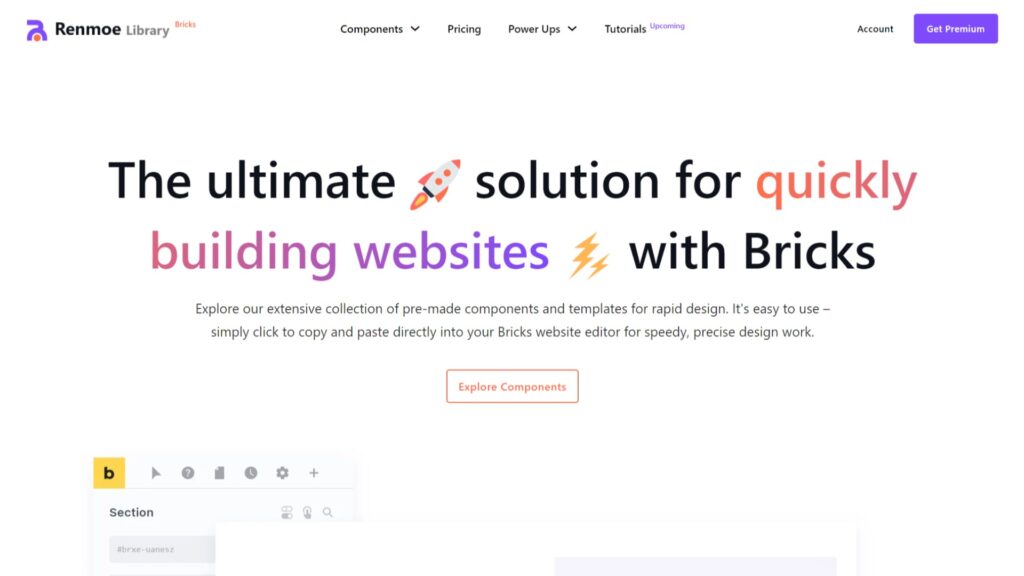
Renmoe Library is the most trusted freemium Bricks Builder resource in the 2026 ecosystem.
Maintained by the community creator Renmoe, the library covers headers, footers, mega menus, hero sections, and CTA blocks, all built to a professional standard and completely free to use via a copy-paste workflow directly in your browser.
Status: Active – the go-to freemium library in the ecosystem, regularly updated and maintained.
Key Features
- Professional-grade free templates covering headers, footers, mega menus, heroes, and CTAs
- Copy-paste workflow directly from the browser into Bricks, no JSON imports needed
- Components built to dissect and learn from, not just use
- No framework dependency
Pros
- Completely free, no trial expiry, with an affordable premium subscription and lifetime plans
- Educational value is as strong as the templates themselves
- Regular updates keep components compatible with the latest Bricks features
- Beginner-friendly starting point that teaches proper Bricks structure
Cons
- Smaller library compared to other options, focused on core components, not full page layouts
- No commercial support or guaranteed SLA on updates
- No Figma files included
- Less suitable for full production-site deployments without additional custom work
Pricing
| Option | Price |
|---|---|
| Annual | $72 / year |
| Lifetime | $199 one-time |
| Free tier | 200 templates (no purchase required) |
Framework & Compatibility
| CSS Framework | Supported |
|---|---|
| Automatic CSS (ACSS) | No requirement |
| Core Framework | No requirement (coming soon) |
| Vanilla Bricks | Yes |
| Gutenberg / Other builders | No |
Library Size & Updates
- Current count: Headers, footers, mega menus, hero sections, CTAs, component-focused library
- Growth since 2022: Steady expansion driven by community needs
- Update frequency: Regular, tied to new tutorial content and Bricks feature releases
Renmoe FAQs
Who should use Renmoe?
Beginners learning Bricks Builder by reverse-engineering professional code, and experienced developers who need clean, copy-paste components for rapid client proposal prototypes at no cost.
Does Renmoe require Automatic CSS to work?
No. Renmoe components are framework-free and work with vanilla Bricks out of the box. This is part of what makes it accessible for developers at any stage of their Bricks journey, regardless of which CSS approach they use.
Can Renmoe be used on unlimited websites?
Yes. Being a free library, there are no license restrictions on how many websites you can use the components on. Commercial client usage is generally acceptable, but review any terms posted on the Renmoe site to confirm.
Is Renmoe free or paid?
Completely free. But they also have premium templates, which you can purchase as a yearly subscription or a lifetime payment. This is genuinely free professional-grade content with no catch.
Does Renmoe work without a CSS framework?
Yes. Vanilla Bricks is the native environment for Renmoe components. No framework installation is required, which makes it the most universally accessible library in this entire article.
Does Renmoe include a Figma file?
No. Renmoe is a code-first library with an educational focus, not a design-handoff system. Figma assets are not part of the offering.
How often is Renmoe updated?
Regularly. Updates are driven by Bricks’ core compatibility. The library has grown consistently since 2022, maintaining compatibility with modern CSS features introduced in recent Bricks versions.
What type of websites is Renmoe best for?
Rapid prototyping for client proposals, learning builds, and any project where you need clean, professional components at zero cost. Less suited for full production site builds where a comprehensive layout library is needed.
BricksTemplate
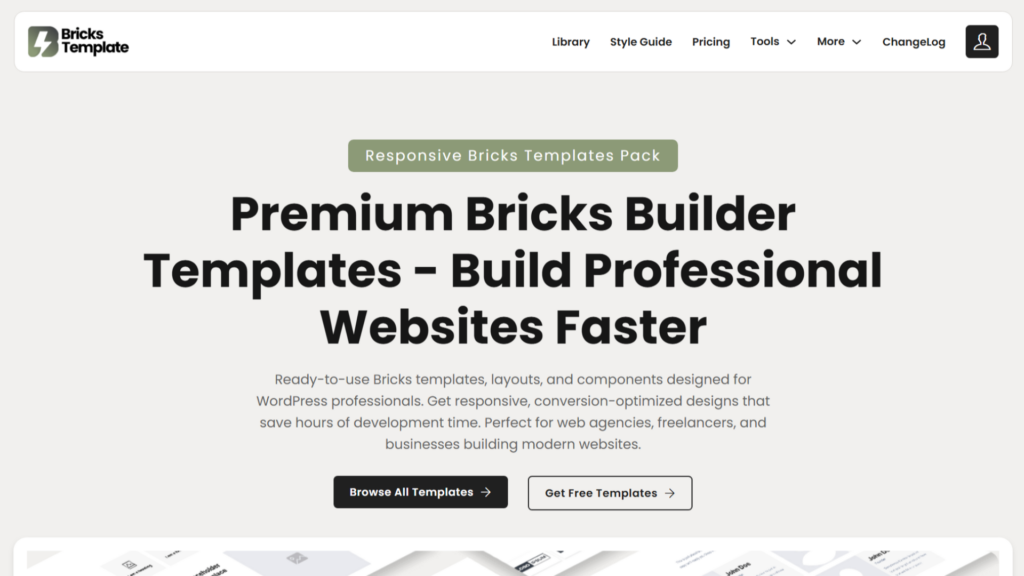
BricksTemplate (brickstemplate.com) has built its market position on volume, affordability, and one of the most aggressive update schedules in the ecosystem.
The standout technical feature is native Remote Template Access; new layouts appear directly inside your Bricks editor Community Templates tab the moment they are published, with no manual import required.
Status: Active – one of the most actively updated libraries in the budget tier as of 2026.
Key Features
- 221 layouts, 294 wireframes, and 34 free templates
- Native Remote Template Access inside the Bricks editor Community Templates tab
- BEM-organized, vanilla-focused code structure
- $99 lifetime tier includes integrated SEO tools in addition to the full template library
- Weekly additions to “Trendy” and “Wireframe” template categories
Pros
- Most affordable lifetime deal in the premium tier ($45 entry point)
- Remote template workflow eliminates all manual import friction
- SEO tools bundled into the $99 tier add genuine standalone value
- Among the highest update frequencies of any library in the list
Cons
- Visual design quality is a step below premium options like Bricksmaven or FancyBricks
- BEM-only approach may require adaptation if you are using ACSS or Core Framework
- Trendy design updates can feel inconsistent in style cohesion across the library
Pricing
| Tier | Price | What’s Included |
|---|---|---|
| Standard Lifetime | $45 one-time | Full template library |
| Premium Lifetime | $99 one-time | Templates + integrated SEO tools |
Framework & Compatibility
| CSS Framework | Supported |
|---|---|
| Automatic CSS (ACSS) | No (BEM-vanilla approach) |
| Core Framework | No |
| Vanilla Bricks | Yes — primary environment |
| Gutenberg / Other builders | No |
Library Size & Updates
- Current count: 221 layouts, 294 wireframes, 34 free
- Growth since 2022: Consistent expansion across both layout and wireframe categories
- Update frequency: Weekly, one of the highest update frequencies in the ecosystem
BricksTemplate FAQs
Who Should Use BricksTemplate?
Budget-conscious freelancers building multiple client sites who want a large, regularly updated library with native Remote Template Access at the lowest entry cost in the paid tier.
Does BricksTemplate require Automatic CSS to work?
No. BricksTemplate uses a BEM-vanilla approach and does not depend on ACSS or Core Framework. If you are already using ACSS, the class structure may require adaptation, but it is not blocked; it just needs manual alignment work.
Can BricksTemplate be used on unlimited websites?
Yes. Both lifetime tiers include unlimited site usage, which is one of the strongest value propositions at this price point, especially for freelancers managing multiple client projects on a tight budget.
Is BricksTemplate free or paid?
There is a free tier with 34 layouts available for evaluation. The full library starts at $45 as a one-time lifetime purchase, making it the most accessible paid entry point in this entire list.
Does BricksTemplate work without a CSS framework?
Yes. Framework-free vanilla Bricks is the primary environment. There is no dependency on ACSS or Core Framework, which keeps setup simple and the learning curve low for new Bricks users.
Does BricksTemplate include a Figma file?
Not as a standard inclusion. BricksTemplate focuses on direct Bricks implementation rather than design handoff workflows. Confirm current package details at sync.win/bricks-template.
How often is BricksTemplate updated?
Weekly, new templates are added to both the “Trendy” and “Wireframe” categories on a consistent weekly schedule. This is one of the highest update frequencies of any library in this article.
What type of websites is BricksTemplate best for?
Budget-conscious freelancers and developers building a wide range of client sites who prioritize volume, update frequency, and cost-efficiency over premium visual refinement.
FancyBricks
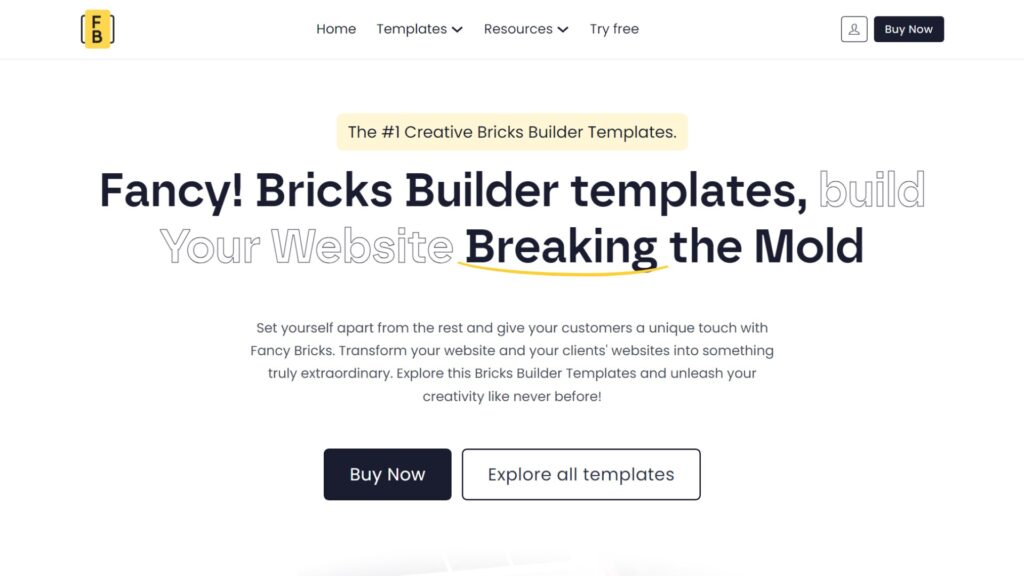
FancyBricks is the specialist library for motion-driven, conversion-focused web design.
It is recognized in 2026 for delivering layouts with well-executed animations and scroll-triggered effects that do not compromise Core Web Vitals, a balance that is harder to achieve than most people realize.
Status: Active – weekly updates with a strong animation and motion design focus as of 2026.
Key Features
- FB 1.0: 170+ creative, portfolio-style templates with expressive design
- FB 2.0: 70+ consistency-focused, accessibility-compliant templates
- Optimized for Vanilla CSS and ACSS with BEM-style class structure
- New templates are added every week based on community feedback
- Designed specifically for scroll-triggered animations and sophisticated hover effects
Pros
- Best-in-class animation quality that does not sacrifice page speed
- Dual library (FB 1.0 for creativity, FB 2.0 for consistency) covers different project moods
- Weekly update cadence keeps the library current and design-trend-aware
- Strong fit for marketing-heavy sites where motion drives engagement
Cons
- $99/year with no lifetime deal available, ongoing annual commitment
- Not suitable for static, content-heavy sites where animation is not part of the brief
- Less versatile than general-purpose libraries for non-marketing project types
Pricing
| Option | Price |
|---|---|
| Annual subscription | $99 / year |
| Lifetime deal | Not available currently |
Framework & Compatibility
| CSS Framework | Supported |
|---|---|
| Automatic CSS (ACSS) | Yes (limited templates) |
| Core Framework | No |
| Vanilla Bricks | Yes |
| Gutenberg / Other builders | No |
Library Size & Updates
- Current count: 170+ (FB 1.0), 70+ (FB 2.0)
- Growth since 2022: Consistent library growth with the launch of FB 2.0 as a distinct accessibility-focused tier
- Update frequency: Weekly
FancyBricks FAQs
Who should use FancyBricks?
Developers building marketing pages, landing pages, and creative portfolio sites where scroll-triggered animations and sophisticated hover effects are a core deliverable, not an afterthought.
Does FancyBricks require Automatic CSS to work?
ACSS is not strictly required. No framework is required. Both FB 1.0 and FB 2.0 work with vanilla Bricks natively. ACSS is not a dependency.
Can FancyBricks be used on unlimited websites?
The $99/year subscription covers your Bricks Builder projects. Confirm the exact site scope at sync.win/fancybricks, as license terms specify whether there is a per-site restriction or unlimited usage under the subscription.
Is FancyBricks free or paid?
There is no free tier with very limited templates. The entry point of the paid plan is $99 per year, with no one-time lifetime option currently available.
Does FancyBricks work without a CSS framework?
It functions without ACSS, but with reduced effectiveness. The animation and spacing system is built around ACSS logic, so without it, you will spend more time manually adjusting the output to behave consistently across breakpoints.
Does FancyBricks include a Figma file?
Check current plan details at sync.win/fancybricks. Figma file inclusion was not part of the standard offering at the time of this review, but plan contents are subject to change.
How often is FancyBricks updated?
Weekly. New templates are added every week based on community requests and design trend direction. This is one of the most consistent update schedules in the ecosystem and a key part of the annual subscription value.
What type of websites is FancyBricks best for?
Marketing-driven websites, agency landing pages, creative portfolios, and brand sites where the client brief explicitly includes motion, animation, and visual impact as deliverables alongside standard page structure.
Bricks Awesome
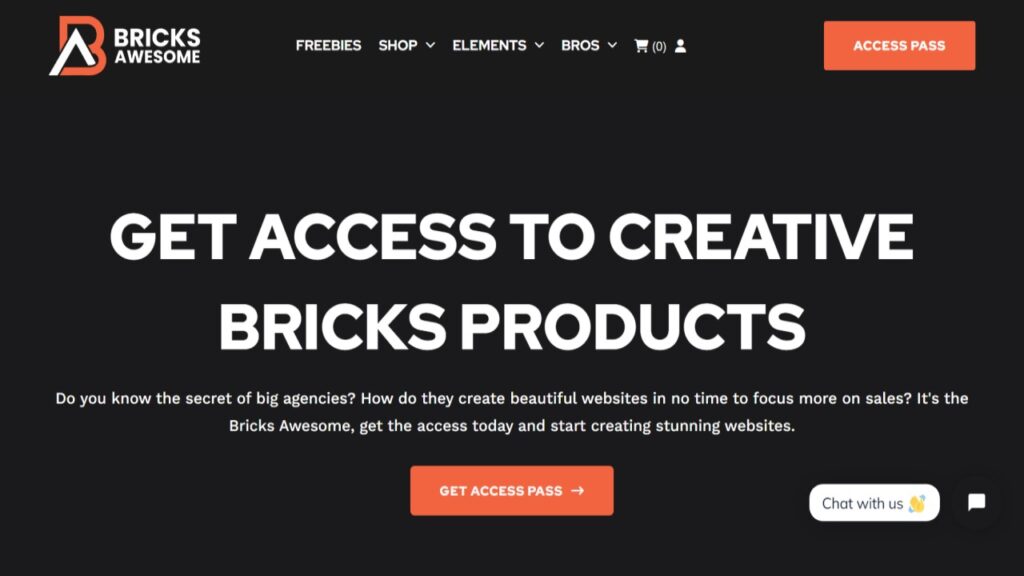
Bricks Awesome is a clean, modern section library for Bricks Builder, providing 300+ layouts with a no-frills design approach.
It also offers custom child theme services starting at $200, making it one of the few template providers that bundles both a layout library and professional WordPress theme setup support under one roof.
Status: Active – available via promotional lifetime deal pricing as of 2026.
Key Features
- 300+ modern section templates with a clean, minimal design direction
- Custom child theme service available separately starting at $200
- Promotional lifetime deal pricing, no ongoing subscription required
- Framework-free, works with vanilla Bricks without dependencies
- Covers core section types: heroes, features, testimonials, pricing, footers
Pros
- One-time pricing removes ongoing subscription costs
- Child theme service adds a practical production layer for agencies
- Clean aesthetic works across a wide range of industry types
- Lower barrier to entry compared to premium libraries
Cons
- Design is less refined and visually distinctive than Bricksmaven or FancyBricks
- No Figma file included
- Smaller library compared to Brixies or BricksTemplate
Pricing
Promotional lifetime deal pricing. Check sync.win/bricks-awesome for current pricing, as it is subject to change under promotional conditions.
Framework & Compatibility
| CSS Framework | Supported |
|---|---|
| Automatic CSS (ACSS) | No requirement |
| Core Framework | No requirement |
| Vanilla Bricks | Yes |
| Gutenberg / Other builders | No |
Library Size & Updates
- Current count: 300+ sections and layouts
- Growth since 2022: Expanded library with additional section types and child theme service offering
- Update frequency: Irregular, check the changelog at sync.win/bricks-awesome
Bricks Awesome FAQs
Who should use Bricks Awesome?
Freelancers who want a simple, affordable section library with a modern, clean design and the option to add a professional child theme setup as a service layer.
Does Bricks Awesome require Automatic CSS to work?
Yes. Bricks Awesome is framework-free and works with vanilla Bricks without any CSS framework installation. However, if you are using ACSS or the Core Framework, it also offers some dedicated templates for these frameworks.
Can Bricks Awesome be used on unlimited websites?
Lifetime deal licenses typically include unlimited site usage. Confirm current license terms at sync.win/bricks-awesome, as promotional pricing deals can carry specific usage conditions.
Is Bricks Awesome free or paid?
Paid only via promotional lifetime deal pricing. There is a free tier with some limited templates. The promotional pricing model means the price may increase over time as the library grows.
Does Bricks Awesome work without a CSS framework?
Yes. Vanilla Bricks is the primary environment. No framework dependency makes it straightforward to install and use without needing to set up ACSS or Core Framework first.
Does Bricks Awesome include a Figma file?
No. Bricks Awesome focuses on WordPress-native implementation rather than design-to-development Figma workflows. Design files are not part of the standard package.
How often is Bricks Awesome updated?
Irregularly. It is not a high-frequency update library. Check the changelog at sync.win/bricks-awesome for the most recent additions before purchasing, if update cadence is important to your decision.
What type of websites is Bricks Awesome best for?
Small to medium freelance projects where you want clean, modern sections at a low one-time cost. The child theme service option also makes it useful for agencies that want bundled setup support.
Bricks Design Set
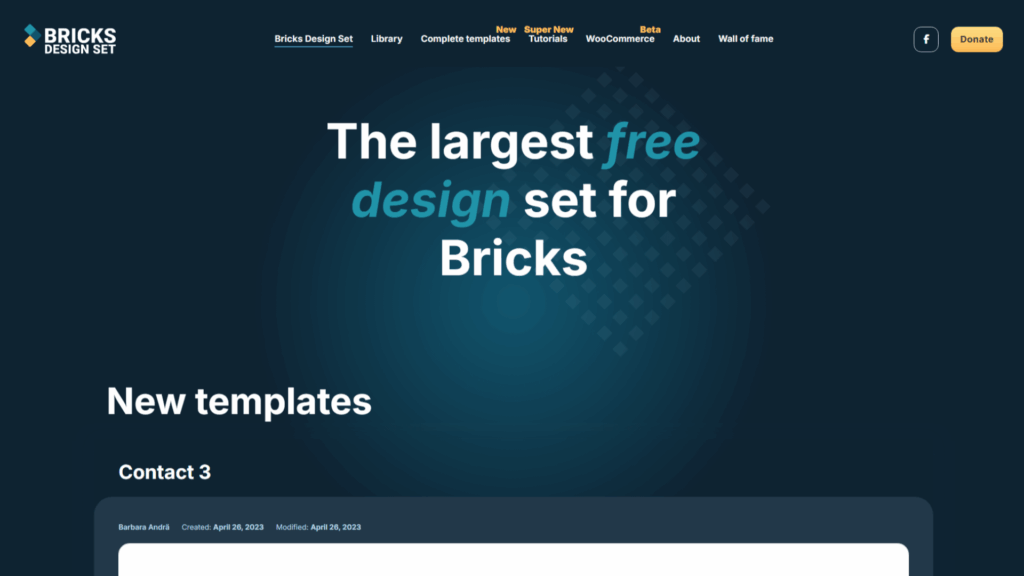
Bricks Design Set is the largest free wireframe design library for Bricks Builder, built and maintained entirely by the community.
Any developer can contribute templates, which is why the library stays free, and why donations are welcome to keep it running.
It is accessed via Bricks Builder’s Remote Templates feature, meaning the entire library appears directly inside your editor without leaving WordPress.
Unlike polished premium libraries built by a single team following strict standards, Bricks Design Set reflects the variety of the community itself; components are submitted by different developers, so design style and quality are intentionally inconsistent.
Status: Active – community-maintained with ongoing contributions as of 2026.
Key Features
- Accessible directly inside Bricks Builder via Remote Templates (no download, no JSON import)
- Community-contributed components covering diverse styles across heroes, footers, headers, CTAs, and section types
- Includes both individual components and a small selection of basic complete website templates
- No framework dependency, contributed templates come from vanilla Bricks setups primarily
- Donations-supported model keeps all templates permanently free
Pros
- Completely free, no account, no subscription, no expiry
- Remote Template integration means it is always up to date without manual downloads
- Large and growing contributor base keeps variety high
- Zero setup friction, add the URL in Bricks settings, and it is immediately accessible
- Useful secondary resource even for developers already using a premium library
Cons
- Quality is inconsistent because contributors follow no unified design standard
- No unified BEM class structure, class naming varies widely across contributor templates
- No preview inside the Bricks editor, you need to browse previews on the bricksdesignset.com website first
- Not suitable for direct production deployment without quality vetting per template
- No Figma files, no documentation, no formal support channel
Pricing
Free. Donations to the project are voluntary and can be made on the Bricks Design Set website.
Framework & Compatibility
| CSS Framework | Supported |
|---|---|
| Automatic CSS (ACSS) | Not required |
| Core Framework | Not required |
| Vanilla Bricks | Yes — primary environment |
| Remote Templates | Yes — native support |
Library Size & Updates
- Current count: Large and growing, hundreds of community-contributed components and templates
- Growth since 2022: Consistent expansion driven by community contributions
- Update frequency: Irregular, tied to contributor submissions rather than a fixed schedule
Bricks Design Set FAQs
Who should use the Bricks Design Set?
Every Bricks developer, not as a primary library, but as a free secondary resource connected alongside your paid library. It is also the best no-cost starting point for beginners who want variety without spending anything, and an excellent resource for finding quick niche-specific components that a paid library might not cover.
Does the Bricks Design Set require Automatic CSS to work?
No. Templates are contributed by developers using different setups, so most rely on vanilla Bricks without any CSS framework. Since there is no unified standard across contributors, always preview a template on the Bricks Design Set website before inserting it to understand its class structure.
Can the Bricks Design Set be used on unlimited websites?
Yes. There are no license restrictions. It is a free community resource with no usage limitations on the number of projects or commercial use.
Is Bricks Design Set free or paid?
Completely free. No account needed, no payment, no subscription. Donations to keep the project running are encouraged but entirely voluntary.
Does the Bricks Design Set work without a CSS framework?
Yes. Vanilla Bricks is the natural environment for the most contributed templates. A small number of contributors may use framework classes, so check individual template previews before inserting; class conflicts are possible if your project uses ACSS or Core Framework extensively.
Does the Bricks Design Set include a Figma file?
No. It is a code-first community library with no design handoff assets. No Figma files, no documentation, and no formal support are provided.
How often is Bricks Design Set updated?
Irregularly, updates depend entirely on community contributions. The library grows consistently over time, but there is no guaranteed update schedule. New templates appear as contributors submit them.
What type of websites is Bricks Design Set best for?
Rapid prototyping, where you need quick community-sourced section inspiration, and as a supplementary free library connected alongside a paid library for additional variety. Not recommended for direct production deployment without carefully vetting each template for code quality and class consistency.
Bricks Library
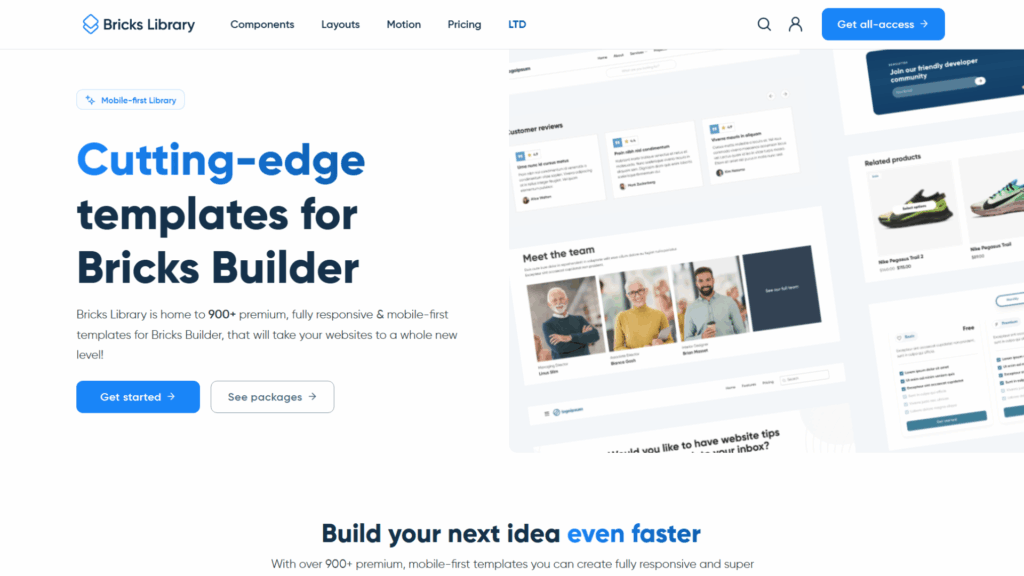
Bricks Library positions itself as a motion-forward premium library for high-end production projects.
Its “Motion” packages integrate with the Motion.Page plugin to deliver cinematic, scroll-triggered effects that go well beyond what CSS animations alone can produce in Bricks.
Status: Active – premium market positioning with a Motion.Page dependency as of 2026.
Key Features
- Premium design packs with sophisticated motion and scroll-triggered animation systems
- Deep integration with the Motion.Page plugin for cinematic-grade effects
- Emphasis on modern, visually premium design language
- Supports the Bricks Remote Templates workflow
- Positioned for senior developers and premium agency work
Pros
- Animation quality and motion design sophistication exceed what FancyBricks delivers
- Premium aesthetic across all design packs
- Suitable for high-end brand experiences where clients expect cinematic presentation
- Remote template integration for smooth editor workflow
Cons
- Most expensive library in this entire list at $699 lifetime / $249 per year
- Requires the Motion.Page plugin as an additional dependency and cost
- Overkill for standard client work, the investment is only justified on premium-budget projects
- Motion.Page dependency creates a risk if that plugin changes pricing or support
Pricing
| Option | Price |
|---|---|
| Annual | $249 / year |
| Lifetime | $699 one-time |
Framework & Compatibility
| CSS Framework | Supported |
|---|---|
| Automatic CSS (ACSS) | Compatible |
| Core Framework | Compatible |
| Vanilla Bricks | Yes |
| Motion.Page plugin | Required for Motion packages |
Library Size & Updates
- Current count: Premium packs, focused on quality over volume
- Growth since 2022: Expansion with additional motion package categories
- Update frequency: Regular, tied to Motion.Page compatibility and design releases
Bricks Library FAQs
Who should use Bricks Library?
Senior developers and premium agencies where cinematic motion design is a billable core service and Motion.Page is already part of their production stack, and a single project justifies the cost of the license.
Does Bricks Library require Automatic CSS to work?
No. ACSS is compatible but not required. The primary dependency is the Motion.Page plugin, not a CSS framework. However, pairing with a CSS framework will improve overall spacing and responsive behavior across layouts.
Can Bricks Library be used on unlimited websites?
Confirm current license terms at sync.win/bricks-library. Premium lifetime licenses at this price point typically cover unlimited commercial usage, but verify before purchasing for agency-scale deployment.
Is Bricks Library free or paid?
Paid only, and the most expensive option in this article. Annual access is $249/year; lifetime is $699 one-time. There is no free tier.
Does Bricks Library work without a CSS framework?
Yes. Framework dependency is not the limiting factor, Motion.Page integration is. The layouts function in vanilla Bricks, but the motion features require the Motion.Page plugin to be active and configured.
Does Bricks Library include a Figma file?
Confirm at sync.win/bricks-library. Premium-tier libraries at this price point often include design assets, but this should be verified against current plan documentation before purchase.
How often is Bricks Library updated?
Regularly, updates are driven by Motion.Page version compatibility and new design pack releases. As a premium-priced product, update cadence and compatibility maintenance are key parts of the value proposition.
What type of websites is Bricks Library best for?
High-end brand websites, luxury product launches, agency flagship projects, and any client brief where cinematic motion design is an explicit deliverable, and the budget supports premium tooling.
Bricks Built-in Templates
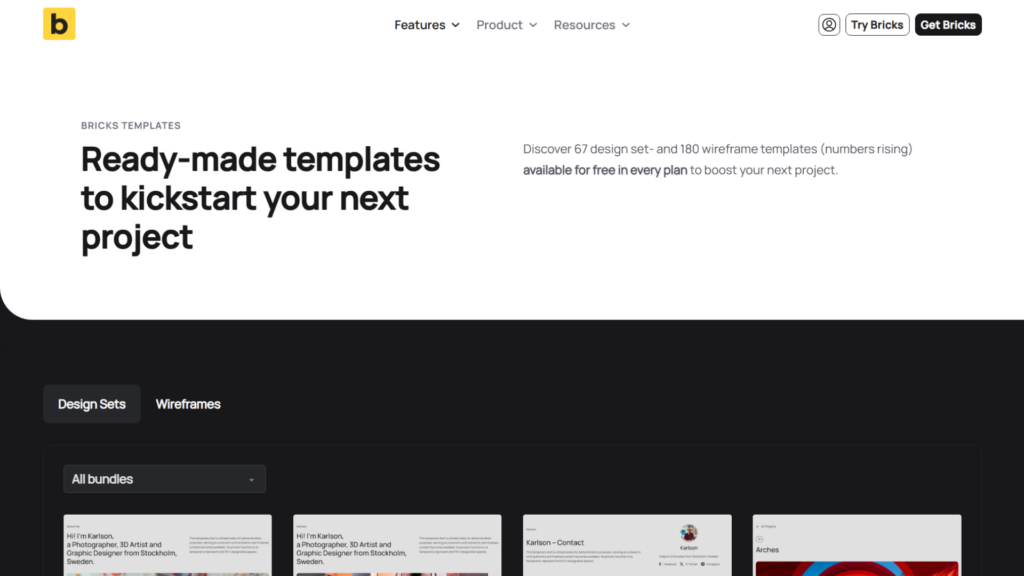
Bricks Built-in Templates are the ready-made designs provided directly by the Bricks team inside the editor from day one.
They require no subscription, no third-party account, and no external URL; they are available to every Bricks user the moment they open the builder.
Status: Active – maintained by the Bricks core team, updated alongside Bricks Builder releases.
Key Features
- Included with every Bricks Builder license at no additional cost
- Accessible directly inside the Bricks editor without any setup
- Covers a basic range of page types, section styles, and layout templates
- Community Templates tab provides a growing library of contributor-submitted designs
- No external dependencies, accounts, or framework requirements
Pros
- Zero additional cost beyond the Bricks license itself
- Immediate access, no setup, no configuration, no external URLs
- Community Templates tab adds a growing layer of free contributor designs
- Best starting point for learning how the builder is structured
Cons
- Does not grow at the pace of third-party ecosystem libraries
- Code quality and BEM organization are not to the standard of specialized libraries
- Limited in scope for professional agency or freelance production use
- No Figma files, no framework integration, no commercial-grade documentation
Pricing
Included with Bricks Builder. No additional cost.
Framework & Compatibility
| CSS Framework | Supported |
|---|---|
| Automatic CSS (ACSS) | No requirement |
| Core Framework | No requirement |
| Vanilla Bricks | Yes |
| Gutenberg / Other builders | No |
Library Size & Updates
- Current count: Growing, updated alongside Bricks core releases
- Growth since 2022: Expanded with Community Templates tab additions
- Update frequency: Tied to Bricks Builder release schedule
Bricks Built-in Templates FAQs
Who Should Use the Bricks Built-in Templates?
Complete beginners learning Bricks for the first time who need an immediate starting point, and developers evaluating a new project scope before committing to a third-party library.
Do the built-in templates require Automatic CSS to work?
No. The built-in templates are framework-free and work with vanilla Bricks out of the box. They are intentionally simple to ensure they work for any Bricks user regardless of their CSS setup or experience level.
Can the built-in templates be used on unlimited websites?
Yes. They are included with your Bricks Builder license, and there are no additional site restrictions beyond whatever your Bricks license itself covers.
Are the built-in templates free?
They are included with Bricks Builder at no additional cost. Bricks Builder itself is a paid plugin, but there is no separate fee for template access beyond that license.
Do the built-in templates work without a CSS framework?
Yes. They are designed specifically for framework-free use and require no additional CSS tooling. This is both a strength (accessibility) and a limitation (less sophisticated output) compared to framework-powered libraries.
Do the built-in templates include a Figma file? No. The built-in templates are intended as quick-start layouts within the builder, not as part of a design-to-development Figma workflow.
How often are the built-in templates updated?
Updates are tied to Bricks Builder’s release schedule. New templates are added periodically, and the Community Templates tab grows as more developers contribute layouts. Update frequency is slower than dedicated third-party libraries.
What type of websites are the built-in templates best for?
Learning projects, personal sites, and early scoping of client builds. For production-grade client work where code quality and scalability matter, a third-party library is the more appropriate choice.
Frequently Asked Questions
Which Bricks Builder Template Is Right for You?
Here is the honest short version, based on your situation.
You run a professional agency using ACSS: Start with Frames. It will restructure how you build and pay for itself within one project.
You need maximum visual variety across a large client roster: Brixies or Bricksfusion, depending on whether you want a cloud-paste workflow or AI-assisted generation with automatic framework conversion
You are on a tight budget: BricksTemplate at $45 lifetime and Renmoe Library at no cost will take you further than you expect.
Your clients want motion and animation as a deliverable: FancyBricks at $99/year is purpose-built for that.
You need a clean project foundation without a visual library attached: Bricks Boilerplate gives you that without framework lock-in.
You build primarily eCommerce, service, or portfolio sites with ACSS: Bricks Blueprints covers all three in one $69.99 purchase.
You are brand new to Bricks: Start with the built-in Bricks templates and Renmoe Library. Learn the ecosystem before spending anything.
What is the difference between a template library and a CSS framework like ACSS?
A template library provides the visual structure and layout components, the design.
A CSS framework like ACSS or Core Framework provides the underlying variables, utility classes, spacing logic, and global styling system, the engine.
Many premium libraries are built on top of a framework, meaning they require it to function. Some, like BricksTemplate and Bricks Boilerplate, are fully framework-independent.
How do I import Bricks Builder templates in 2026?
The primary method is Remote Templates.
You add a provider’s URL to Bricks settings, and their library appears inside the Community Templates tab in your editor.
For libraries without remote access, you still import via JSON or ZIP files through the Bricks Template manager.
Cloud-paste workflows like Brixies bypass both, using a direct copy-paste from the provider dashboard.
Are premium Bricks templates worth the investment for agencies?
For professional use, generally yes.
Libraries like Frames, Bricksmaven, and BricksPlus provide cleaner code, better accessibility, and a unified system that saves dozens of hours per project.
The ability to charge higher rates for performance-optimized, accessible sites often recovers the license cost within a single project.
Can Bricks Builder templates be used for commercial client work?
Most premium libraries, including Frames, BricksPlus, Bricksmaven, and Bricks Blueprints, include commercial usage licenses covering unlimited client sites.
Always verify the license terms before deploying on client projects, as conditions vary by library and pricing tier.
What is the best free Bricks Builder template option in 2026?
Renmoe Library is the strongest free option for professional-quality components with educational value.
Bricks Design Set adds a growing community-driven Remote Templates library at no cost.
For complete beginners, the built-in Bricks Community Templates tab built into the Bricks editor requires no setup at all.
How do I choose between ACSS-dependent and vanilla Bricks templates?
If you are already using ACSS, choose a library optimized for it, and you will get the full benefit of mathematical spacing and responsive logic.
If you are not using ACSS and do not plan to, choose BricksPlus (Vanilla version), BricksTemplate, Renmoe, or Bricks Boilerplate, all of which work cleanly without a CSS framework.
Does buying a template library eliminate the need to learn Bricks?
No, and I want to be honest about this.
Template libraries speed up production, but you still need to understand Bricks Builder to customize, troubleshoot, and extend what the library gives you.
Renmoe Library is actually one of the best learning resources in the ecosystem, specifically because it teaches you how professional-grade Bricks code works while you use it.
Conclusion
The Bricks Builder template ecosystem has matured significantly since 2022, when I first published this article.
What was once a small collection of design sets has become a professional marketplace of development systems, component libraries, and architectural frameworks that shift what is possible in a single working day.
The right choice here is not just aesthetic, it is strategic.
A well-chosen library becomes part of your production infrastructure, directly affecting how fast you build, how much you can charge, and how maintainable your sites are a year from now.
Start with what matches your current workflow and budget. Grow into the ecosystem from there. And if you have questions about any of these options, let me know in the comments below.