
The best WordPress page builder for you depends on your technical background, project type, and performance requirements. In 2026, the market has split between performance-first builders (Bricks, Oxygen 6, Breakdance, Builderius) and legacy visual builders (Elementor, Divi, Beaver Builder). This roundup covers all 8 major options with honest verdicts from hands-on experience across multiple years of production WordPress work.
I have built on most of these tools at some point, tested the others directly, and have strong opinions about where each one stands in 2026. The WordPress builder landscape has genuinely changed in the past few years. The performance-first builders are no longer niche products for specialist developers. They are production-ready, commercially viable, and in several cases more cost-effective than the legacy options when the full plugin stack is accounted for.
The builders below are ordered by my honest recommendation, from the ones I actively use in production to the legacy options worth knowing if you are inheriting or evaluating an existing setup. Every entry covers what each builder actually does, who it is designed for, and what you should know before committing to it.
For individual deep dives, most builder (if not all) in this list has a full review in this cluster. Those reviews go into far more detail than this overview. Use this roundup to understand the landscape, then pick the review that fits your shortlist.
Key Highlights
- The WordPress builder market has split into two clear tiers: performance-first tools (Bricks, Oxygen 6, Breakdance, Builderius) with no heavy jQuery dependencies, and legacy visual tools (Elementor, Divi, Beaver Builder) that require active optimization to meet Core Web Vitals requirements.
- Only 40.2% of WordPress websites globally pass all Core Web Vitals on mobile, making default code output quality a direct commercial consideration for any builder’s choice.
- Bricks Builder’s Ultimate lifetime license at $599 one-time and Oxygen 6’s Ultimate at $179 one-time offer the strongest long-term value for agencies managing multiple client sites.
- Breakdance is the most direct performance upgrade path for Elementor users: similar workflow, significantly better default performance, and built-in tools that replace $300 to $500/year in Elementor add-ons.
- Builderius is the most technically advanced builder in the market, but it is not yet production-ready in 2026. Pro licenses are paused. Test the sandbox and monitor the stable release.
- Divi generates heavier DOM output than Elementor and uses proprietary shortcode architecture that creates significant lock-in. Both are legacy builders by 2026 performance standards.
- LiveCanvas produces the cleanest HTML output of any builder after Builderius and Bricks, with direct code editing inside the editor, but its Bootstrap-based theme and missing essential features limit production suitability.
Quick Comparison: All 8 WordPress Page Builders at A Glance
The 8 builders in this roundup range from React-based visual IDEs to jQuery-dependent legacy tools. Performance output, pricing model, and required technical skill vary significantly across the group. The table below covers the key decision factors before the full per-builder breakdown.
| Builder | Best for | PageSpeed (default) | Pricing | My rating | Production status |
|---|---|---|---|---|---|
| Bricks Builder | Advanced developers | 85–95 | $249/yr or $599 LTD | 4.5/5 | ✅ Production-ready |
| Oxygen 6 | Class-first developers | 95+ | $179 LTD | 4.2/5 | ✅ Production-ready |
| Breakdance | Performance agencies | 85–95 | $199.99/yr | 4.0/5 | ✅ Production-ready |
| Elementor | Beginners and SMBs | 70–85 | From $59/yr | 3.8/5 | ✅ Production-ready |
| Builderius | Future-forward developers | 95+ | Community: Free | 4.0/5* | 🔄 Beta (sales paused) |
| LiveCanvas | HTML-native developers | 92–98 | Free / $79/yr | 3.5/5 | ✅ Available |
| Beaver Builder | Legacy agencies | 70–80 | From $99/yr | 3.3/5 | ✅ Legacy maintained |
| Divi | Existing Divi users | 55–65 | $89/yr or $249 LTD | 3.2/5 | ✅ Legacy maintained |
*Builderius rating reflects technical potential, not current production readiness.
1. Bricks Builder: Best for Advanced Developers
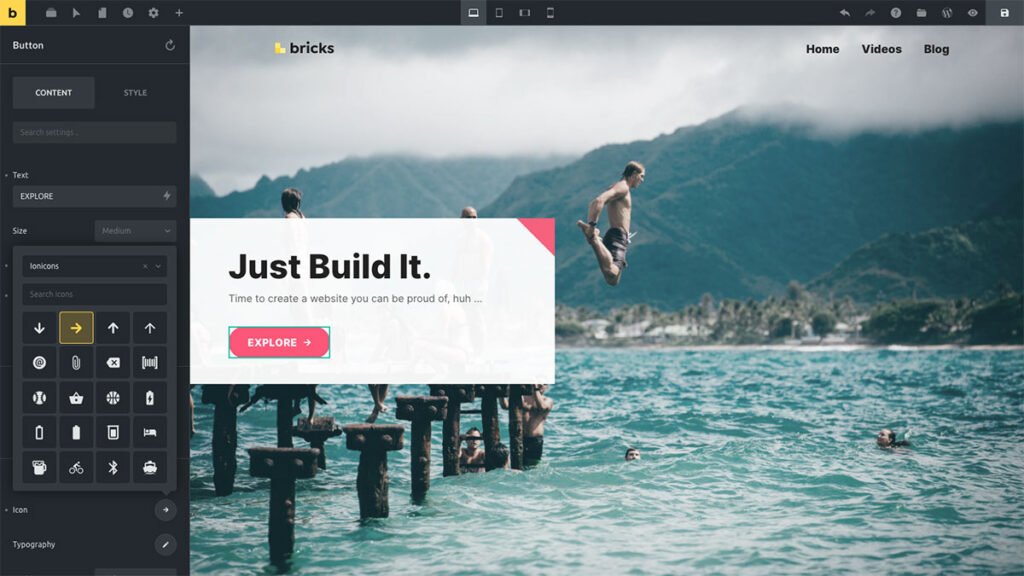
Bricks Builder is a Vue.js-powered WordPress theme outputting class-first, semantic HTML5 with no jQuery dependency. On a simple page build it generates a 25 to 30 KB HTML payload and 0.8-second LCP on shared hosting. The Ultimate lifetime license covers unlimited sites at $599 one-time. It is the most production-proven performance-first builder for developers in 2026.
I use Bricks as my primary builder for everything: e-commerce, directories, blogs, catalogs, and client sites. The class-first workflow, ACF and Meta Box integration, and the third-party ecosystem (ACSS or the free Core Framework, Bricksforge, Dynamic Toolbox) make it the highest-capability builder for complex production work.
The community has a documented toxicity problem that makes it harder for beginners to get started. The learning curve requires genuine CSS, Flexbox, and Grid knowledge before the workflow becomes efficient. Neither issue affects the tool’s technical quality, but both are worth knowing before committing.
Key facts:
- Vue.js engine, class-first CSS, no jQuery
- 75 to 100 DOM elements, 25 to 30 KB HTML payload on simple builds
- ACSS optional: Core Framework (free) or native variable manager handles CSS frameworks at no extra cost
- Built-in forms, popups, and WooCommerce builders (Bricks Ultimate for granular WooCommerce control)
- 2026 releases: local license validation (2.3.3), granular responsive spacing, Polylang/WPML fixes
Pricing: $79/yr (1 site), $149/yr (3 sites), $249/yr (unlimited), $599 one-time lifetime (unlimited + lifetime updates)
Full Review: Bricks Builder Review
2. Oxygen Builder 6: Best for Class-First Developers
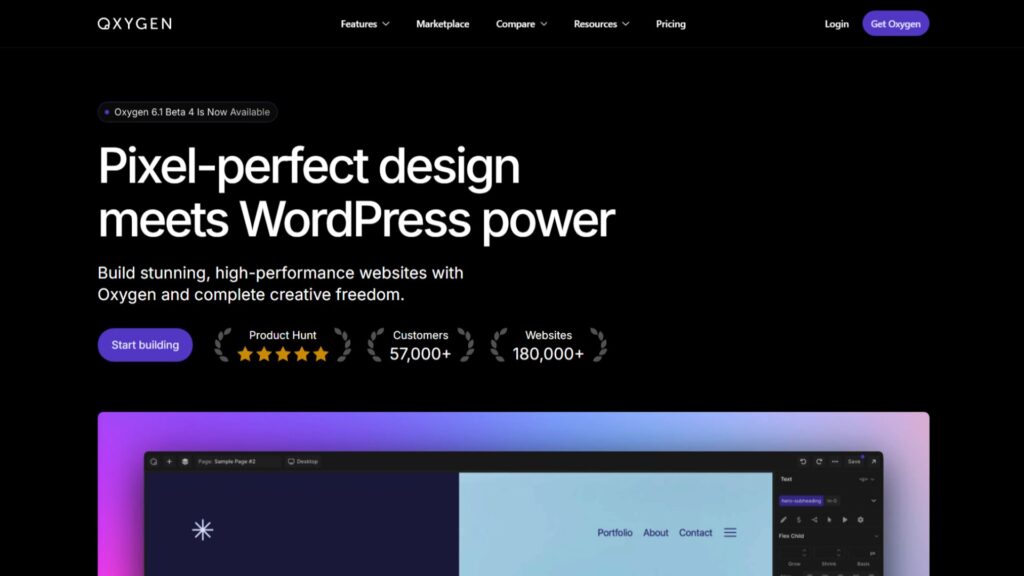
Oxygen Builder Version 6 is a Twig/PHP-based WordPress theme replacement sharing 80% of its code with Breakdance. It achieves 95+ PageSpeed via server-side rendering optimizations, enforces a class-first CSS workflow, and includes Element Studio for building custom elements visually with Twig, HTML, CSS, and JavaScript. The Ultimate lifetime license starts at $179 one-time for unlimited sites.
I tested the Oxygen 6 editor and came away genuinely excited in a way I did not expect. The UI is the cleanest and most logical of any builder I have used, Element Studio is the feature I wish Bricks had, and the minimal default element set aligns exactly with how I prefer to build. The $179 lifetime price is remarkable for what you get. My plan is to use Oxygen 6 alongside Bricks: Oxygen 6 for custom element development, Bricks for production client work where ecosystem depth matters most.
Oxygen 6 is positioned for Oxygen Classic veterans, Bricks developers who want a class-first alternative, and any developer who values structural CSS control over a large, ready-to-use element library. It is not for users who want pre-styled elements or a drag-and-drop experience comparable to Elementor.
Key facts:
- Twig/PHP/JavaScript, 80% shared code with Breakdance
- Server-side optimizations: short-circuited Twig, active link detection, metadata caching
- Element Studio: custom elements built with Twig/HTML/CSS/JS inside the editor
- Native interactions and animations built in (no third-party animation plugin required)
- No direct upgrade path from Oxygen Classic: existing sites require a full rebuild
Pricing: $129 (Basic lifetime), $149 (WooCommerce lifetime), $179 (Ultimate lifetime), $199.50 (Special Bundle with all Breakdance add-ons)
Full Review: Oxygen 6 Review
3. Breakdance: Best for Performance-Focused Agencies
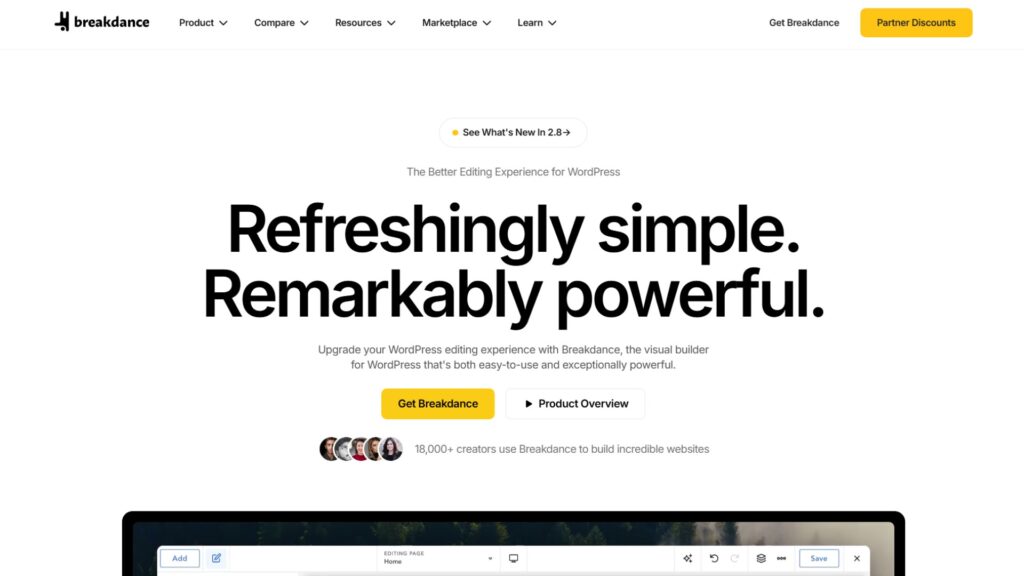
Breakdance is a performance-first WordPress page builder scoring 85 to 95 on PageSpeed out of the box, with a 42 KB baseline page asset and 130+ pre-styled composite elements, including forms, popups, and WooCommerce builders natively in Pro. The Pro Unlimited plan costs $199.99 per year with a price-lock guarantee. It is the strongest middle-ground builder between Elementor and Bricks in 2026.
Breakdance is the builder I recommend most often as the direct Elementor alternative. It targets the same audience, uses a similar element-based workflow, and delivers significantly better performance by default. The built-in forms, popups, and WooCommerce builders replace $300 to $500/year in Elementor add-ons, making the net annual cost genuinely competitive.
The ecosystem is growing, but not yet to Elementor’s depth. The AI content writer is a separate paid add-on. Migrating from Elementor to Breakdance requires a full rebuild, not an import.
Key facts:
- 42 KB baseline asset, 150 to 200 DOM elements, minimal jQuery dependency
- 130+ pre-styled elements: headers, mega menus, forms, popups, WooCommerce, sliders
- Breakdance 2.8: multi-element selection, variable font support, Swiper 12 for accessibility
- Breakdance 2.7: 50% reduction in plugin package size, WP-CLI support
- Native WooCommerce cart, checkout, and product page builders included in Pro
Pricing: Free tier (80 elements, unlimited sites), Pro Unlimited $199.99/yr (price-locked)
Full Review: Breakdance Review
4. Elementor: Best for Beginners & Non-Technical Users
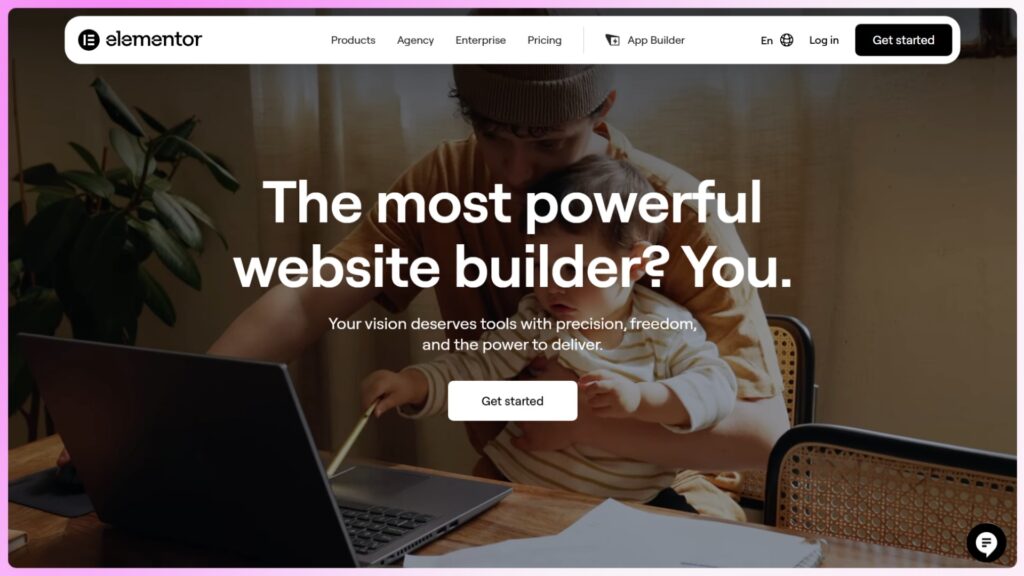
Elementor is the most widely deployed WordPress page builder with over 10 million active installs. It generates a 570 KB baseline page asset, scores 70 to 85 on PageSpeed without optimization, and requires active configuration to pass Core Web Vitals. The ecosystem is the largest of any WordPress visual builder. Pro starts at $59 per year for one site.
Elementor is valid in 2026 for one clear use case: non-technical business owners who need a professional site they can manage themselves, within a builder that has thousands of documented solutions for every common design challenge. The tutorial library on YouTube, the third-party add-on market, and the community forums make it the most self-serviceable builder available.
For performance-focused projects or agency builds where Core Web Vitals are a deliverable, Breakdance is the better starting point. Elementor needs meaningful configuration work to reach the performance baseline that Breakdance delivers by default.
Key facts:
- 300 to 400 DOM elements, 570 KB baseline asset, heavy jQuery dependency
- Editor V4 Atomic engine (2025) replaced inline CSS with compiled variables, reducing code bloat
- 118+ Pro widgets, full theme builder, WooCommerce, forms, dynamic content mapping
- Largest third-party add-on ecosystem of any WordPress visual builder
- Angie AI agent (Pro) handles CPT registration, custom widget building, and PHP function writing in a sandboxed environment
Pricing: Free core plugin, Pro from $59/yr (1 site) to $199/yr (25 sites), Elementor One $168/yr (cloud-managed with 25K AI credits)
Full Review: Elementor Review
5. Builderius: Best for Future-Forward Developers to Watch
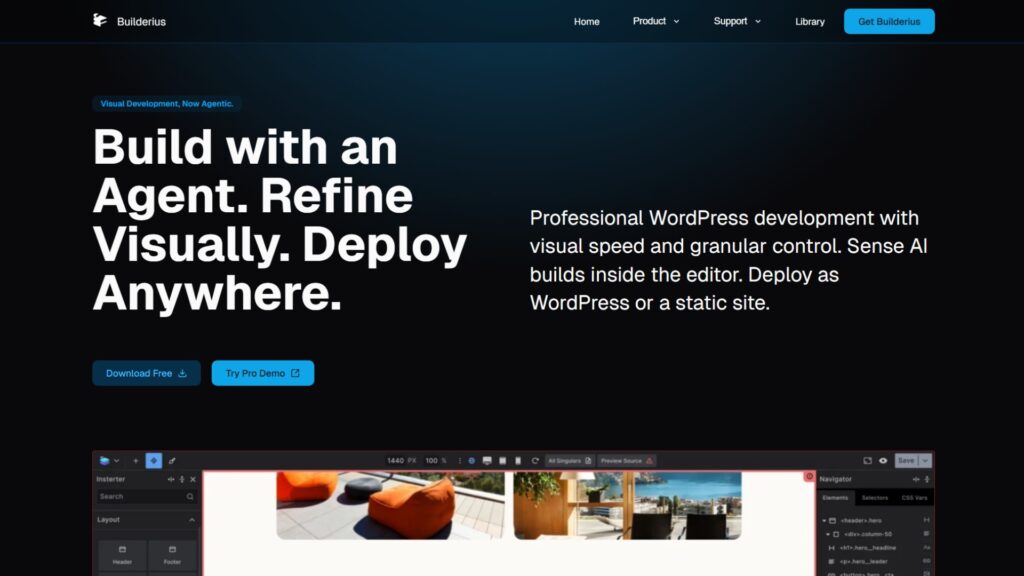
Builderius is a React-based visual development environment producing approximately 28 DOM elements and 95+ PageSpeed scores. It includes a native GraphQL IDE, Git-like versioning, a Static Site Generation engine for Cloudflare Pages deployment, and Sense AI using Claude Model Context Protocol. Pro licenses are currently paused pending a stable release. The free Community version is available on WordPress.org.
Builderius is the most technically ambitious builder available. The Static Site Generation engine, GraphQL IDE with autocomplete, built-in version control, and Sense AI for AI-assisted layout generation are capabilities no other WordPress builder currently offers. The learning curve requires HTML, CSS, and ideally GraphQL knowledge.
Critical production features, including WooCommerce, History/Undo, native slider, gallery, and Gutenberg compatibility, are still in progress. The verdict for 2026: test the sandbox demo now, monitor the stable release announcement, and plan to use it for production work once those gaps are closed.
Key facts:
- React Visual IDE, ~28 DOM elements, 95+ PageSpeed, zero jQuery
- Native SSG: one-click deploy to Cloudflare Pages, GitHub Pages, or XIP packages
- Sense AI via Claude MCP: URL cloning, dynamic attribute mapping, natural language layout edits
- Built-in version control: named JSON releases, one-click rollback, private staging environment
- WooCommerce, History/Undo, facets, modal, slider, gallery, still in progress as of 2026
Pricing: Community version is free (80 elements, significant restrictions). Pro: $179 one-time LTD (paused as of March 15, 2026). Monitor builderius.io for a stable release.
Full Review: Builderius Review
6. LiveCanvas: Best for HTML-Native Minimalists

LiveCanvas is an HTML-native WordPress page builder letting developers write and edit raw HTML, CSS, and JavaScript directly inside the editor canvas. Before Builderius, it produced the cleanest markup output of any WordPress visual builder. The interface builds on a Bootstrap-based theme framework. No free version is available; the Pro plan starts at $79 per year.
I tested LiveCanvas thoroughly and wrote an in-depth review. The direct code editing inside the builder is genuinely useful for developers who want to work in raw markup rather than visual controls. The cleanliness of the output was ahead of everything else available before Builderius arrived.
The Bootstrap-based theme is a limitation I noticed: it is an older framework that I do not prefer working with. Essential features were missing in my testing phase, which is why I never used it on a production site. The current feature set may have improved, so verify against the current version before deciding.
Key facts:
- HTML-native editing: write and modify raw HTML, CSS, and JavaScript inside the editor
- Bootstrap-based theme framework (CSS specificity and framework conventions apply)
- Clean semantic output with no visual-builder DOM bloat
- Suitable for developers comfortable writing HTML directly in a visual environment
- No free tier available; Pro adds advanced features and commercial use rights
Pricing: Pro $79/yr
Full Review: LiveCanvas Review
7. Beaver Builder: Legacy Option for Stability-Focused Agencies
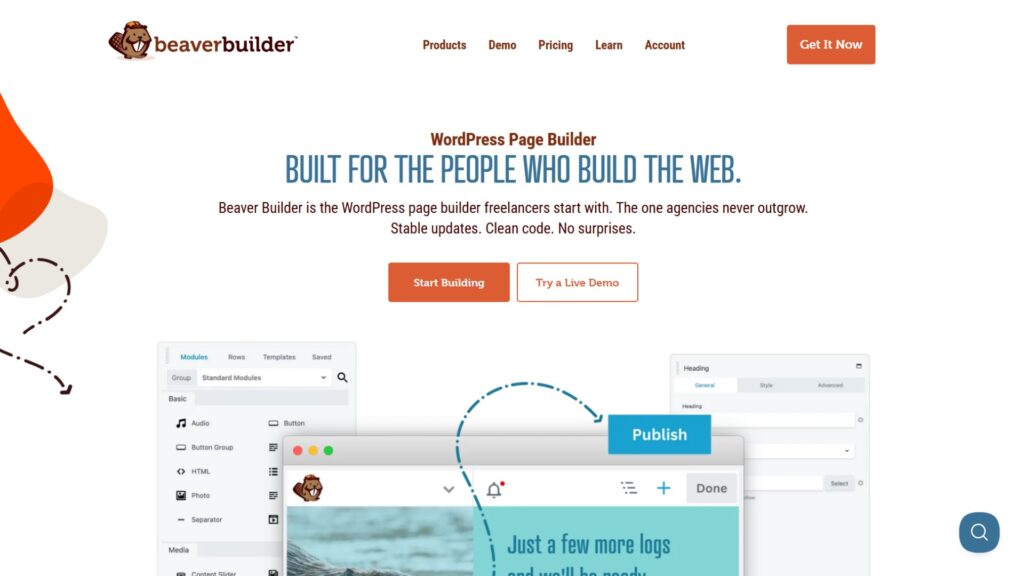
Beaver Builder is one of the oldest WordPress page builders still actively maintained in 2026, with a loyal following among established agencies and enterprise teams. It is known for stability, predictable output, and a conservative approach to breaking changes that reduces support overhead on long-term client sites. The Standard plan starts at $99 per year for unlimited sites.
My experience with Beaver Builder comes from WordPress support work on existing sites rather than building from scratch. The stability reputation is deserved: agencies that have been running Beaver Builder setups for years tend to stay because it does not break on updates. The output is cleaner than Divi and more predictable than early Elementor, though it remains jQuery-dependent and does not reach the performance baselines of the performance-first builders.
For new projects in 2026, Breakdance or Elementor are more practical starting points. Beaver Builder earns its place on this list for teams maintaining existing setups or managing long-term client portfolios built on its foundation.
Key facts:
- jQuery-dependent, but generally cleaner output than Elementor or Divi on similar builds
- Beaver Themer add-on required for full theme building (headers, footers, archive templates)
- Conservative update philosophy: prioritizes backward compatibility over rapid new features
- Strong enterprise and agency adoption for long-running client relationship management
- WooCommerce support available via dedicated modules
Pricing: Standard $99/yr (unlimited sites), Pro $199/yr (adds Beaver Themer and advanced modules), Agency $399/yr (adds white-labeling)
Note: Beaver Builder experience is based on existing-site support work rather than new project builds. The assessment above is research-supported.
8. Divi: Legacy Builder with an Established Ecosystem
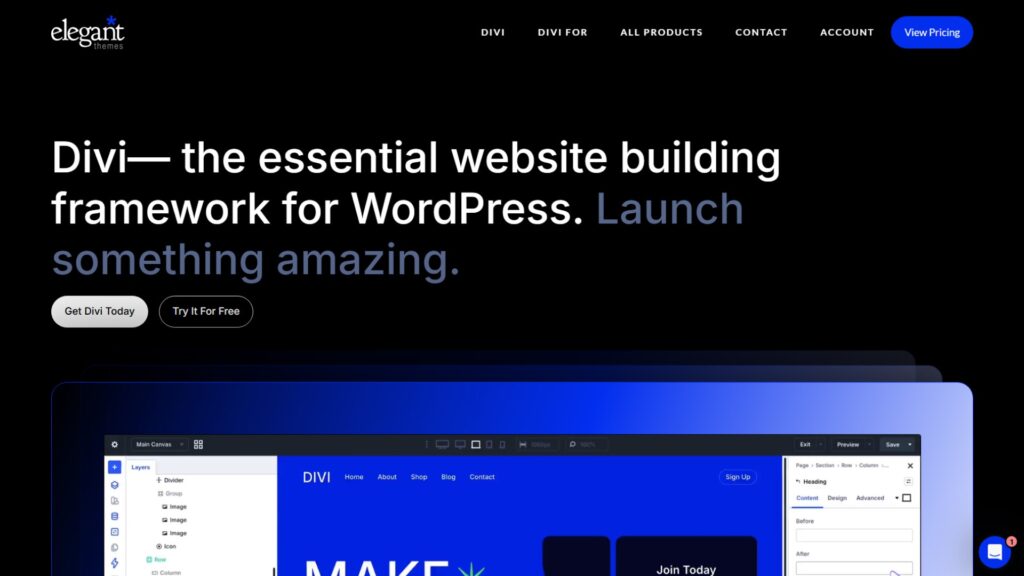
Divi is Elegant Themes’ WordPress page builder targeting the same beginner and agency audience as Elementor, with a large ecosystem and a $249 lifetime license. The builder generates heavier DOM output than Elementor and uses a proprietary shortcode architecture that creates significant lock-in. It remains popular within the Elegant Themes ecosystem but is considered a legacy builder by 2026 performance standards.
I have worked on sites that had Divi already installed. The output is heavier than Elementor, and the proprietary shortcode system means content is tightly bound to the builder: switching away requires rebuilding everything.
Divi AI adds text generation, image generation, and code assistance, but these features do not address the underlying performance liabilities of the codebase.
For new projects in 2026, there are better options at every point on the audience spectrum: Elementor or Breakdance for the agency/marketer audience, Bricks for developers. Divi’s main valid use case is teams already invested in the Elegant Themes ecosystem and unwilling to rebuild.
Key facts:
- DOM output is heavier than Elementor (55 to 65 mobile PageSpeed)
- Proprietary shortcode architecture creates significant long-term platform lock-in
- Large template library (800+ pre-made layouts) and active Elegant Themes community
- Divi AI: text generation, image generation, and layout suggestions are integrated in recent versions
- A lifetime license is available at $249 one-time for unlimited sites
Pricing: $89/yr or $249 one-time lifetime (both cover unlimited sites)
Note: Divi assessment is based on existing-site support work and research. Limited personal experience with new Divi builds.
How to Choose the Right WordPress Page Builder for Your Situation
Choosing the right WordPress page builder comes down to three questions: how much CSS do you know, what type of projects do you build, and do you want to pay annually or once? The answers determine whether you belong in the performance-first developer tier, the accessible agency tier, or the legacy ecosystem tier.
If You Are a Developer with CSS Knowledge
Performance-first developers with CSS, Flexbox, and Grid knowledge should evaluate Bricks Builder, Oxygen 6, or Builderius. Bricks is the most production-proven choice with the deepest ecosystem. Oxygen 6 adds Element Studio and native animations at a lower lifetime price. Builderius is the most technically advanced option, but it remains in beta.
If you are comfortable with class-first CSS, start with Bricks directly. The Bricks vs Oxygen 6 comparison covers that decision in detail.
If you are evaluating all performance-first builders together, the Elementor vs Bricks Builder comparison and the individual reviews give you the specifics for each decision point.
If You Are an Agency or Performance-Focused Builder
Agencies that need strong default performance without building CSS systems from scratch should start with Breakdance. It delivers 85 to 95 PageSpeed scores, 130+ ready-to-use elements, and built-in forms and WooCommerce at $199.99/year with a price-lock guarantee.
For agencies on Elementor evaluating an upgrade, Breakdance is the most direct performance-first transition available. The Elementor vs Breakdance comparison gives the full switching analysis.
If You Are a Beginner or a Non-Technical User
Business owners and non-technical users managing their own site after launch should start with Elementor. The ecosystem is the largest in WordPress, tutorials are widely available, and the interface requires no CSS knowledge.
For those willing to invest slightly more in performance, Breakdance offers comparable ease of use with significantly better Core Web Vitals output by default.
Builders Worth Monitoring
Builderius is the builder to watch in 2026: React-based visual IDE, GraphQL, Static Site Generation, and Sense AI via Claude MCP. Pro licenses are paused pending a stable release.
LiveCanvas is the option for HTML-native developers who want direct code editing inside a visual builder. Both serve specific developer needs not covered by the mainstream options.
FAQs About WordPress Page Builders
These are the most common questions from developers and business owners evaluating WordPress page builders in 2026, answered from hands-on experience across Bricks Builder, Elementor, Breakdance, Oxygen 6, Builderius, and LiveCanvas, and research-based assessment of Divi and Beaver Builder. The answers cover the decisions that matter most.
Which WordPress page builder is best for beginners in 2026?
Elementor remains the most accessible starting point for users with no coding background.
The interface requires no CSS knowledge, the tutorial library is the most extensive of any WordPress builder, and the third-party add-on ecosystem provides a documented solution for nearly every design challenge.
For beginners who want better performance alongside ease of use, Breakdance offers 130+ pre-styled elements and significantly cleaner output than Elementor without requiring CSS knowledge.
Which WordPress page builder is the fastest?
Builderius and Bricks Builder produce the cleanest technical output: Builderius generates approximately 28 DOM elements and 95+ PageSpeed; Bricks generates 75 to 100 DOM elements, a 25 to 30 KB HTML payload, and a 0.8-second LCP on shared hosting.
For production-ready builders without the Builderius caveat, Bricks and Oxygen 6 lead on raw output quality.
Breakdance and LiveCanvas follow closely. Elementor, Divi, and Beaver Builder require active optimization to reach the same performance baseline.
Is Elementor still worth using in 2026?
Yes, for a specific audience. Elementor is worth using for non-technical users who will manage their own site after launch, for projects that depend on specific Elementor add-ons, and for agencies whose client base manages content independently without developer support.
For performance-focused projects, agencies evaluating an upgrade, or developers building custom data-driven sites, Breakdance, Bricks, or Oxygen 6 are stronger starting points.
Do I need a separate CSS framework like ACSS to use Bricks Builder?
No. ACSS is optional. Core Framework and Fancy Framework are free alternatives that integrate with Bricks’ native variable manager.
Bricks includes everything needed to manage a CSS framework: a variable manager, global class system, and CSS custom property support are all built in.
ACSS adds fluid typography automation and BEM tooling that accelerate the workflow, but neither it nor any other third-party framework is required to build production-quality sites with Bricks.
What is the most cost-effective WordPress builder for an agency managing multiple client sites?
Oxygen 6 Ultimate at $179 one-time for unlimited sites is the most cost-effective lifetime option. Bricks Ultimate at $599 one-time becomes more cost-effective than annual subscriptions after year three and continues to cost nothing each year after that.
Breakdance Pro Unlimited at $199.99/year with a price-lock is the best annual option when its built-in tool set is factored against the add-on costs on competing annual platforms.
For Indian and Kolkata-based agencies managing large client portfolios, Oxygen 6 or Bricks Ultimate provides the lowest total cost of ownership over a five-year horizon.
Conclusion
The WordPress page builder market in 2026 is not one-size-fits-all. It is four distinct tiers: a legacy group (Divi, Beaver Builder) that serves existing workflows but should not be chosen for new projects, an accessible performance group (Elementor, Breakdance) that targets non-developers and agencies, a developer performance group (Bricks, Oxygen 6) that rewards CSS knowledge with clean output and long-term cost efficiency, and a future-forward tier (Builderius) that is technically ahead of everything but not yet production-ready.
The right builder is the one that matches your actual workflow, not the most popular one or the technically purest one. Use the individual reviews linked in each entry to go deeper on your shortlist, and use the comparison articles in this cluster to resolve specific head-to-head questions before committing.
If you need expert guidance on which builder fits your project, or want a complete setup with Bricks Builder, including ACSS or Core Framework configuration and client handoff, our dedicated Bricks support service handles the full process end-to-end.
For small businesses and agencies in India and Kolkata choosing a WordPress builder for the first time or migrating from a legacy setup, our WordPress support can assess your requirements and give you a clear builder recommendation with no guesswork.